Security Overview
Account verification via One-Time Password (OTP) ensures that only authorized shop owners access the business ledger. After submitting your registration form, a unique verification code is dispatched to your registered email/phone. Enter the code in the verification modal to unlock your business dashboard.
In the digital retail era, securing your point of sale system is as critical as locking your physical cash register. BPS POS implements a robust two-layer authentication and OTP verification workflow to safeguard your sales records, customer phone books, and supplier credit accounts.
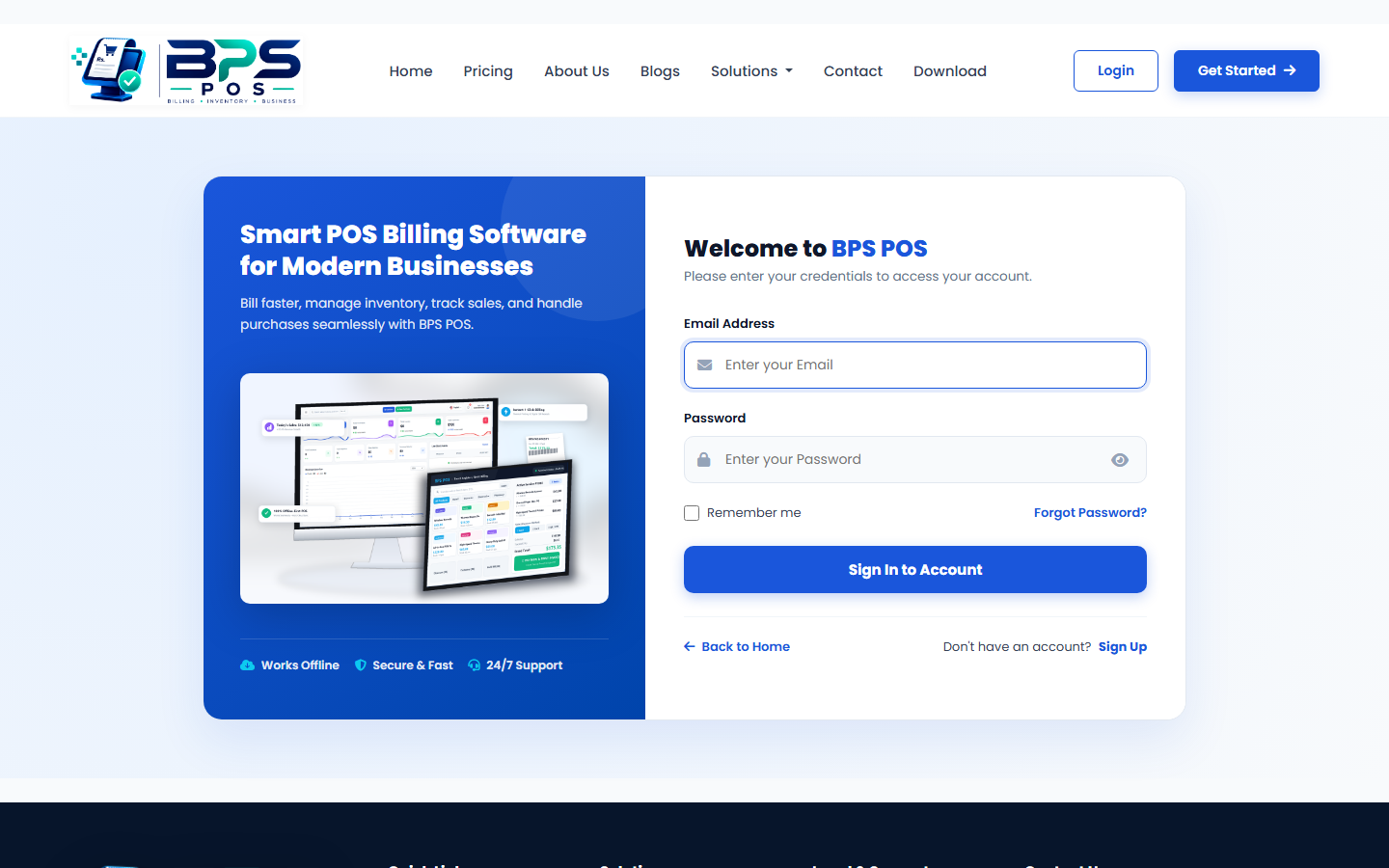
Figure 1: BPS POS Secure Login & Authentication gateway.
Step-by-Step Verification Procedure
- Check Your Inbox / SMS: Open your registered email account or mobile SMS inbox. Look for a message from BPS POS Support containing your verification code.
- Enter the Verification Code: Type the code into the verification dialog on your screen.
- Resend OTP Option: If you did not receive the email within 60 seconds, click the Resend Code button. Also check your spam or junk email folder.
- Successful Activation: Upon validation, your business status updates to Active, and you will be directed to select your subscription plan or access your dashboard directly.
Frequently Asked Questions (FAQs)
OTP codes are valid for 10 minutes. If expired, simply click Resend OTP to receive a fresh security code.
Yes. Once verified, BPS POS allows simultaneous logins from desktop PCs, touch POS terminals, and Android/iOS smartphones.