Retail stores earn revenue beyond standard merchandise sales—such as renting out a display shelf, selling used cardboard scrap, or charging repair service fees. BPS POS Income Tracker records these secondary revenues cleanly.
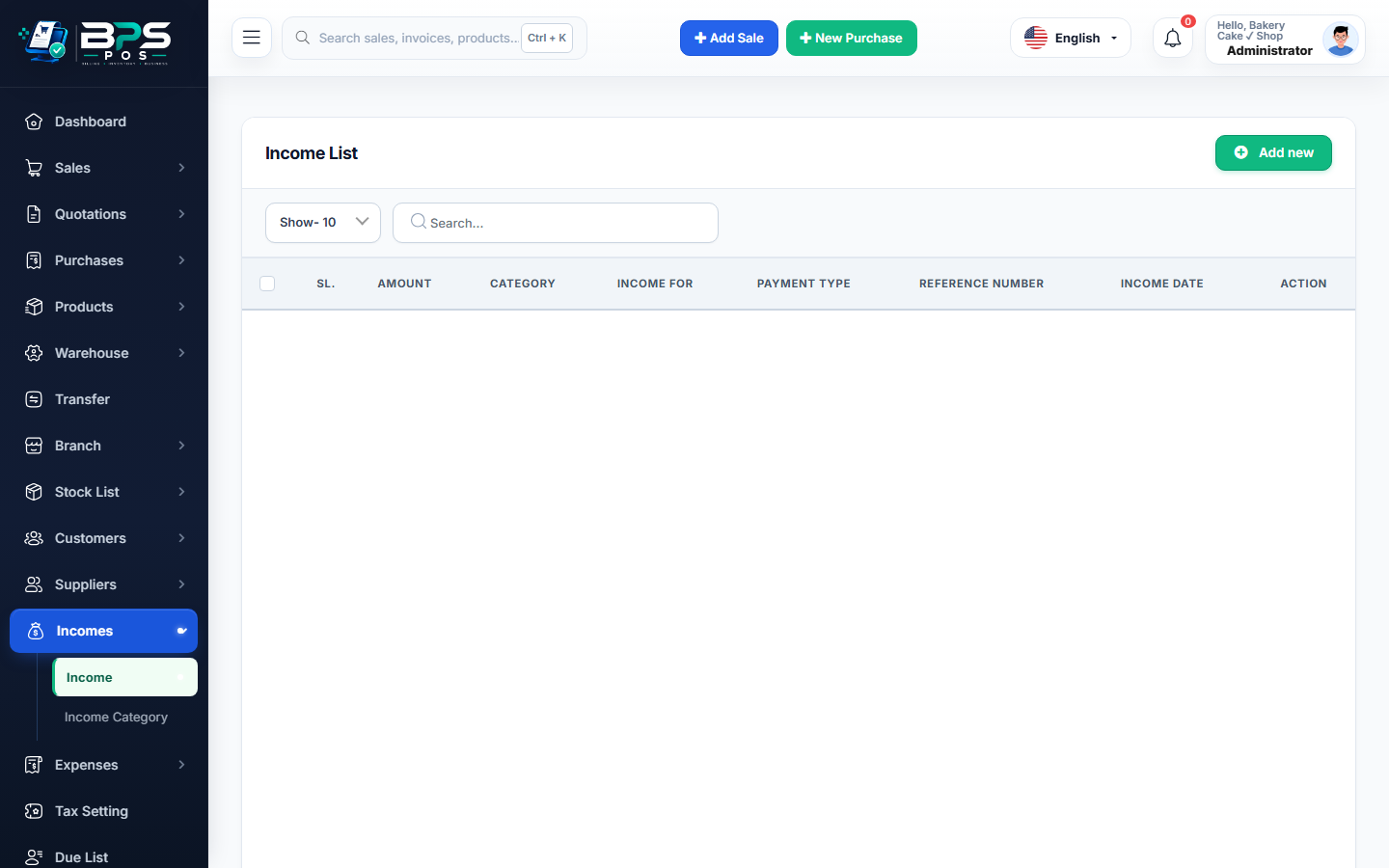
Figure: BPS POS Income Categories and Direct Income Recording in BPS POS.
Recording Direct Business Incomes
Follow these step-by-step instructions inside your BPS POS dashboard to configure and operate this workflow seamlessly:
- Create Categories: Go to Finance → Income Categories (e.g., Rental Income, Scrap Sales, Delivery Charges, Commission).
- Record New Income: Go to Finance → Incomes → Add Income.
- Select Receiving Account: Choose Cash Drawer or Bank Account.
- Input Amount & Reference: Enter revenue amount received, date, and description.
- Save: Revenue reflects in your Profit & Loss statement and increases cash/bank asset balances.
BPS POS Pro Tip & Best Practice
Tagging income categories accurately provides clear breakdown charts in your Annual Financial Statement.
Why This Workflow Matters for Your Business
Lightning-Fast Operations
Eliminate cashier bottlenecks, reduce customer waiting times, and handle peak rush hours effortlessly.
100% Financial Accuracy
Automate tax math, stock deductions, and ledger balances to eliminate human calculation mistakes.
Frequently Asked Questions (FAQs)
Are direct incomes taxed separately in VAT reports?
You can specify tax applicability (Exempt vs Standard VAT) on each income category individually.
Ready to Upgrade Your Retail Billing?
Experience lightning-fast billing, automated stock tracking, and multi-branch control with BPS POS.
Explore Pricing Plans →