Reliable receipt printing is the lifeblood of checkout operations. BPS POS ESC/POS Hardware Bridge natively supports USB, Network Ethernet (LAN), Wi-Fi, and Bluetooth thermal printers from Epson, Star Micronics, Xprinter, Citizen, and generic ESC/POS manufacturers.
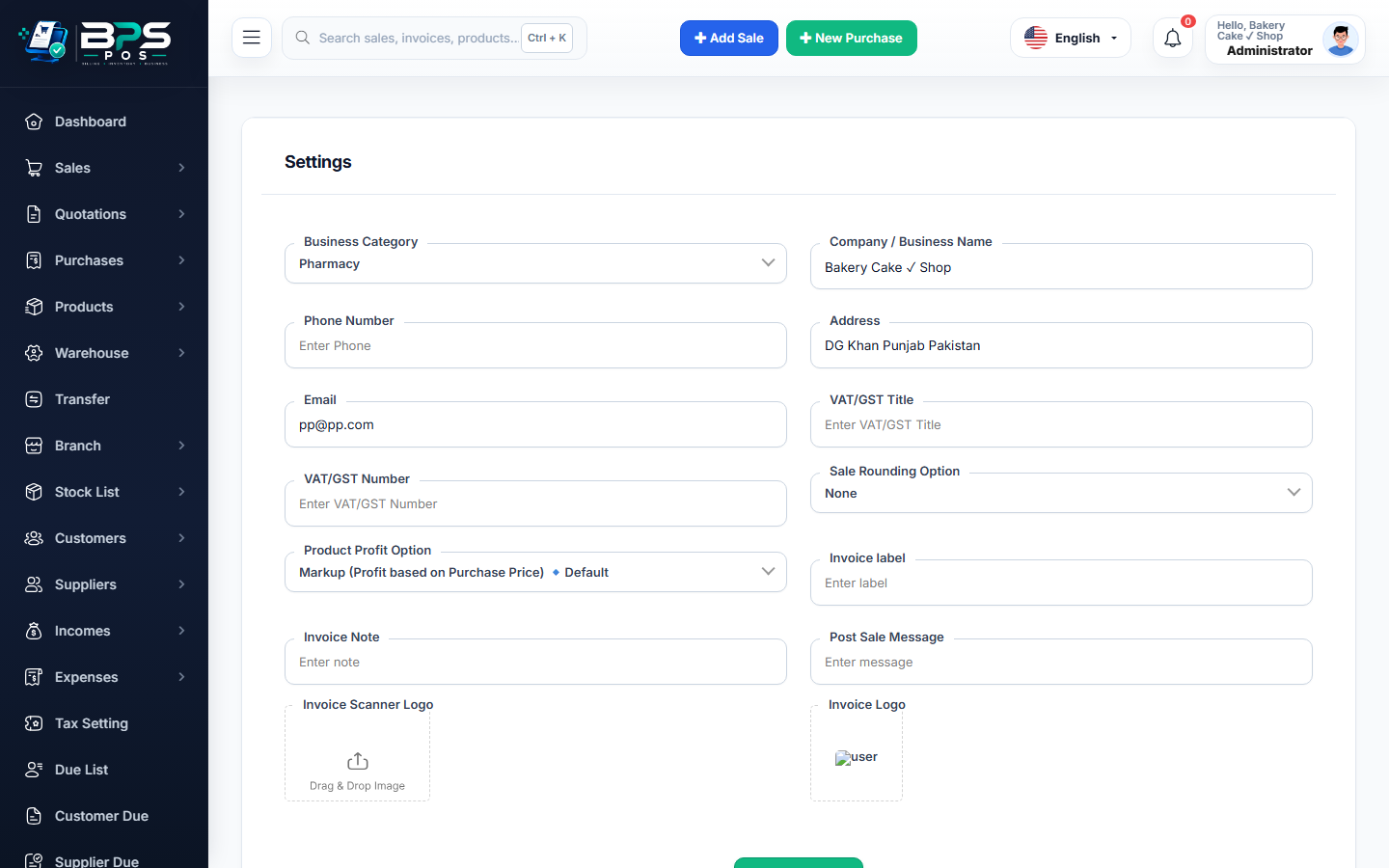
Figure: BPS POS ESC/POS Thermal Printer Hardware Integration in BPS POS.
Thermal Printer Hardware Installation
Follow these step-by-step instructions inside your BPS POS dashboard to configure and operate this workflow seamlessly:
- Identify Connection Interface: Choose USB cable (desktop counters), Ethernet/LAN cable (long-distance kitchen/counter setups), or Bluetooth (tablet/mobile POS).
- Install Vendor Driver: For USB on Windows, install the manufacturer vendor driver (e.g., Xprinter 80mm driver) and set as Default Printer.
- Configure Network / LAN Printers: Assign static IP to the printer (e.g. 192.168.1.150) and input IP & Port 9100 in BPS POS Thermal Settings.
- Configure Cash Drawer Kick: In Printer Properties → Device Settings, enable "Cash Drawer #1 Open Before / After Print".
- Execute Test Print: Click "Test Thermal Connection" in BPS POS to verify feed, character encoding, and auto-cut trigger.
BPS POS Pro Tip & Best Practice
Configure Chrome / Edge with `--kiosk --kiosk-printing` shortcut flags to eliminate the browser print popup for true 1-second instant counter printing.
Why This Workflow Matters for Your Business
Lightning-Fast Operations
Eliminate cashier bottlenecks, reduce customer waiting times, and handle peak rush hours effortlessly.
100% Financial Accuracy
Automate tax math, stock deductions, and ledger balances to eliminate human calculation mistakes.
Frequently Asked Questions (FAQs)
Does BPS POS support 58mm compact mobile thermal printers?
Yes, toggle "58mm (2-Inch) Compact Profile" in Receipt Settings for optimal column formatting.
Can a single billing terminal send slips to multiple printers simultaneously?
Yes! The cashier counter prints the customer receipt on the local USB printer while routing kitchen chits to the LAN kitchen printer simultaneously.
Ready to Upgrade Your Retail Billing?
Experience lightning-fast billing, automated stock tracking, and multi-branch control with BPS POS.
Explore Pricing Plans →