Editorial note: This guide is published by BPS POS. It is a shortlist based on the providers' public product information and our own plan catalog, not an independent performance benchmark or a claim that one product is best for every shop. Sources were checked on 16 October 2026. Ask each provider to demonstrate your exact workflow before purchasing.
How to choose POS software for a shop in Pakistan
Start with your daily work rather than the longest feature list. Write down your product count, monthly transactions, number of counters, staff accounts and branches. Then compare the full cost of software, hardware, setup, training and support. Confirm which features are included in the quoted plan.
- Offline workflow: Ask what works without internet, how long you can remain disconnected, and what happens when several devices sync.
- Hardware: Test your exact printer and scanner model. Check receipt size, driver support and the connection type.
- Stock and credit: Demonstrate a purchase, a sale, a return and a partial customer payment. Pharmacies should also review the batch and expiry workflow they need.
- Business controls: Check staff permissions, branch access, reports, data export and the backup/restore process.
- Local requirements: Ask about any tax or digital invoicing obligations that apply to your business. Do not assume a general POS feature list establishes compliance.
Five options to compare
1. BPS POS
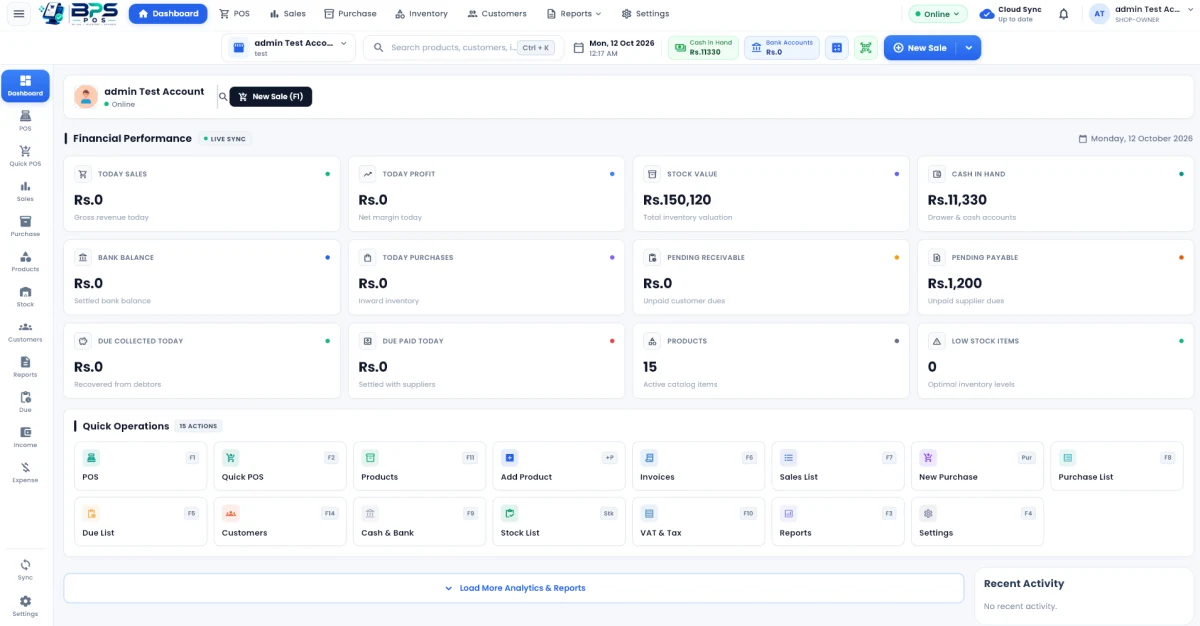
BPS POS offers billing, inventory and business management workflows, with Free, Plus and Business plans. The plans differ in products, transactions, devices, staff and branch capacity. Offline access requires periodic reconnection according to the selected plan. Review the current pricing and limits, then request a demo using your catalog and hardware. See our retail, pharmacy and wholesale workflow pages.
2. Candela RMS
Candela's official site describes retail POS, inventory, multi-store and industry-specific solutions. Its feature information includes apparel and footwear workflows, and it provides training resources. Request a current quote and confirm the modules, deployment and support included. Source: Candela official product information.
3. NimbusRMS
NimbusRMS presents a cloud-based retail platform covering checkout, inventory, reporting and multi-location management. Its public information also describes offline checkout. Ask the provider to explain the limits of offline operation, synchronization and the plan appropriate to your locations. Source: NimbusRMS official product information.
4. Loyverse
Loyverse describes smartphone and tablet POS tools, receipts, inventory, multi-store management and optional business tools. Its product page includes offline sale recording. Check device and hardware compatibility, paid add-ons, support and local payment availability before deciding. Source: Loyverse official product information.
5. A custom-built POS solution
A custom implementation may suit a business with unusual requirements, provided the developer can document the scope and ongoing service. Compare source-code ownership, support arrangements, data exports, backups and upgrade costs in writing. Evaluate the actual supplier; a custom system is not automatically better or worse than a packaged product.
A note about older QuickBooks POS recommendations
Intuit states that QuickBooks Desktop Point of Sale 19.0 and its connected services were discontinued on 3 October 2023. That is a different product from other QuickBooks accounting products. Check the product lifecycle before following older POS shortlists. Source: Intuit's discontinuation notice.
Use the same demo checklist for every provider
Take a small sample catalog to each demo. Ask the provider to show a barcode sale, discount, return, purchase, customer due collection and end-of-day report. Where relevant, test a second device and an internet interruption. Record what was demonstrated, the quoted limits and any extra charges. Choose the system that fits your workflow and budget, rather than relying on an unsupported ranking.
Request a BPS POS demo or explore our setup and retail guides.
0 Comments
No comments yet. Be the first to share your thoughts.
Related Guides & Tutorials
View All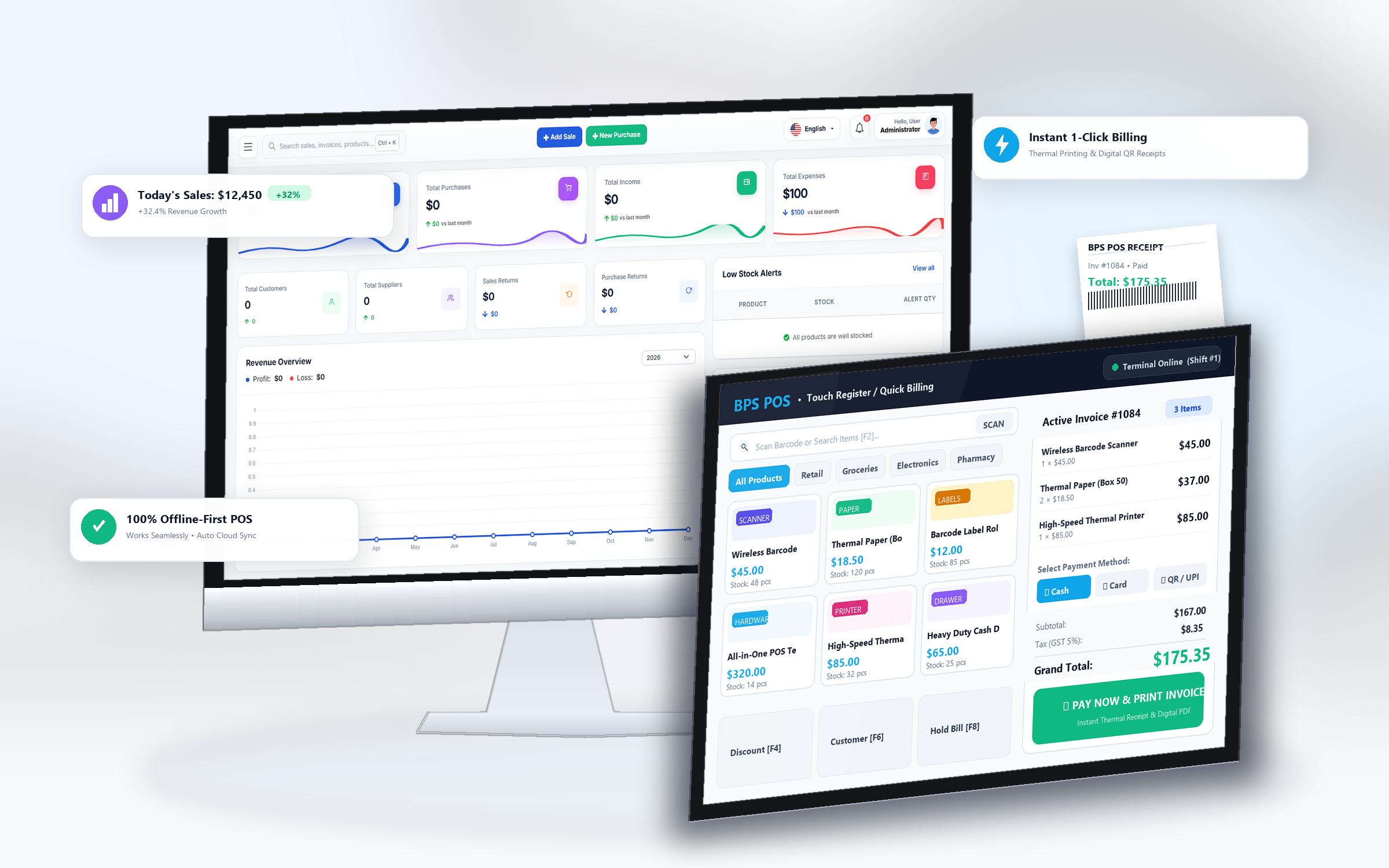
Leave a Comment
Your email address will not be published.
Recent Posts
Newsletter
Receive new articles and product updates directly in your inbox.
Helpful Links
Start selling smarter today
Explore plans for your business or ask our team for a guided demo.