When a popular item runs out mid-day, creating a lengthy formal procurement entry slows operations. BPS POS Quick Purchase lets store managers restock inventory in 30 seconds directly from the dashboard widget.
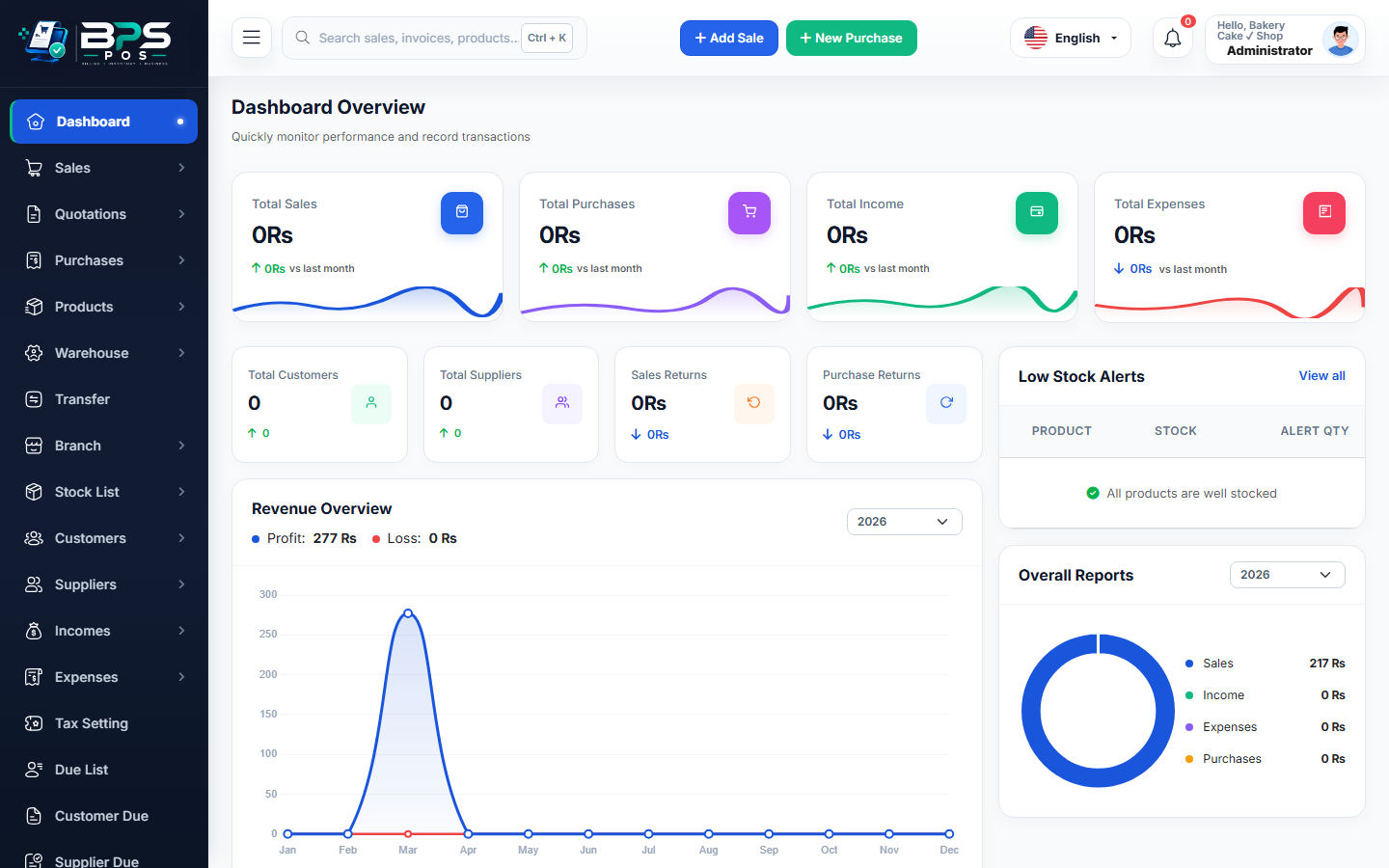
Figure: BPS POS Quick Purchase Shortcut on Dashboard in BPS POS.
Using Quick Purchase Shortcut
Follow these step-by-step instructions inside your BPS POS dashboard to configure and operate this workflow seamlessly:
- On your main Dashboard, click the blue + Quick Purchase button at the top header.
- Select Product & Supplier from the quick modal.
- Enter Inward Quantity (e.g. 50 units) and Total Cost Paid.
- Select Cash Source (Cash Drawer or Bank).
- Click Save & Inward: Inventory increments immediately, and an automated purchase record is generated.
BPS POS Pro Tip & Best Practice
Cashiers with low-stock warnings on the POS screen can trigger Quick Purchase with manager supervisor authorization.
Why This Workflow Matters for Your Business
Lightning-Fast Operations
Eliminate cashier bottlenecks, reduce customer waiting times, and handle peak rush hours effortlessly.
100% Financial Accuracy
Automate tax math, stock deductions, and ledger balances to eliminate human calculation mistakes.
Frequently Asked Questions (FAQs)
Can I edit or attach full vendor invoices to Quick Purchases later?
Yes, every quick purchase creates a standard invoice in the Purchases List that can be edited or supplemented with attachments anytime.
Ready to Upgrade Your Retail Billing?
Experience lightning-fast billing, automated stock tracking, and multi-branch control with BPS POS.
Explore Pricing Plans →