Before extending additional credit, cashiers must know a client's outstanding debt. BPS POS displays real-time customer balances both on the active POS screen and in detailed customer profile views.
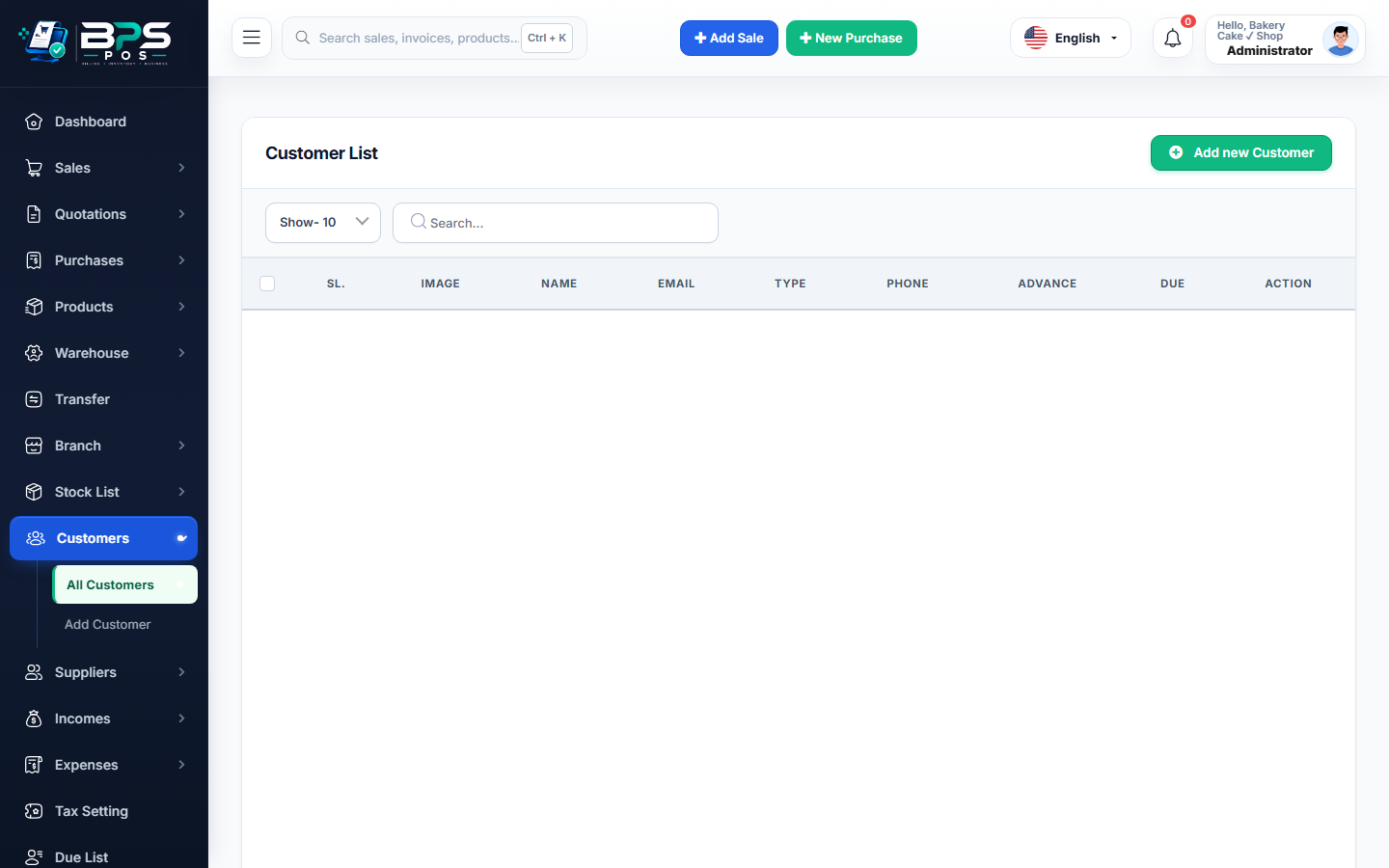
Figure: BPS POS Customer Outstanding Balances and Purchase History in BPS POS.
Reviewing Customer Balances and Invoices
Follow these step-by-step instructions inside your BPS POS dashboard to configure and operate this workflow seamlessly:
- During POS Checkout: Selecting any customer instantly displays their Current Outstanding Balance badge in orange/red.
- From Admin Panel: Go to Parties → Customers and click on any customer's name.
- View Lifetime Metrics: Inspect Total Spent, Total Paid, and Current Balance Due.
- Review Invoice History: Scroll down to view individual sales invoices, date of purchase, and line items.
- Print Account Summary: Generate a quick customer balance slip for the buyer.
BPS POS Pro Tip & Best Practice
Click "Statement" to export a 1-page PDF showing all bills and payments made during the last 30, 60, or 90 days.
Why This Workflow Matters for Your Business
Lightning-Fast Operations
Eliminate cashier bottlenecks, reduce customer waiting times, and handle peak rush hours effortlessly.
100% Financial Accuracy
Automate tax math, stock deductions, and ledger balances to eliminate human calculation mistakes.
Frequently Asked Questions (FAQs)
Can customers check their own outstanding balances?
Yes, every WhatsApp/email invoice sent to the customer displays their updated remaining balance at the footer.
Ready to Upgrade Your Retail Billing?
Experience lightning-fast billing, automated stock tracking, and multi-branch control with BPS POS.
Explore Pricing Plans →