
Procurement insights give you bargaining power during vendor price negotiations. BPS POS Purchase Analytics Suite aggregates total volume purchased, return rates, and payment turnover per vendor.
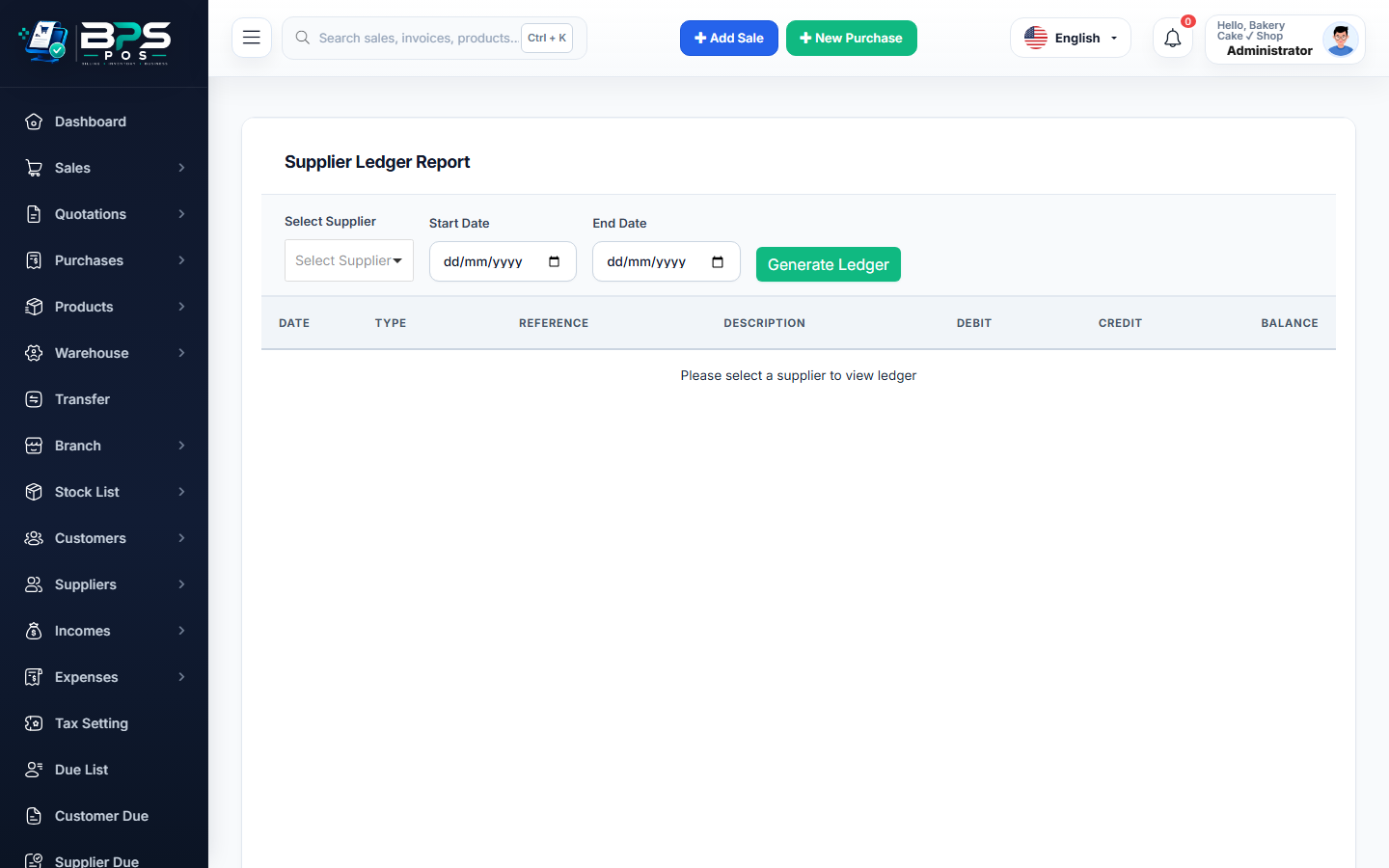
Figure: BPS POS Supplier Purchase and Return Analytical Report in BPS POS.
Generating Supplier Purchase & Return Reports
Follow these step-by-step instructions inside your BPS POS dashboard to configure and operate this workflow seamlessly:
- Go to Reports → Product Purchase Reports or Supplier Purchase Summary.
- Select Comparison Period: Choose Quarter-to-Date or Year-to-Date.
- Analyze Metrics: Review Gross Purchases, Total Returns, Discounts Received, and Net Spend per Supplier.
- Identify Return Hotspots: Discover suppliers with high defect/return percentages to negotiate quality guarantees.
- Export Report: Download in Excel or PDF for managerial review meetings.
BPS POS Pro Tip & Best Practice
Use supplier volume data to negotiate quarterly rebates (kickbacks) with your top 3 highest-spending distributors.
Why This Workflow Matters for Your Business
Lightning-Fast Operations
Eliminate cashier bottlenecks, reduce customer waiting times, and handle peak rush hours effortlessly.
100% Financial Accuracy
Automate tax math, stock deductions, and ledger balances to eliminate human calculation mistakes.
Frequently Asked Questions (FAQs)
Can I see which specific products were returned most frequently to a vendor?
Yes, the Item-Wise Return Report breaks down returns by SKU, quantity, and reason code.
Ready to Upgrade Your Retail Billing?
Experience lightning-fast billing, automated stock tracking, and multi-branch control with BPS POS.
Explore Pricing Plans →



