Speed is the decisive factor in winning B2B deals. BPS POS lets sales representatives share completed quotations via WhatsApp, automated Email with PDF attachment, or instant download in under 10 seconds.
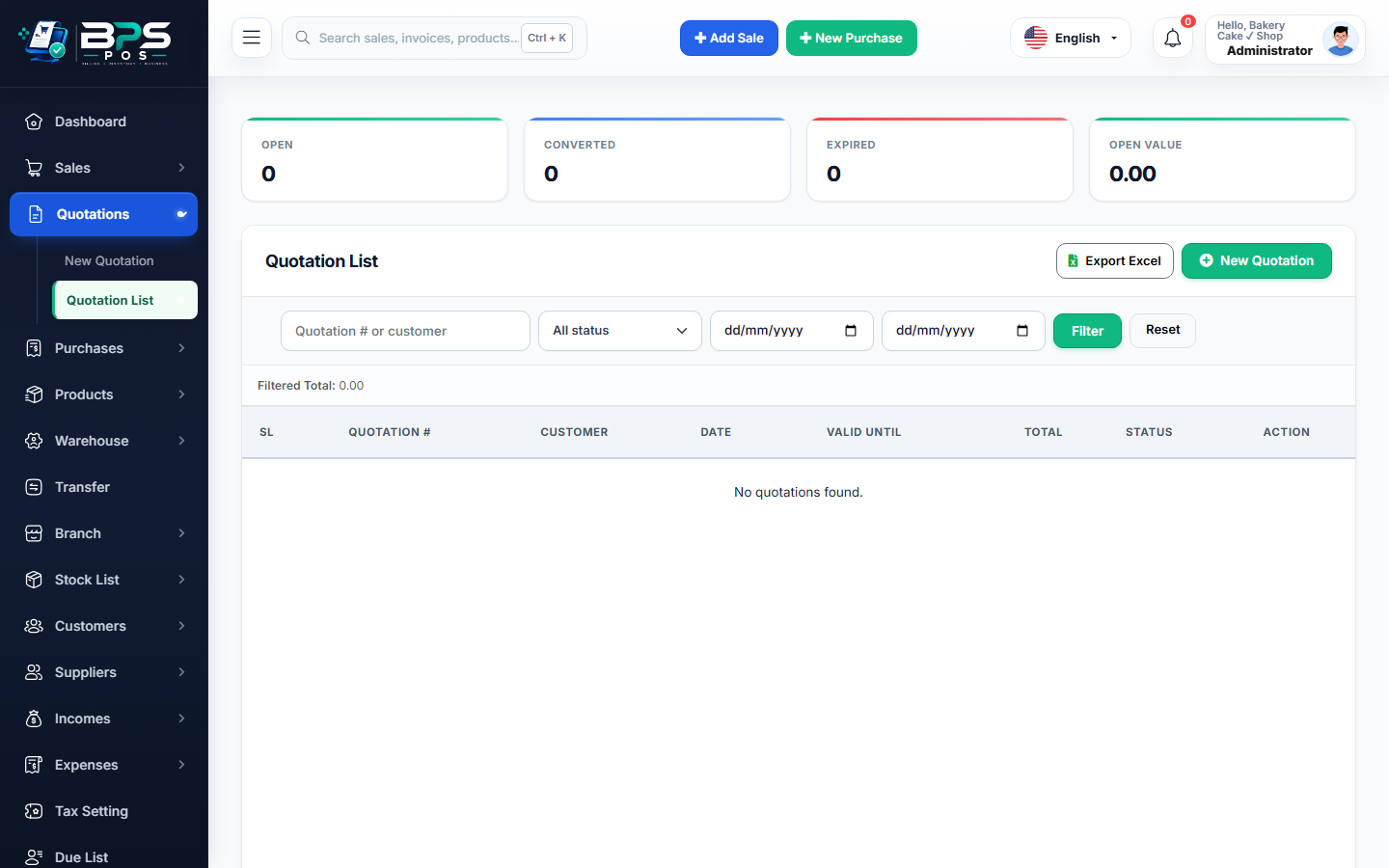
Figure: BPS POS Quotation Sharing Modal in BPS POS.
How to Deliver Quotations to Clients
Follow these step-by-step instructions inside your BPS POS dashboard to configure and operate this workflow seamlessly:
- Open Quotations List: Go to Quotations → All Quotations.
- Click the Share icon on the targeted quotation row.
- WhatsApp Instant Send: Click WhatsApp to launch WhatsApp Web/Mobile with pre-formatted proposal text and PDF link.
- Email Dispatch: Click Send Email to trigger an automated branded email with embedded PDF.
- PDF Download: Click Download PDF to save a high-resolution print file.
BPS POS Pro Tip & Best Practice
Clients receiving WhatsApp proposals reply 3x faster than traditional email proposals, drastically improving close rates.
Why This Workflow Matters for Your Business
Lightning-Fast Operations
Eliminate cashier bottlenecks, reduce customer waiting times, and handle peak rush hours effortlessly.
100% Financial Accuracy
Automate tax math, stock deductions, and ledger balances to eliminate human calculation mistakes.
Frequently Asked Questions (FAQs)
Does the PDF quotation include full company header and logo?
Yes! The PDF is rendered with your official letterhead, business registration number, logo, and signature block.
Ready to Upgrade Your Retail Billing?
Experience lightning-fast billing, automated stock tracking, and multi-branch control with BPS POS.
Explore Pricing Plans →