Sending immediate payment confirmation gives clients peace of mind. BPS POS automatically generates a WhatsApp and Email receipt upon collecting customer dues, displaying amount received and remaining balance.
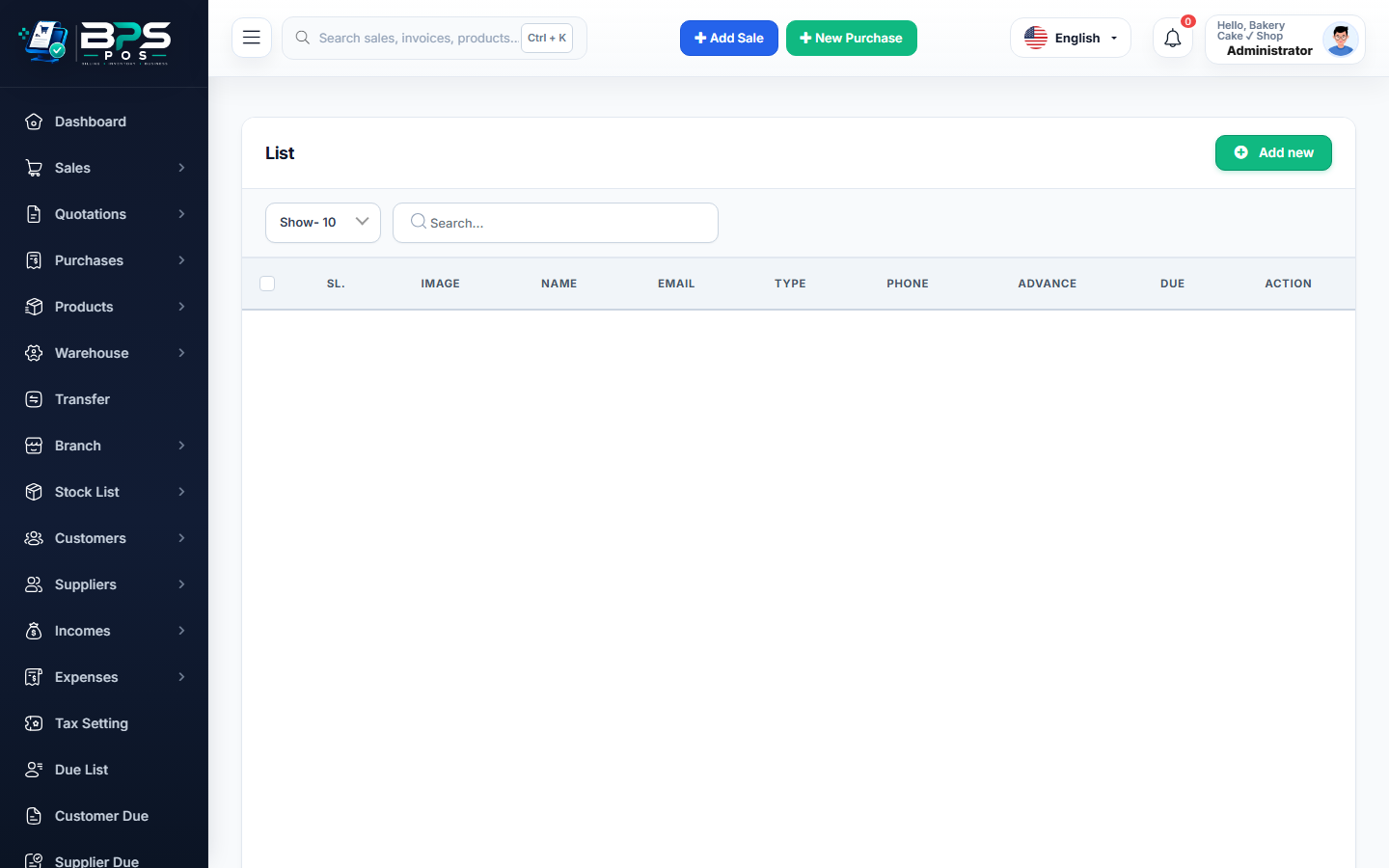
Figure: BPS POS Send Due Payment Confirmation via WhatsApp and Email in BPS POS.
Sending Payment Confirmations
Follow these step-by-step instructions inside your BPS POS dashboard to configure and operate this workflow seamlessly:
- Complete Due Collection: Submit the payment in the Collect Due wizard.
- Tap WhatsApp Confirmation: Click the green WhatsApp button on the success popup.
- Automated Message Dispatch: A pre-filled message: "Dear [Name], received [Amount] on [Date]. Your updated balance is [Balance]. Thank you for choosing [Store]." is sent.
- Send Email PDF: Tap Email to dispatch an official digital payment voucher attachment.
BPS POS Pro Tip & Best Practice
Keeping customer balance transparent via WhatsApp eliminates future disputes over paid vs unpaid amounts.
Why This Workflow Matters for Your Business
Lightning-Fast Operations
Eliminate cashier bottlenecks, reduce customer waiting times, and handle peak rush hours effortlessly.
100% Financial Accuracy
Automate tax math, stock deductions, and ledger balances to eliminate human calculation mistakes.
Frequently Asked Questions (FAQs)
Can I customize the payment confirmation template?
Yes, go to Notification Settings to edit the text and add your store slogan.
Ready to Upgrade Your Retail Billing?
Experience lightning-fast billing, automated stock tracking, and multi-branch control with BPS POS.
Explore Pricing Plans →