Market prices fluctuate constantly. Adding clear validity periods and payment terms to your quotations safeguards your business against inflation and unexpected supplier price surges.
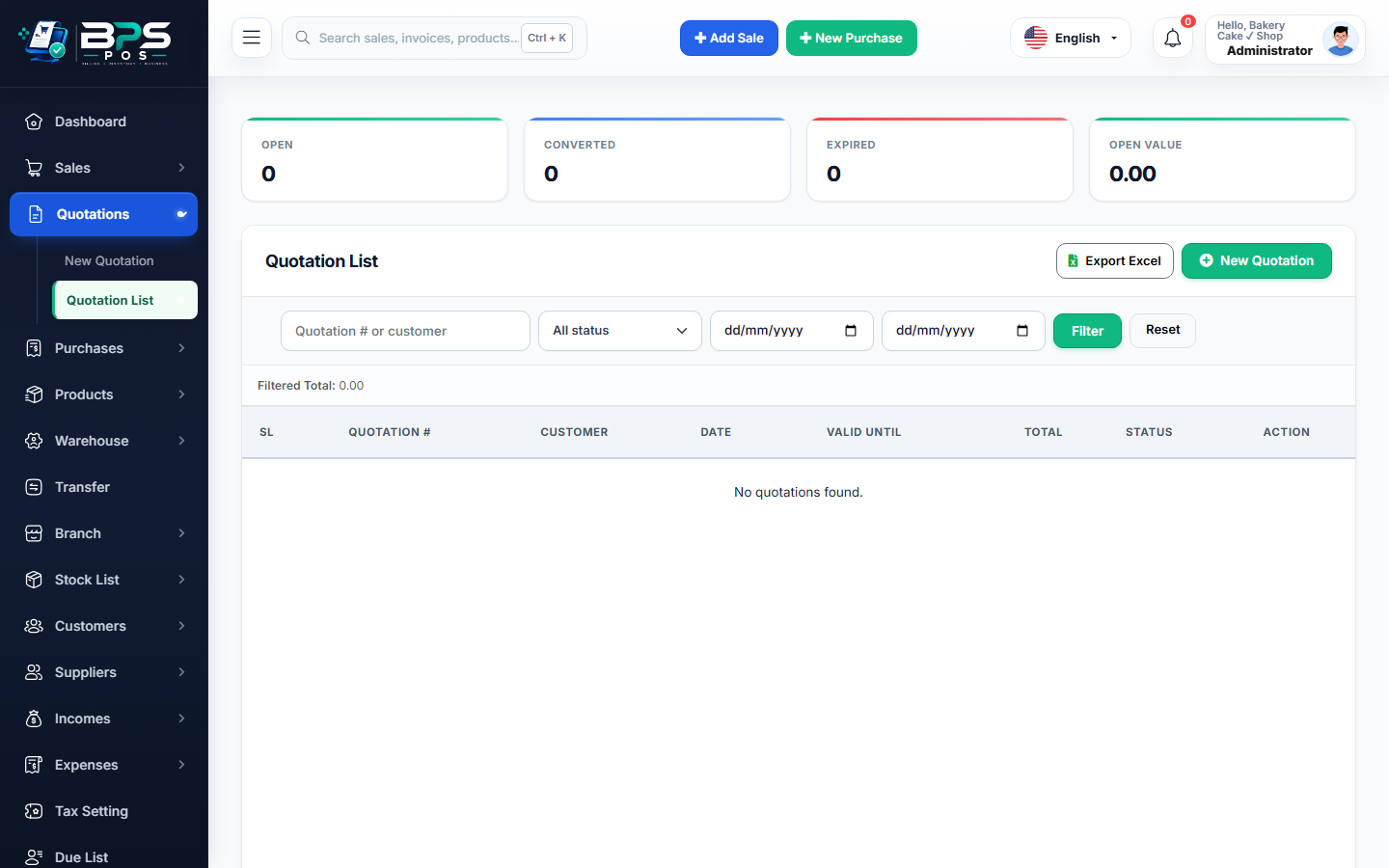
Figure: BPS POS Quotation Terms and Validity Configuration in BPS POS.
Setting Terms and Validity Periods
Follow these step-by-step instructions inside your BPS POS dashboard to configure and operate this workflow seamlessly:
- On the Quotation Creation form, locate the Expiry / Validity Date picker.
- Set Expiration Timeline: E.g., 7 Days, 15 Days, or 30 Days from proposal creation.
- Input Custom Terms & Conditions: Specify delivery timelines, payment milestone stages (e.g. 50% advance, 50% on delivery), and return exclusions.
- Add Note to Client: Include personalized greetings or warranty explanations in the footer note box.
BPS POS Pro Tip & Best Practice
Save a default set of Terms & Conditions in Quotation Settings to auto-populate on all future client estimates.
Why This Workflow Matters for Your Business
Lightning-Fast Operations
Eliminate cashier bottlenecks, reduce customer waiting times, and handle peak rush hours effortlessly.
100% Financial Accuracy
Automate tax math, stock deductions, and ledger balances to eliminate human calculation mistakes.
Frequently Asked Questions (FAQs)
What happens when a quotation passes its validity date?
Its status changes to "Expired", alerting sales reps to re-verify current product costs before honoring the quote.
Ready to Upgrade Your Retail Billing?
Experience lightning-fast billing, automated stock tracking, and multi-branch control with BPS POS.
Explore Pricing Plans →