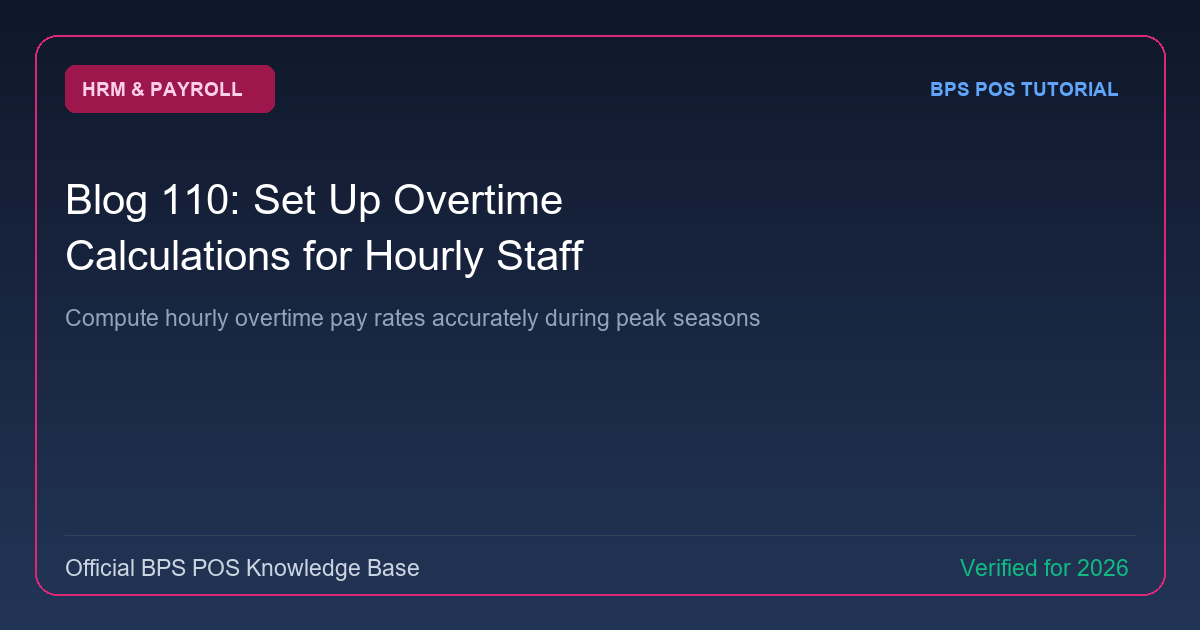
During holiday shopping rushes and inventory count weekends, employees work extra hours. BPS POS Overtime Engine computes hourly overtime pay based on configured multipliers (1.0x, 1.5x, 2.0x base hourly wage).
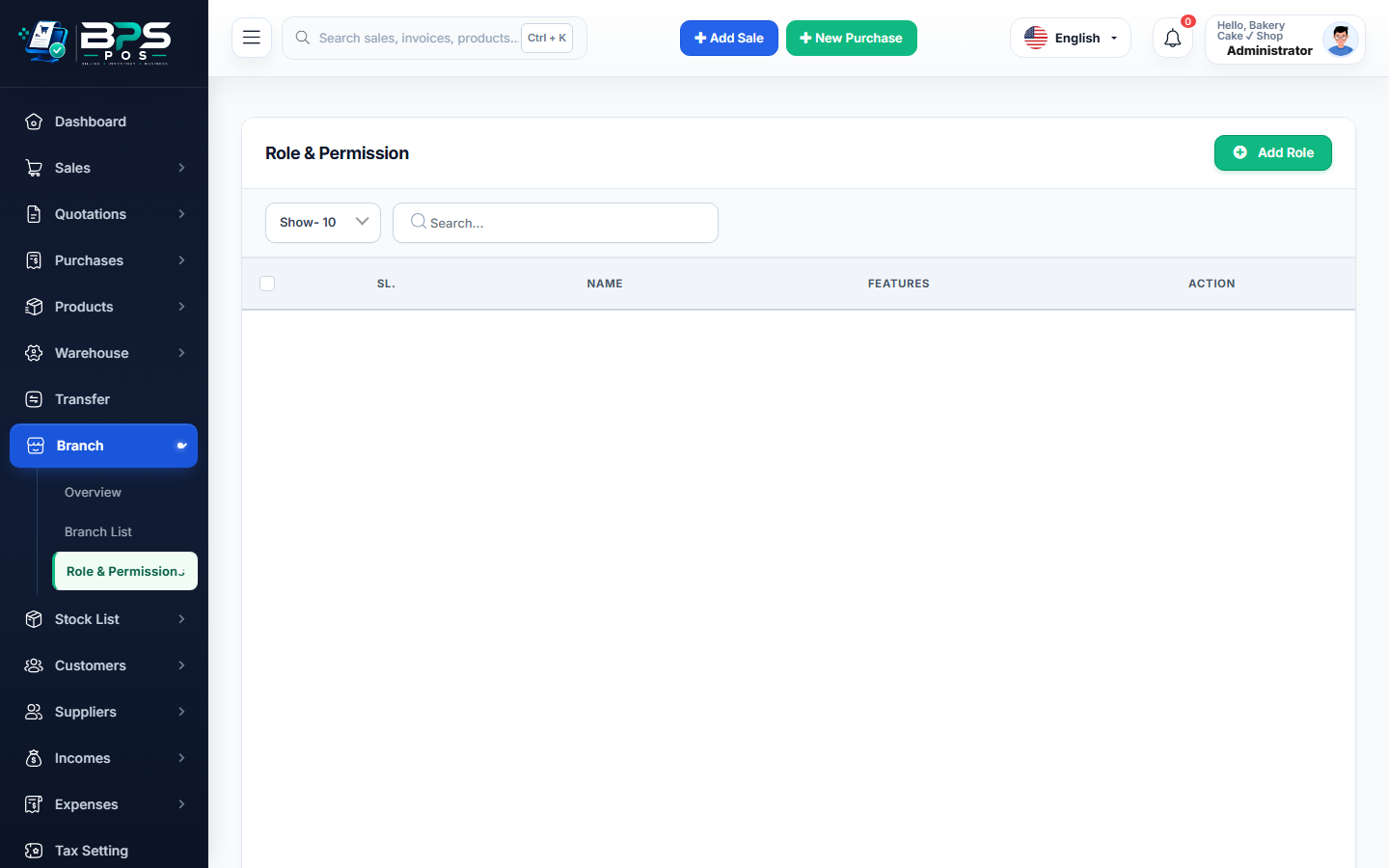
Figure: BPS POS Overtime Rate and Hourly Calculation Configuration in BPS POS.
Configuring Overtime Rules
Follow these step-by-step instructions inside your BPS POS dashboard to configure and operate this workflow seamlessly:
- Go to HRM → Settings → Overtime Rules.
- Set Standard Overtime Rate: E.g., 1.5 × (Base Hourly Rate).
- Set Holiday / Weekend Rate: E.g., 2.0 × (Base Hourly Rate).
- Log Overtime Hours: Managers record verified overtime hours on the Daily Attendance sheet.
- Auto-Compute in Payroll: BPS POS calculates
Overtime Pay = Verified Hours × Overtime Hourly Rateand adds it to the paycheck.
BPS POS Pro Tip & Best Practice
Require manager approval signatures on overtime logs before processing payroll to prevent unauthorized overtime costs.
Why This Workflow Matters for Your Business
Lightning-Fast Operations
Eliminate cashier bottlenecks, reduce customer waiting times, and handle peak rush hours effortlessly.
100% Financial Accuracy
Automate tax math, stock deductions, and ledger balances to eliminate human calculation mistakes.
Frequently Asked Questions (FAQs)
Can salaried monthly staff also receive overtime compensation?
Yes, BPS POS converts monthly salary into an equivalent hourly base rate for overtime math.
Ready to Upgrade Your Retail Billing?
Experience lightning-fast billing, automated stock tracking, and multi-branch control with BPS POS.
Explore Pricing Plans →