Preventing retail employee theft requires granular software permissions. BPS POS Permission Matrix provides 80+ individual checkable security rules spanning every module, button, and report in the platform.
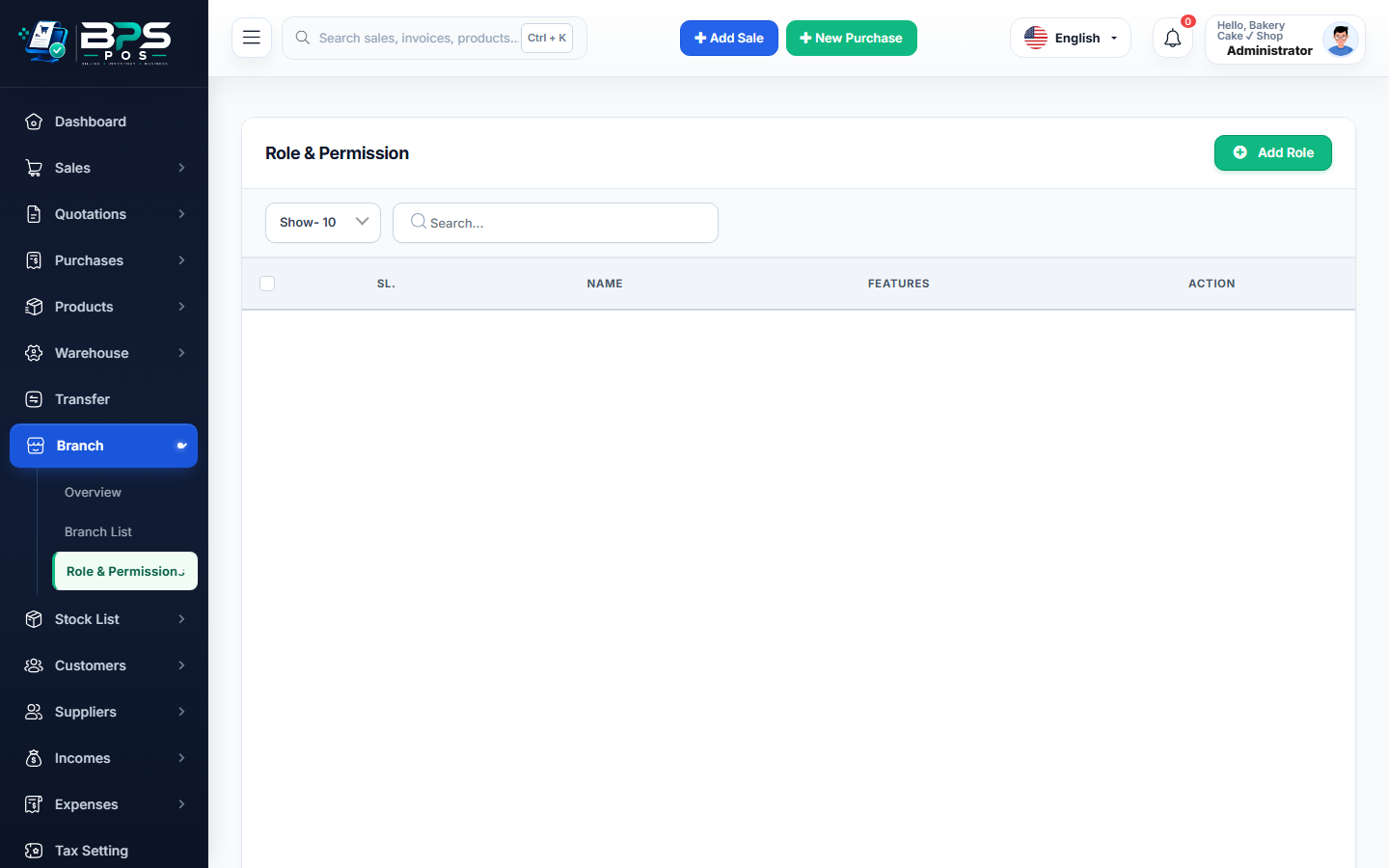
Figure: BPS POS Granular Permissions Matrix and Security Toggles in BPS POS.
Configuring the Granular Permission Matrix
Follow these step-by-step instructions inside your BPS POS dashboard to configure and operate this workflow seamlessly:
- Navigate to Settings → Staff Roles → Edit Permissions for target role.
- Sales & POS Toggles: Enable/Disable Apply Custom Discount, Edit Item Selling Price, Void Active Bill, Reprint Past Receipts.
- Inventory & Cost Security: Turn OFF View Purchase Cost Price and Adjust Stock Manually for counter staff.
- Finance & Reports Toggles: Turn OFF View Net Profit Reports and View Company Bank Accounts.
- Save Permissions: Security restrictions enforce immediately across all active cashier sessions.
BPS POS Pro Tip & Best Practice
Require a "Manager PIN Prompt" for high-risk actions like bill cancellations or returns so supervisors must physically authorize the action.
Why This Workflow Matters for Your Business
Lightning-Fast Operations
Eliminate cashier bottlenecks, reduce customer waiting times, and handle peak rush hours effortlessly.
100% Financial Accuracy
Automate tax math, stock deductions, and ledger balances to eliminate human calculation mistakes.
Frequently Asked Questions (FAQs)
What happens if a cashier tries to access a restricted menu URL directly?
BPS POS blocks the request with a 403 Forbidden screen and logs the unauthorized attempt in the Security Audit Log.
Ready to Upgrade Your Retail Billing?
Experience lightning-fast billing, automated stock tracking, and multi-branch control with BPS POS.
Explore Pricing Plans →