Retail stores operating 16 to 24 hours a day require rotating staff across multiple shifts. BPS POS Shift Roster Planner allows managers to build weekly shift schedules, assign cashier shifts, and handle shift swaps.
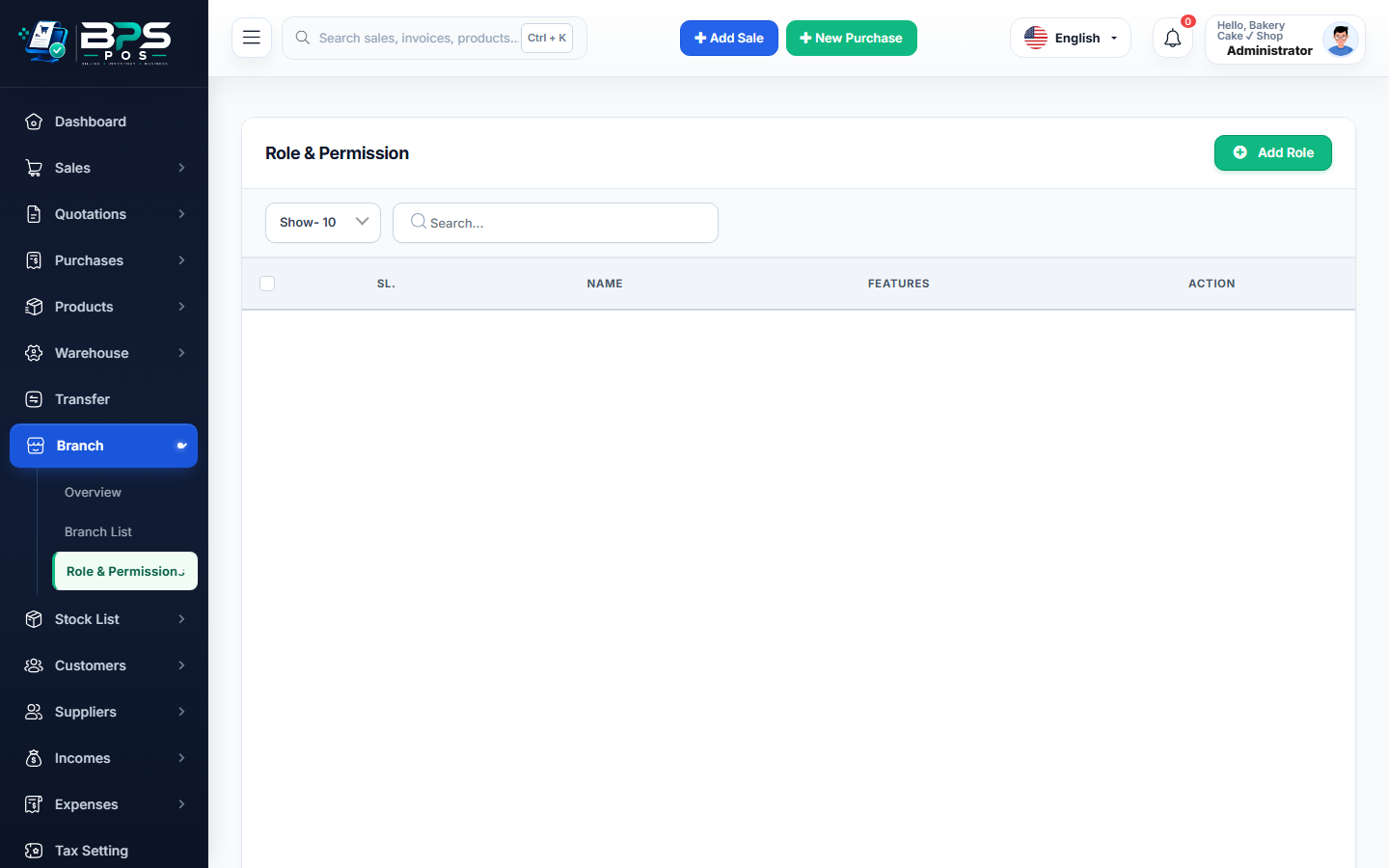
Figure: BPS POS Staff Shift Scheduling and Rotation Roster in BPS POS.
Building a Weekly Shift Roster
Follow these step-by-step instructions inside your BPS POS dashboard to configure and operate this workflow seamlessly:
- Navigate to HRM → Shift Roster → Weekly Planner.
- Select Week & Branch: View staff grid organized by Monday through Sunday.
- Assign Shifts: Drag and drop or select: Morning (08:00 AM - 04:00 PM), Evening (04:00 PM - 12:00 AM), or Rest Day (OFF).
- Check Floor Coverage: Ensure adequate cashier and sales floor coverage during peak evening shopping hours.
- Publish Roster: Print duty roster for the staff notice board or dispatch via WhatsApp.
BPS POS Pro Tip & Best Practice
Assign at least two experienced cashiers to the busiest Friday/Saturday evening shopping shifts to prevent checkout queues.
Why This Workflow Matters for Your Business
Lightning-Fast Operations
Eliminate cashier bottlenecks, reduce customer waiting times, and handle peak rush hours effortlessly.
100% Financial Accuracy
Automate tax math, stock deductions, and ledger balances to eliminate human calculation mistakes.
Frequently Asked Questions (FAQs)
Can cashiers swap shifts if one has an emergency?
Managers can update the duty roster in 1 click, instantly updating expected attendance check-in times.
Ready to Upgrade Your Retail Billing?
Experience lightning-fast billing, automated stock tracking, and multi-branch control with BPS POS.
Explore Pricing Plans →