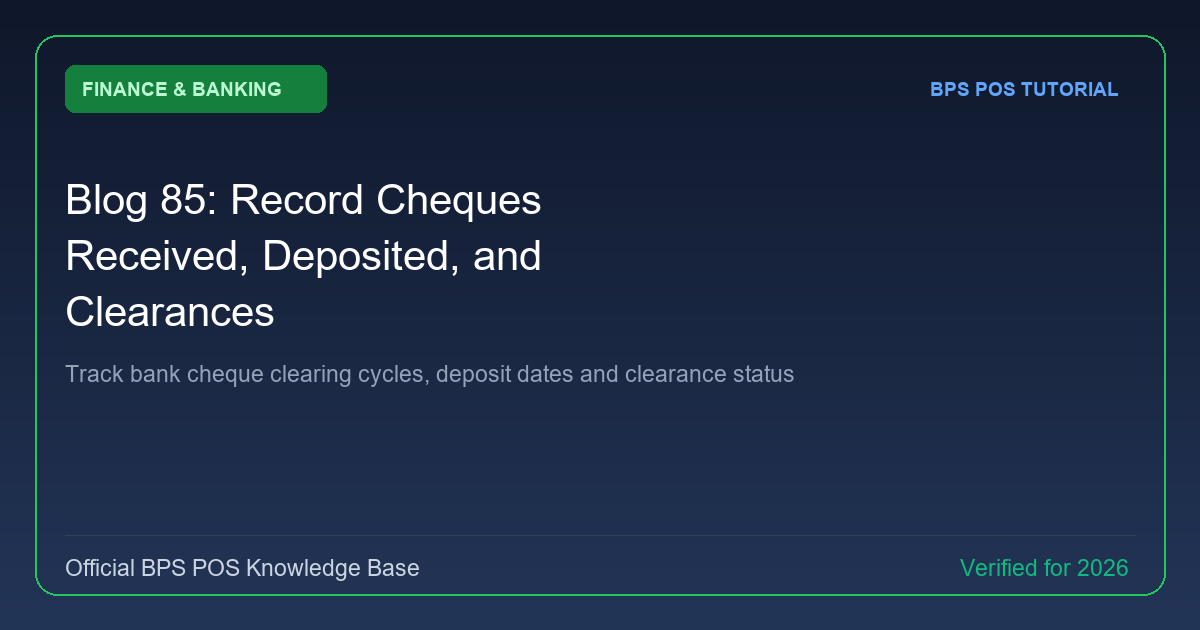
Wholesale and corporate trade heavily utilizes post-dated cheques (PDC). BPS POS Cheque Management tracks cheques from "Received In-Hand", to "Deposited in Bank", and finally "Cleared & Reconciled".

Figure: BPS POS Cheque Management Received and Cleared Lifecycle in BPS POS.
Cheque Lifecycle Workflow
Follow these step-by-step instructions inside your BPS POS dashboard to configure and operate this workflow seamlessly:
- Record Received Cheque: When a client hands over a cheque, go to Finance → Cheques → Add Cheque.
- Enter Cheque Info: Input Cheque Number, Bank Name, Issue Date, Due Clearance Date, and Amount.
- Mark as Deposited: On the due date, take the cheque to the bank and change status to Deposited with target bank account selection.
- Mark as Cleared: Once funds reflect on your bank statement, mark status as Cleared to increment bank ledger balance.
- Automated Alerts: BPS POS alerts you 24 hours before post-dated cheques mature for bank deposit.
BPS POS Pro Tip & Best Practice
Never mark a cheque as "Cleared" until verified on your online banking portal to prevent recognizing uncollected revenue.
Why This Workflow Matters for Your Business
Lightning-Fast Operations
Eliminate cashier bottlenecks, reduce customer waiting times, and handle peak rush hours effortlessly.
100% Financial Accuracy
Automate tax math, stock deductions, and ledger balances to eliminate human calculation mistakes.
Frequently Asked Questions (FAQs)
Can I issue outward cheques to suppliers for purchase payments?
Yes, outward cheques track company cheques handed to vendors until they present them for clearance.
Ready to Upgrade Your Retail Billing?
Experience lightning-fast billing, automated stock tracking, and multi-branch control with BPS POS.
Explore Pricing Plans →