When Branch A is out of stock and Branch B has excess inventory, rebalancing stock is smart. BPS POS 2-Step Inter-Branch Transfer tracks goods while "In-Transit" so inventory is never lost between locations.
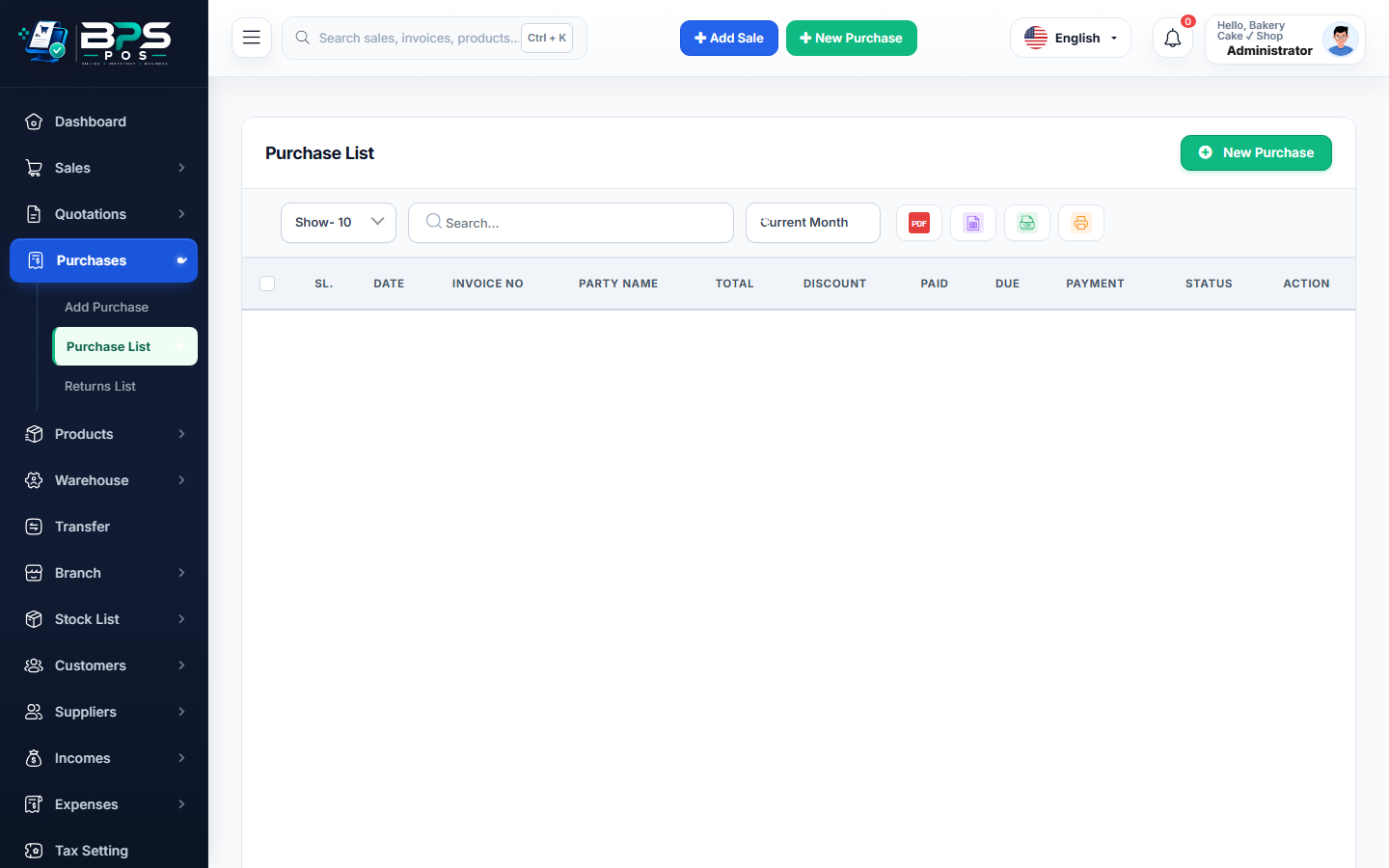
Figure: BPS POS Inter-Branch Transfer with In-Transit and Received Status in BPS POS.
Two-Step Inter-Branch Transfer Flow
Follow these step-by-step instructions inside your BPS POS dashboard to configure and operate this workflow seamlessly:
- Step 1 (Dispatch by Sending Branch): Branch A creates a transfer order to Branch B. Status sets to In-Transit; stock leaves Branch A.
- Transit Stage: Central reports show units safely accounted for under "In-Transit Inventory".
- Step 2 (Arrival at Receiving Branch): Branch B receives the physical shipment and clicks Actions → Receive Shipment.
- Verify Received Quantities: Branch B confirms physical unit counts.
- Confirm & Stock In: Status updates to Received / Completed; stock reflects on Branch B’s active billing counter.
BPS POS Pro Tip & Best Practice
The two-step verification ensures neither branch can blame the other for missing inventory during transportation.
Why This Workflow Matters for Your Business
Lightning-Fast Operations
Eliminate cashier bottlenecks, reduce customer waiting times, and handle peak rush hours effortlessly.
100% Financial Accuracy
Automate tax math, stock deductions, and ledger balances to eliminate human calculation mistakes.
Frequently Asked Questions (FAQs)
Can a transfer order be cancelled while still in transit?
Yes, the sending branch can recall the transfer to restore stock back to original counts.
Ready to Upgrade Your Retail Billing?
Experience lightning-fast billing, automated stock tracking, and multi-branch control with BPS POS.
Explore Pricing Plans →