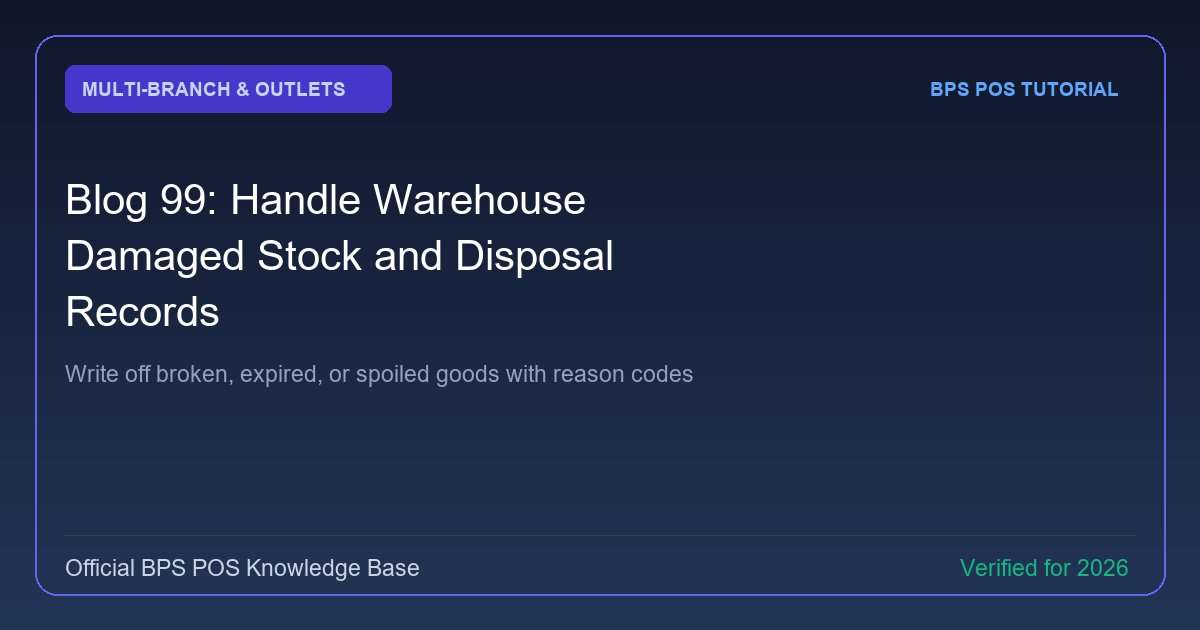
Physical accidents, forklift damage, and shelf leaks happen in warehouses. BPS POS Stock Disposal & Write-Off records unsellable merchandise, documents disposal reasons, and posts financial write-downs cleanly.
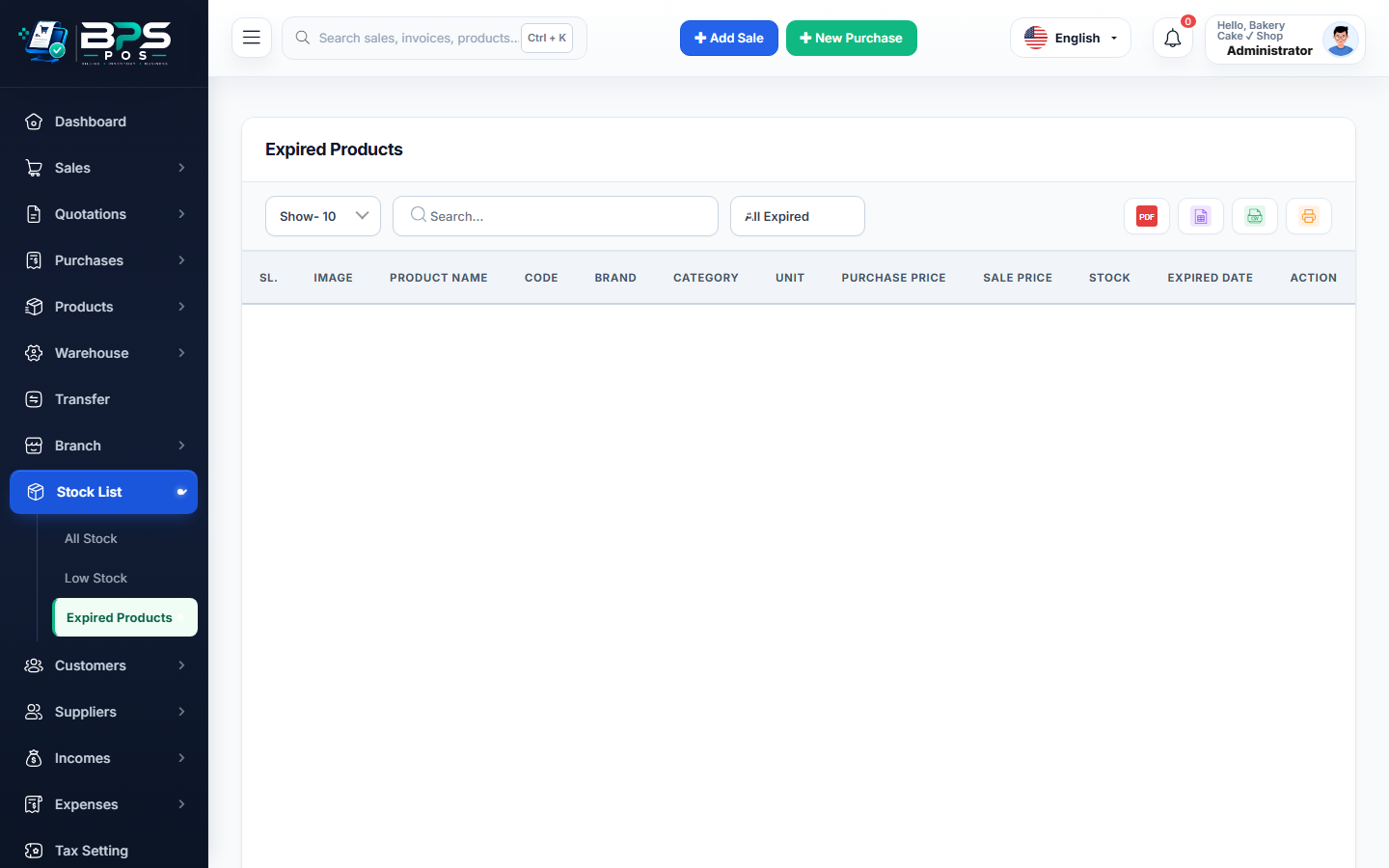
Figure: BPS POS Damaged Stock and Inventory Disposal Records in BPS POS.
Logging Damaged Stock Disposals
Follow these step-by-step instructions inside your BPS POS dashboard to configure and operate this workflow seamlessly:
- Go to Inventory → Stock Adjustments → Add Disposal.
- Select Location: Choose the specific Warehouse or Branch.
- Add Damaged Products: Scan damaged items and input written-off quantities.
- Select Reason Code: Choose Transit Breakage, Water/Leakage Damage, Expired/Spoiled, or Theft/Pilferage.
- Submit & Write-Off: Stock is deducted from inventory and total cost value is posted to "Inventory Loss / Scrap" in Profit & Loss.
BPS POS Pro Tip & Best Practice
Require supervisor photo uploads of damaged goods before authorizing disposal to prevent employee pilferage.
Why This Workflow Matters for Your Business
Lightning-Fast Operations
Eliminate cashier bottlenecks, reduce customer waiting times, and handle peak rush hours effortlessly.
100% Financial Accuracy
Automate tax math, stock deductions, and ledger balances to eliminate human calculation mistakes.
Frequently Asked Questions (FAQs)
Can written-off items be reclaimed if insurance reimburses the loss?
Yes, you can record an Insurance Claim settlement under Direct Incomes to balance the loss write-off.
Ready to Upgrade Your Retail Billing?
Experience lightning-fast billing, automated stock tracking, and multi-branch control with BPS POS.
Explore Pricing Plans →