When staff resign or are terminated, handling final settlements and instantly revoking software access is vital. BPS POS Offboarding Suite manages final salary pro-ration, outstanding loan deductions, and generates Relieving Letters.
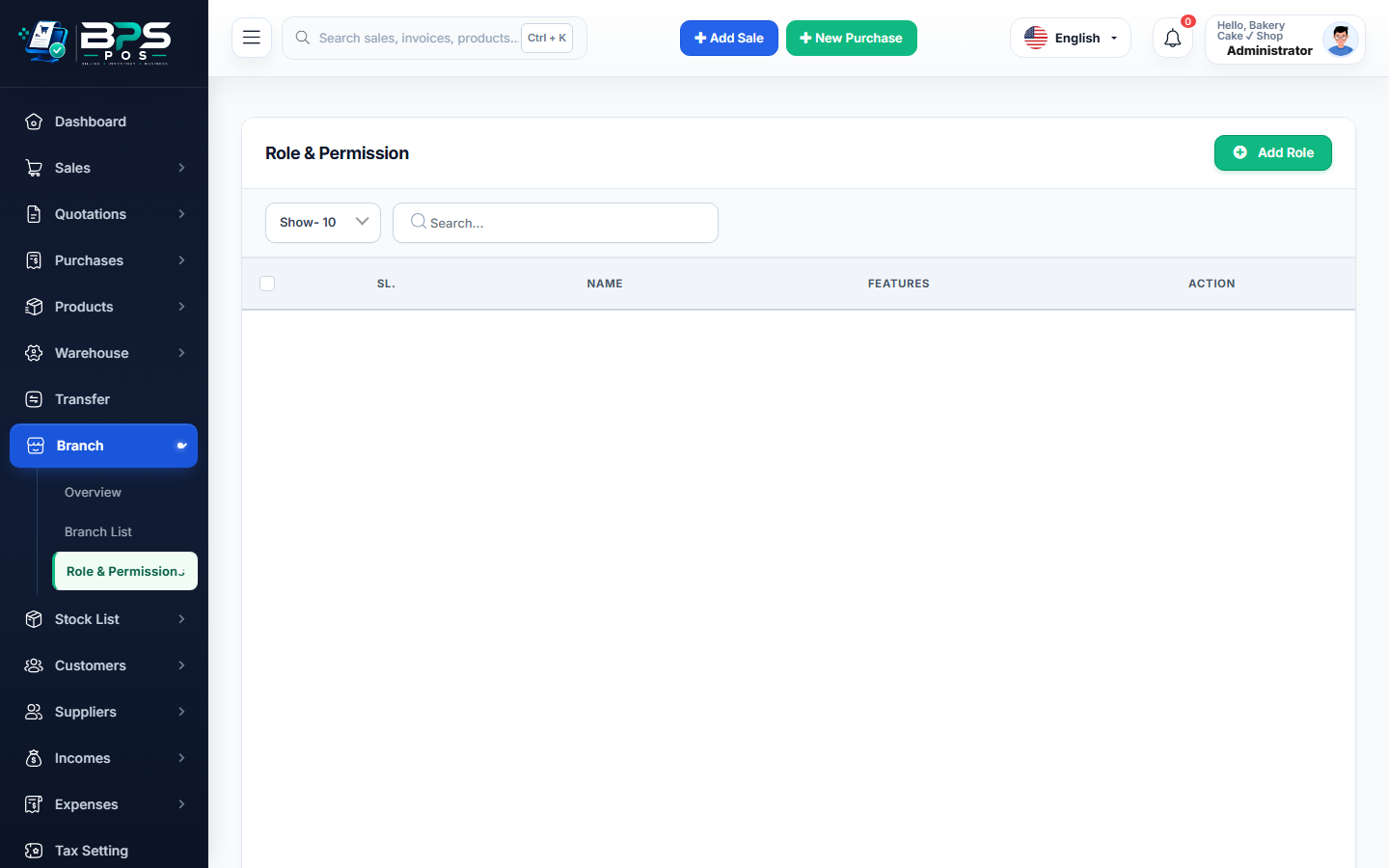
Figure: BPS POS Staff Offboarding and Termination Management in BPS POS.
Employee Offboarding Workflow
Follow these step-by-step instructions inside your BPS POS dashboard to configure and operate this workflow seamlessly:
- Go to HRM → Employees → Manage Employee → Initiate Offboarding.
- Set Termination / Resignation Date and Notice Period status.
- Calculate Final Settlement: BPS POS computes pro-rated days worked, encashes unutilized annual leaves, and subtracts pending loan debts.
- Revoke POS Access: Checking "Instant Account Lock" immediately disables POS cashier login and API access.
- Issue Documents: Generate printable Experience Certificate and Official Relieving Letter.
BPS POS Pro Tip & Best Practice
Instant account locking prevents disgruntled departing staff from voiding bills or downloading customer databases.
Why This Workflow Matters for Your Business
Lightning-Fast Operations
Eliminate cashier bottlenecks, reduce customer waiting times, and handle peak rush hours effortlessly.
100% Financial Accuracy
Automate tax math, stock deductions, and ledger balances to eliminate human calculation mistakes.
Frequently Asked Questions (FAQs)
Can historical sales made by terminated employees still be audited in reports?
Yes! Their past sales and cash shifts remain permanently preserved in historical audit ledgers.
Ready to Upgrade Your Retail Billing?
Experience lightning-fast billing, automated stock tracking, and multi-branch control with BPS POS.
Explore Pricing Plans →