Physical Location Tagging
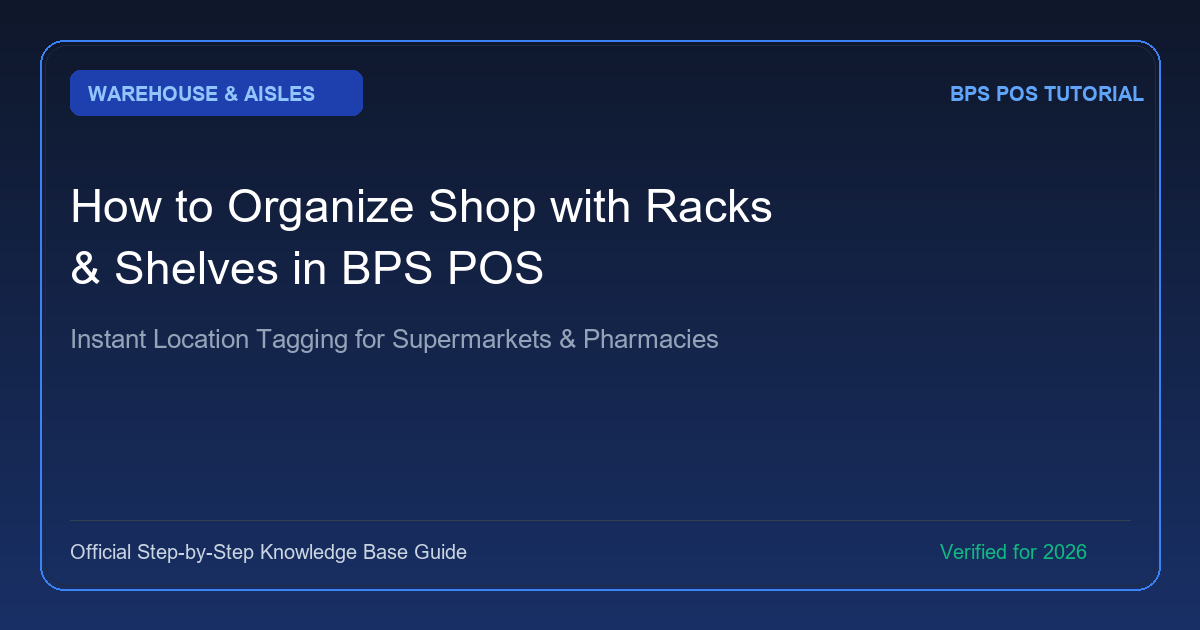
In large supermarkets, hardware stores, and pharmacies holding thousands of medicines, finding where an item is physically stored can be challenging for new staff. BPS POS Racks & Shelves lets you assign exact aisle, rack, and shelf coordinates to every SKU.
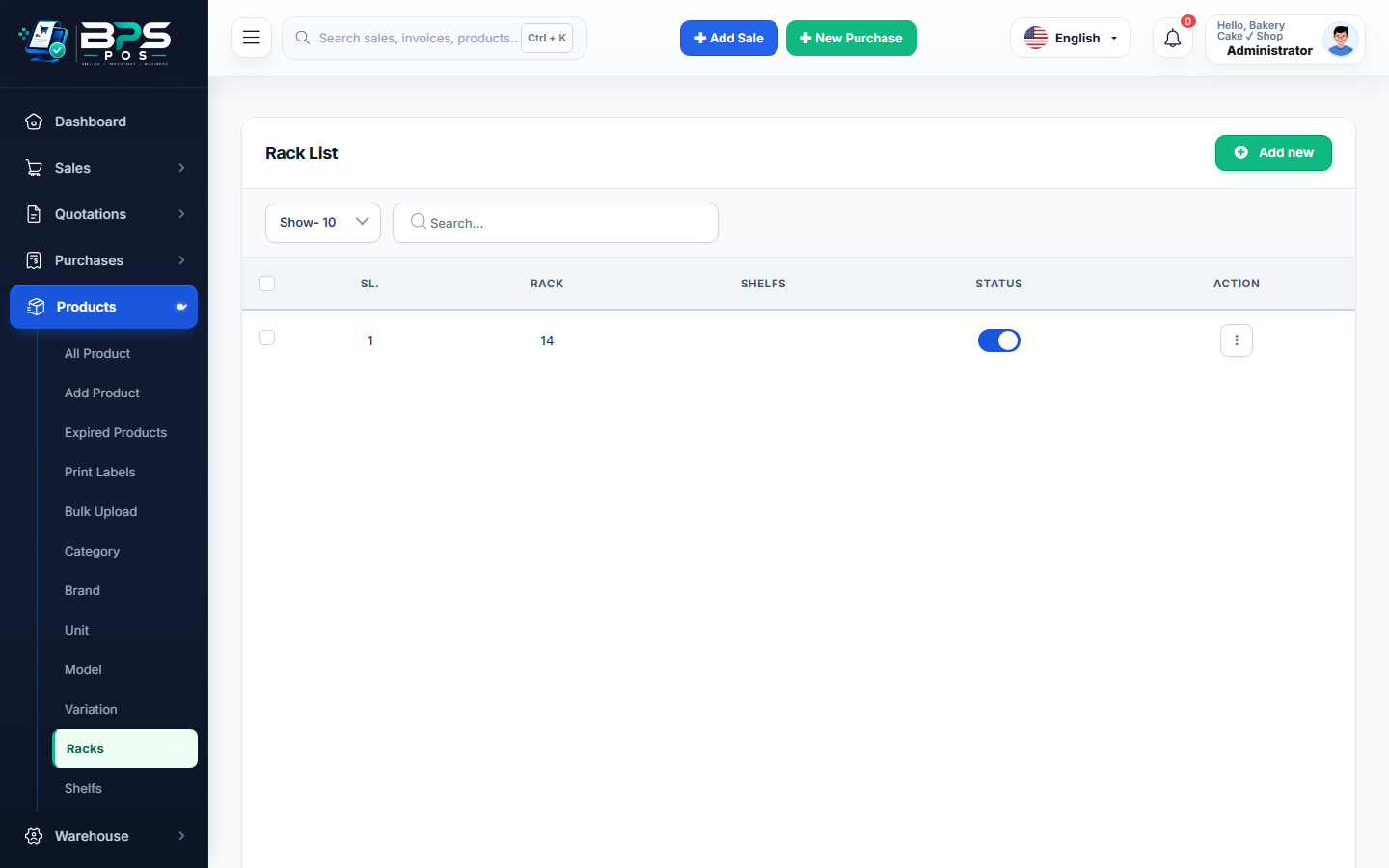
Figure 1: BPS POS Racks and aisle location setup.
Setting Up Racks and Shelves
- Go to Products → Racks and add your rack names (e.g. Rack A, Rack B, Cold Storage).
- Go to Products → Shelfs and create shelf tiers (e.g. Shelf 1, Shelf 2).
- Assign these locations to products so cashiers see the physical location right on their screen when searching for items.