Replenishing branch shelves from your central warehouse requires structured transfer tracking. BPS POS Stock Transfer creates dispatch orders, generates driver delivery challans, and updates destination stock counts upon arrival.
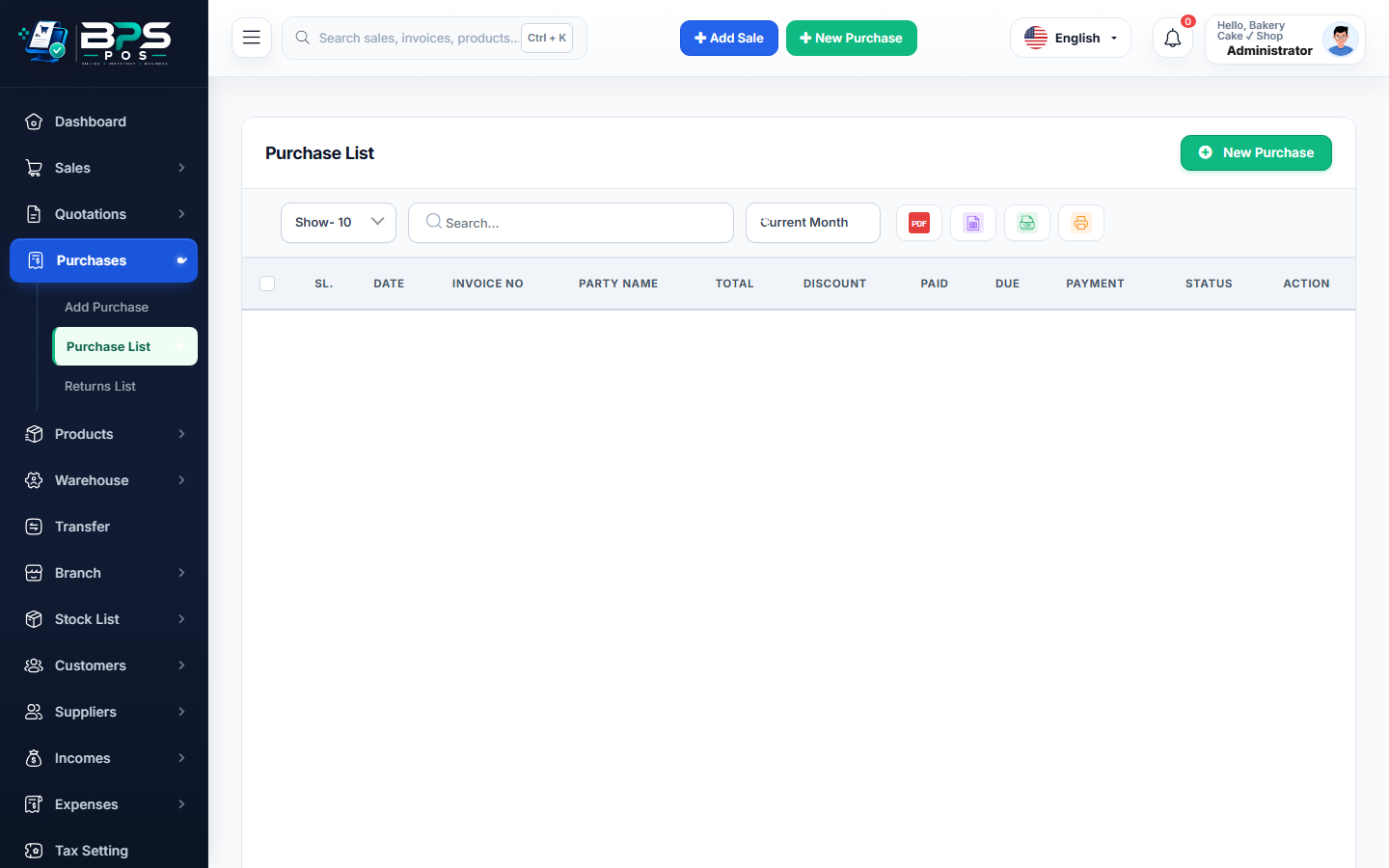
Figure: BPS POS Stock Transfer from Warehouse to Retail Outlets in BPS POS.
Warehouse to Shop Transfer Process
Follow these step-by-step instructions inside your BPS POS dashboard to configure and operate this workflow seamlessly:
- Go to Stock Transfers → Add Transfer.
- Select Source & Destination: Set From: Central Warehouse and To: Outlet A (City Center).
- Add Products & Transfer Quantities: Scan or search items and specify quantities to dispatch.
- Add Transport Details: Enter driver name, vehicle number, and dispatch notes.
- Save & Print Challan: Central warehouse stock is deducted, and an official Delivery Dispatch Challan prints for the driver.
BPS POS Pro Tip & Best Practice
Require branch shop managers to verify physical items against the printed transfer challan before confirming receipt.
Why This Workflow Matters for Your Business
Lightning-Fast Operations
Eliminate cashier bottlenecks, reduce customer waiting times, and handle peak rush hours effortlessly.
100% Financial Accuracy
Automate tax math, stock deductions, and ledger balances to eliminate human calculation mistakes.
Frequently Asked Questions (FAQs)
What if the receiving outlet finds a damaged item in the shipment?
The receiving manager can accept partial quantities and mark the damaged units as "In-Transit Damage".
Ready to Upgrade Your Retail Billing?
Experience lightning-fast billing, automated stock tracking, and multi-branch control with BPS POS.
Explore Pricing Plans →