Till management begins before the first customer walks in. BPS POS Cash Register Shift requires cashiers to open their shift by entering the physical starting cash float (coins and change notes) placed into the till.
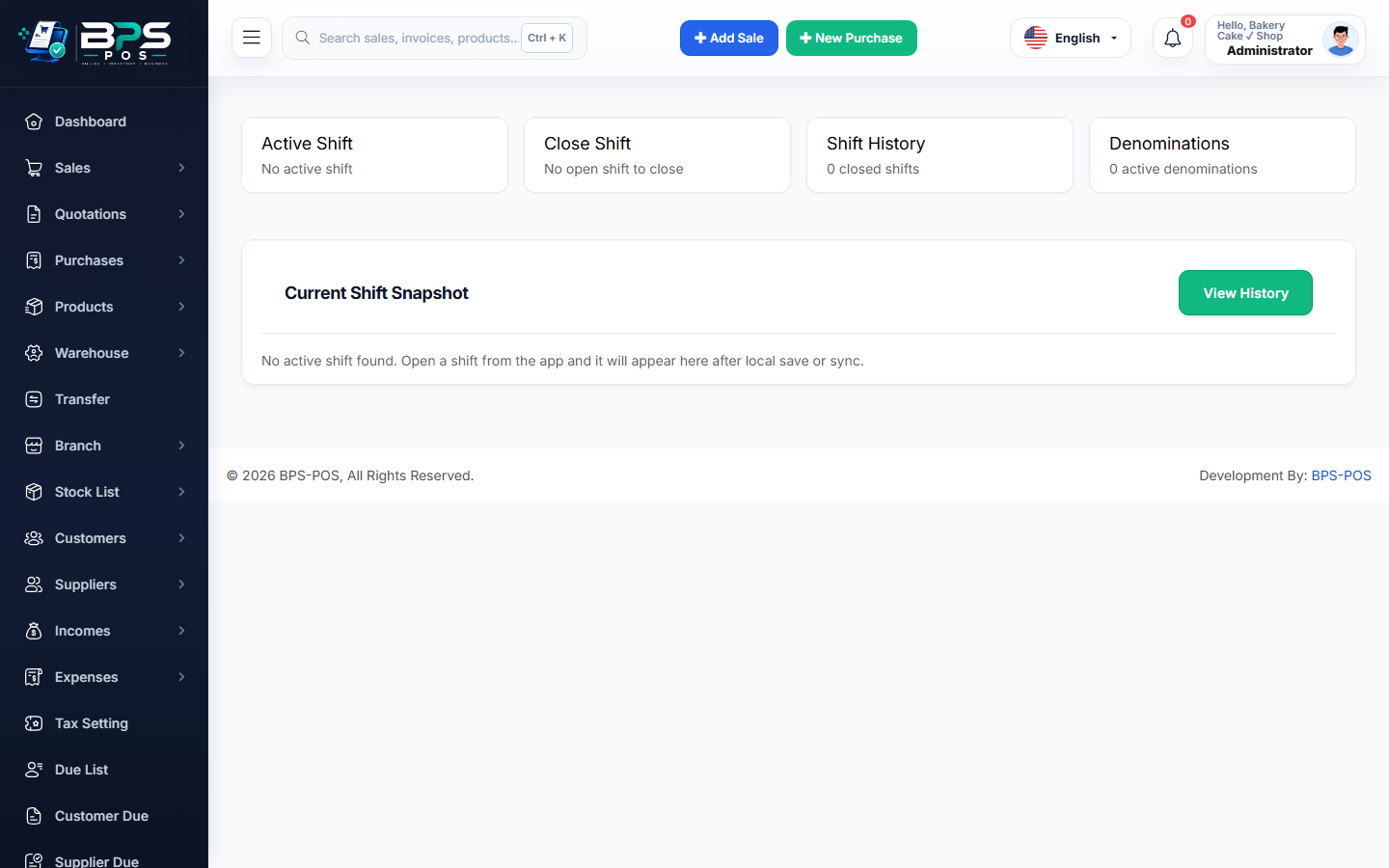
Figure: BPS POS Open Cash Register Shift Dialog in BPS POS.
Opening a Cashier Shift
Follow these step-by-step instructions inside your BPS POS dashboard to configure and operate this workflow seamlessly:
- Log In as Cashier: Sign in to your BPS POS cashier account.
- Automatic Shift Prompt: If no active shift is open, a popup appears: "Open Cash Register Shift".
- Enter Opening Float: Type the starting cash placed in the drawer (e.g. $150.00 in change notes and coins).
- Add Opening Notes: Optional notes (e.g., "Counter 1 - Morning Shift - Cashier John").
- Click Open Register: The cashier counter unlocks for billing, and all cash sales will now be tracked under this active shift session.
BPS POS Pro Tip & Best Practice
Always count your physical starting float together with the store supervisor before typing the amount into BPS POS.
Why This Workflow Matters for Your Business
Lightning-Fast Operations
Eliminate cashier bottlenecks, reduce customer waiting times, and handle peak rush hours effortlessly.
100% Financial Accuracy
Automate tax math, stock deductions, and ledger balances to eliminate human calculation mistakes.
Frequently Asked Questions (FAQs)
Can multiple cashiers share the same open cash shift?
Yes, or each cashier can be restricted to their own individual shift based on Role Settings.
Ready to Upgrade Your Retail Billing?
Experience lightning-fast billing, automated stock tracking, and multi-branch control with BPS POS.
Explore Pricing Plans →