During a busy 8-hour shift, cash flows into and out of the till for customer sales, customer due collections, and small store expenses (milk, tea, cleaner wages). BPS POS Live Shift Monitor tracks every penny in real-time.
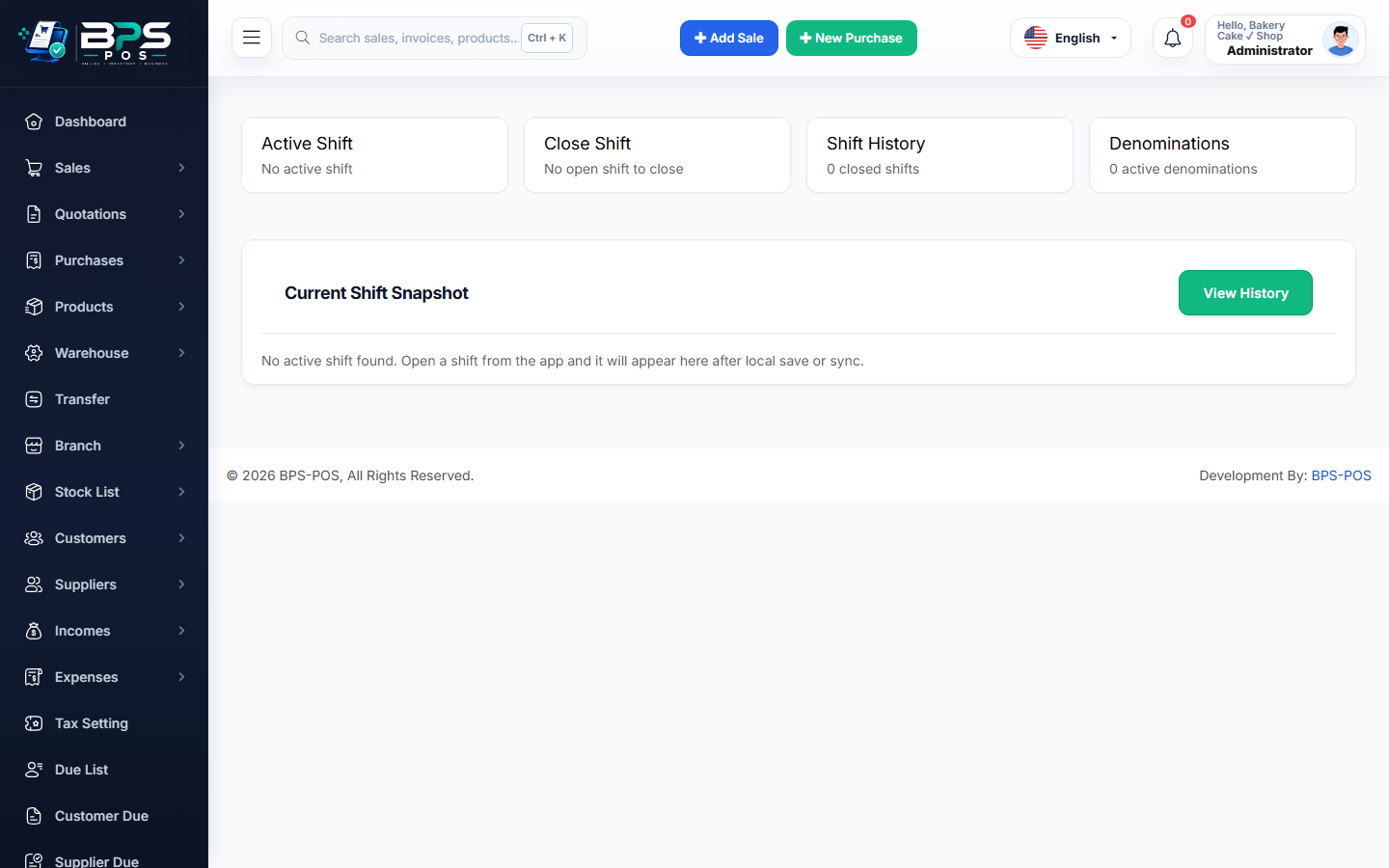
Figure: BPS POS Live Cash Register Drawer Balance and Cash In Out in BPS POS.
Tracking Active Till Transactions
Follow these step-by-step instructions inside your BPS POS dashboard to configure and operate this workflow seamlessly:
- Open Active Shift Panel: Go to Finance → Cash Register → Active Shift.
- View Live Summary: Inspect Opening Float, Total Cash Sales (+), Due Collections (+), Cash In (+), Cash Out (-), and Expected Drawer Balance.
- Record Cash In: Click + Cash In when adding extra change coins from the main safe.
- Record Cash Out: Click - Cash Out when paying a small store expense (e.g. $10 for office water bottles) with reason note.
- Continuous Audit: The expected drawer balance updates in real-time.
BPS POS Pro Tip & Best Practice
Taking petty cash out without logging "Cash Out" will cause your end-of-day till reconciliation to show a shortage!
Why This Workflow Matters for Your Business
Lightning-Fast Operations
Eliminate cashier bottlenecks, reduce customer waiting times, and handle peak rush hours effortlessly.
100% Financial Accuracy
Automate tax math, stock deductions, and ledger balances to eliminate human calculation mistakes.
Frequently Asked Questions (FAQs)
Can cashiers hide the expected cash total so they cannot fudge the count?
Yes, enable "Blind Shift Closing" in settings so cashiers must count money blindly without seeing expected totals.
Ready to Upgrade Your Retail Billing?
Experience lightning-fast billing, automated stock tracking, and multi-branch control with BPS POS.
Explore Pricing Plans →