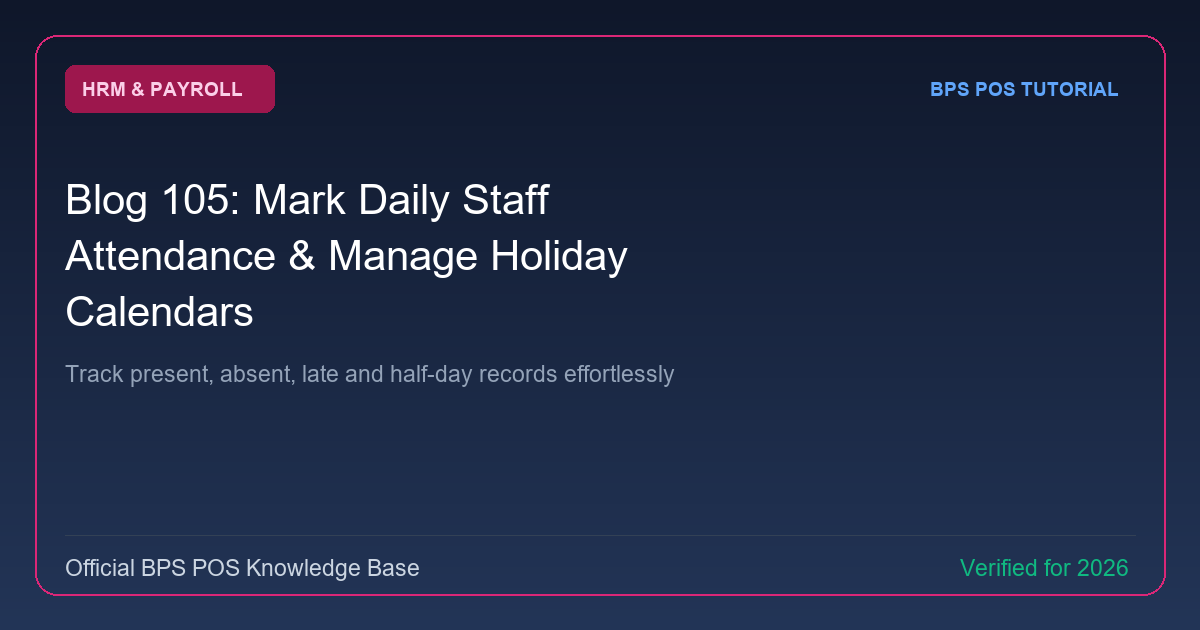
Accurate payroll begins with punctuality tracking. BPS POS Attendance System lets store managers mark daily attendance sheets, log late arrivals and half-days, and configure company holiday calendars.
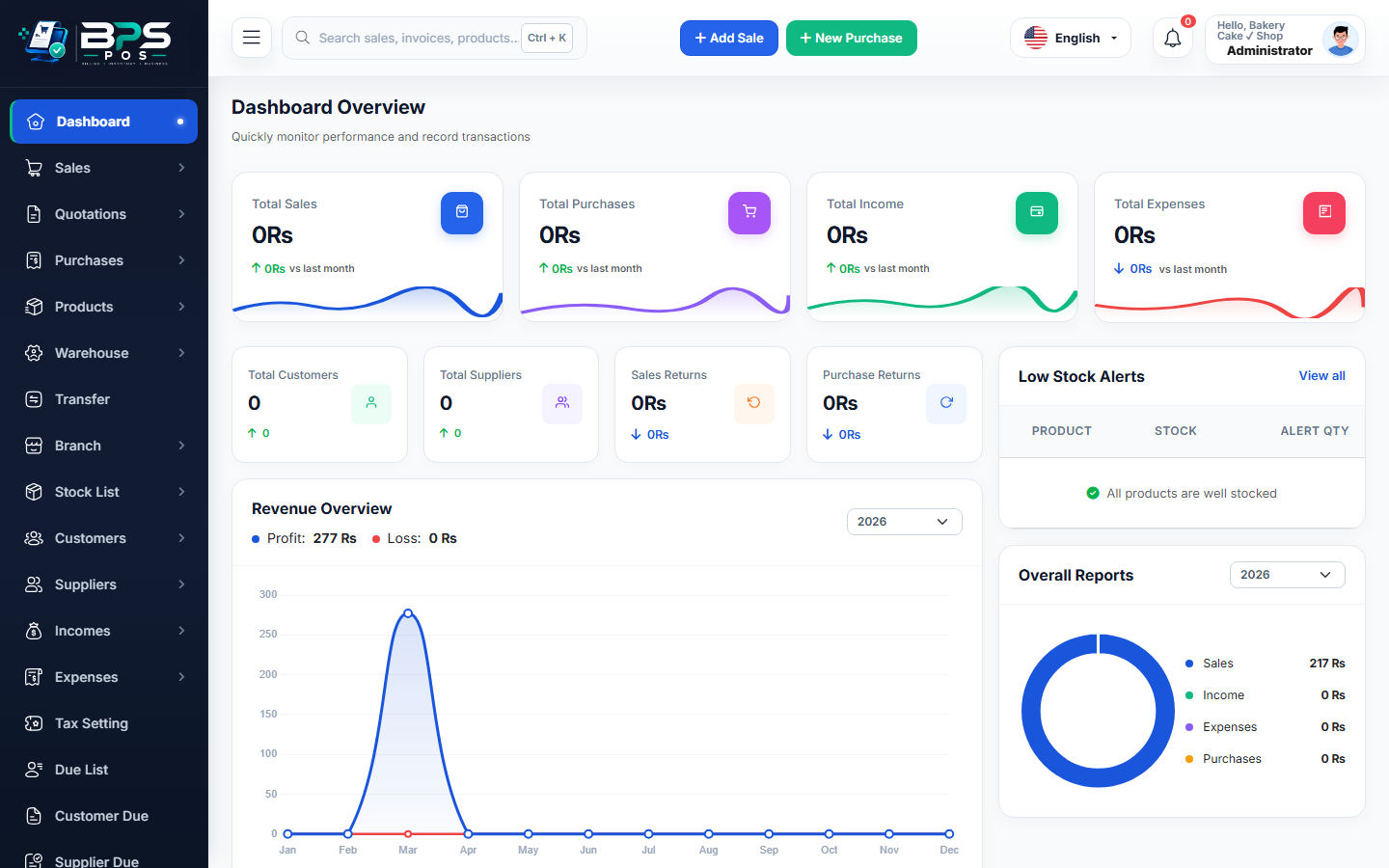
Figure: BPS POS Daily Attendance Register and Holiday Calendar in BPS POS.
Managing Daily Attendance and Holidays
Follow these step-by-step instructions inside your BPS POS dashboard to configure and operate this workflow seamlessly:
- Open Attendance Register: Go to HRM → Daily Attendance.
- Mark Statuses: Toggle badges for each staff member: Present (P), Late (L), Half-Day (HD), or Absent (A).
- Record In / Out Timestamps: Enter exact clock-in and clock-out times.
- Configure Holiday Calendar: Go to HRM → Holidays → Add Holiday to mark Eid, National Day, Christmas, or New Year paid days off.
- Save: Attendance logs feed directly into the automated monthly payroll processing engine.
BPS POS Pro Tip & Best Practice
Use the "Mark All Present" button in the morning to populate the sheet in 1 click, then only adjust latecomers.
Why This Workflow Matters for Your Business
Lightning-Fast Operations
Eliminate cashier bottlenecks, reduce customer waiting times, and handle peak rush hours effortlessly.
100% Financial Accuracy
Automate tax math, stock deductions, and ledger balances to eliminate human calculation mistakes.
Frequently Asked Questions (FAQs)
Does BPS POS integrate with biometric fingerprint and facial recognition attendance machines?
Yes, attendance logs can be synced via USB/Excel import or direct API biometric sync.
Ready to Upgrade Your Retail Billing?
Experience lightning-fast billing, automated stock tracking, and multi-branch control with BPS POS.
Explore Pricing Plans →