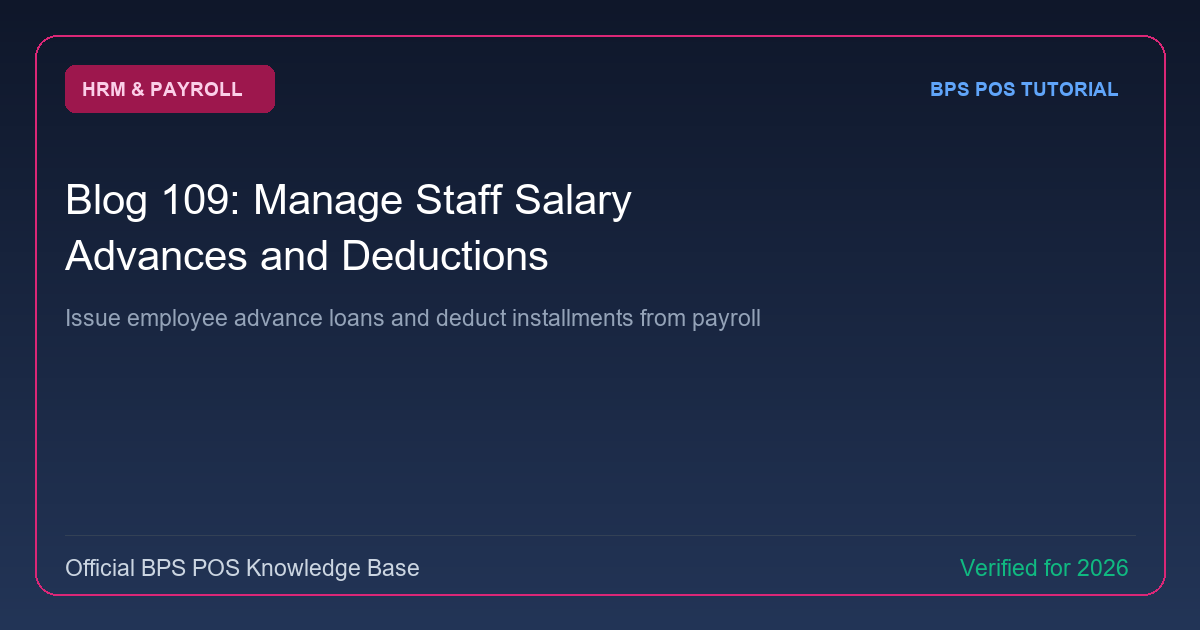
Staff members often request mid-month emergency salary advances or small company loans. BPS POS Salary Advance Manager records disbursed funds and automatically deducts installments during payroll processing.
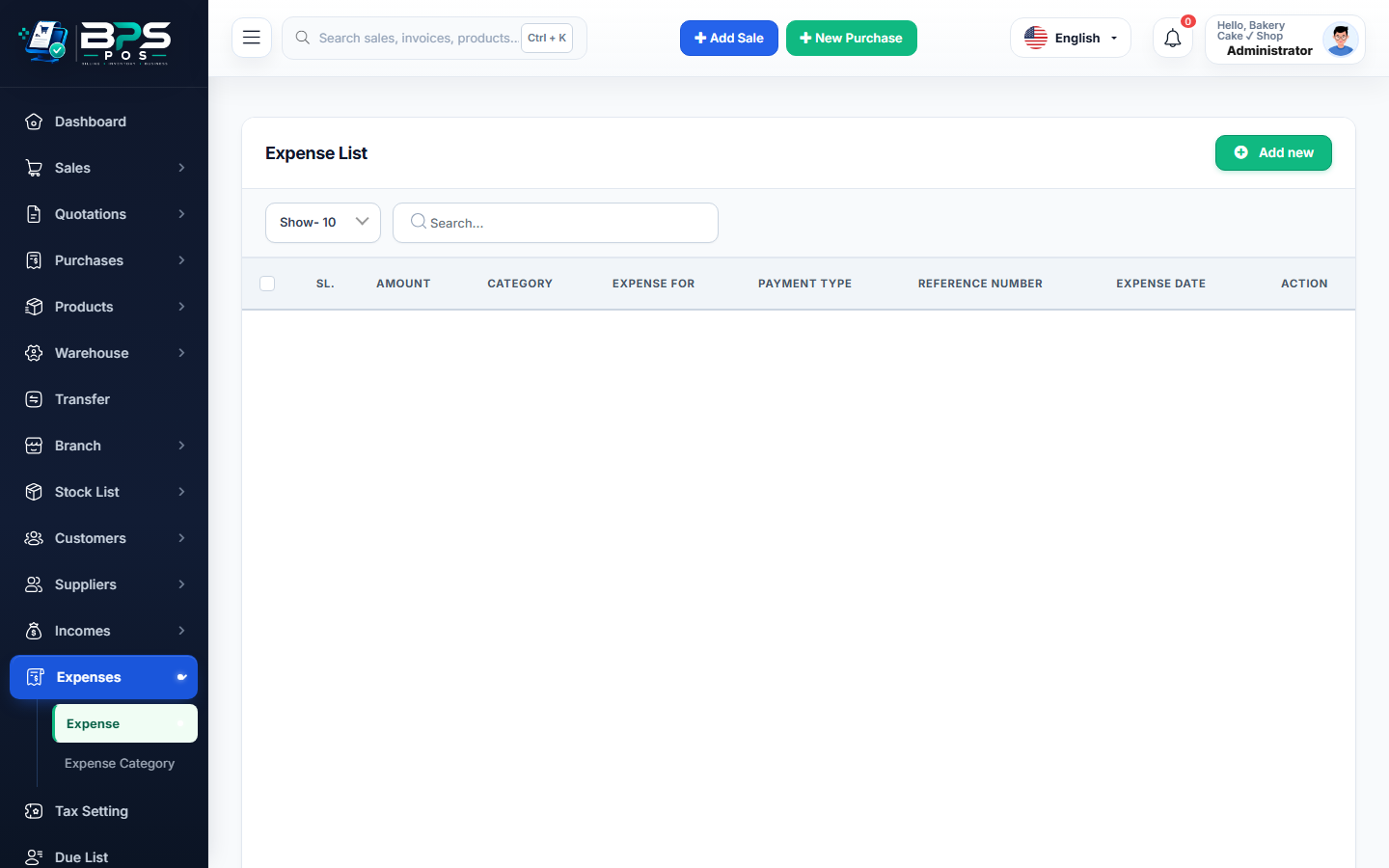
Figure: BPS POS Staff Salary Advance and Loan Recovery Management in BPS POS.
Managing Salary Advances and Loan Repayments
Follow these step-by-step instructions inside your BPS POS dashboard to configure and operate this workflow seamlessly:
- Disburse Advance: Go to HRM → Salary Advances → Add Advance.
- Select Employee & Amount: Choose staff member and input loan sum (e.g. $300.00).
- Set Installment Terms: Choose to deduct 100% in next month’s salary or split into 3 monthly $100 installments.
- Select Cash Source: Disburse from Cash Drawer or Bank Account.
- Automated Payroll Deduction: When processing monthly payroll, BPS POS automatically subtracts the installment and updates the loan balance.
BPS POS Pro Tip & Best Practice
Print a signed "Advance Acknowledgment Slip" upon cash disbursement to maintain clear personal loan records.
Why This Workflow Matters for Your Business
Lightning-Fast Operations
Eliminate cashier bottlenecks, reduce customer waiting times, and handle peak rush hours effortlessly.
100% Financial Accuracy
Automate tax math, stock deductions, and ledger balances to eliminate human calculation mistakes.
Frequently Asked Questions (FAQs)
What if an employee leaves before repaying their full advance loan?
The final offboarding settlement automatically deducts the entire remaining loan balance from their final paycheck.
Ready to Upgrade Your Retail Billing?
Experience lightning-fast billing, automated stock tracking, and multi-branch control with BPS POS.
Explore Pricing Plans →