An outlet in an expensive international airport or luxury shopping mall has higher operating expenses than a suburban shop. BPS POS Branch Price Tier Overrides lets you set location-specific selling prices for products.
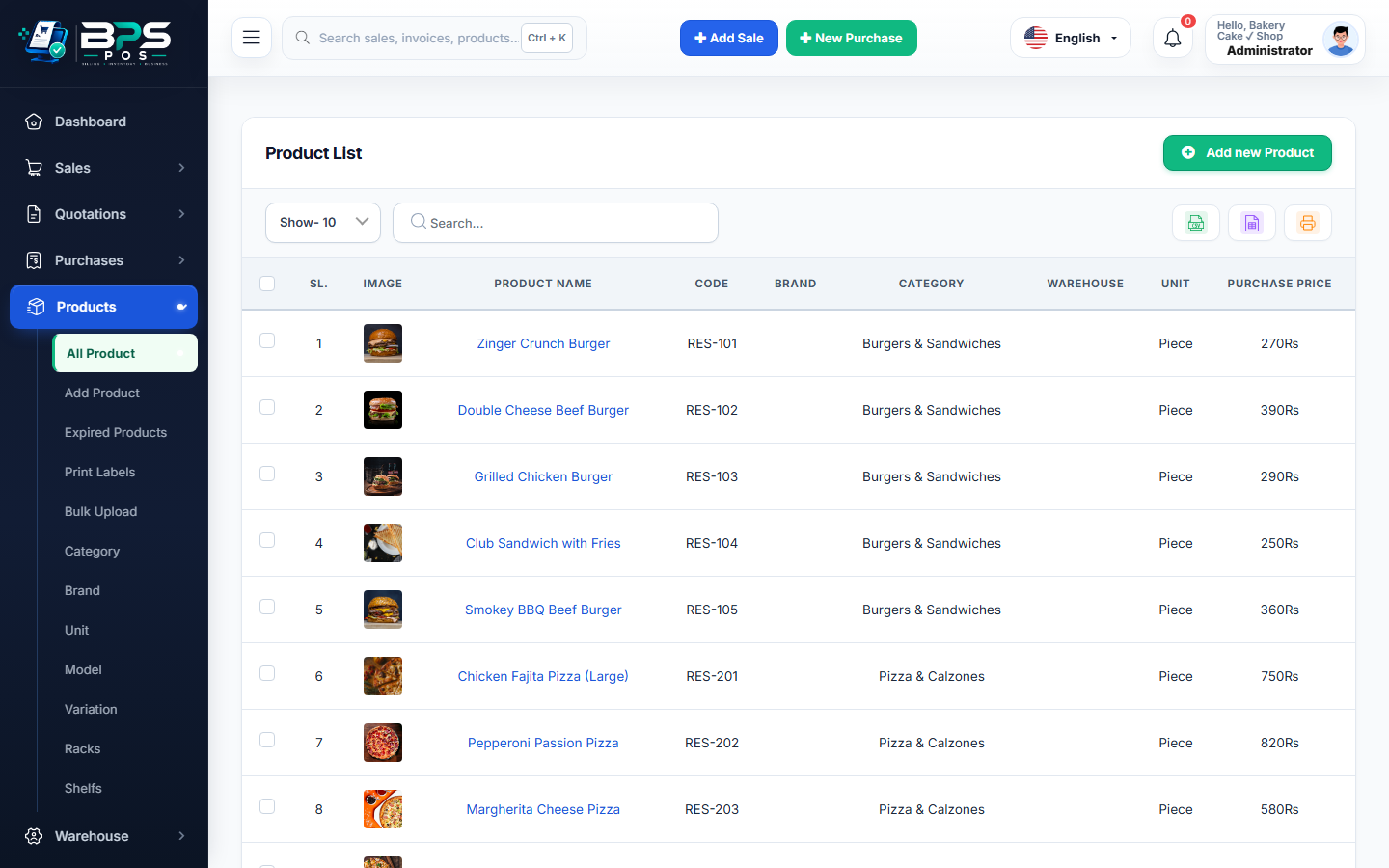
Figure: BPS POS Multi-Branch Price Tier Overrides Screen in BPS POS.
Configuring Location-Specific Selling Prices
Follow these step-by-step instructions inside your BPS POS dashboard to configure and operate this workflow seamlessly:
- Go to Products → All Products → Edit Product.
- Scroll to Branch Pricing Overrides section.
- Set Base Retail Price: E.g., $10.00 (standard for suburban stores).
- Add Outlet Tier Overrides: Select "Airport Outlet" → Set Price: $14.00 | "Mall Branch" → Set Price: $12.00.
- Save: When cashiers bill at Airport Outlet, POS automatically charges $14.00 while suburban stores continue charging $10.00.
BPS POS Pro Tip & Best Practice
Use percentage-based bulk price rules (e.g. "+15% across all items for Airport Branch") to update hundreds of prices in 1 click.
Why This Workflow Matters for Your Business
Lightning-Fast Operations
Eliminate cashier bottlenecks, reduce customer waiting times, and handle peak rush hours effortlessly.
100% Financial Accuracy
Automate tax math, stock deductions, and ledger balances to eliminate human calculation mistakes.
Frequently Asked Questions (FAQs)
Can wholesale customers get fixed wholesale prices regardless of branch?
Yes, customer group pricing rules override branch price tier settings.
Ready to Upgrade Your Retail Billing?
Experience lightning-fast billing, automated stock tracking, and multi-branch control with BPS POS.
Explore Pricing Plans →