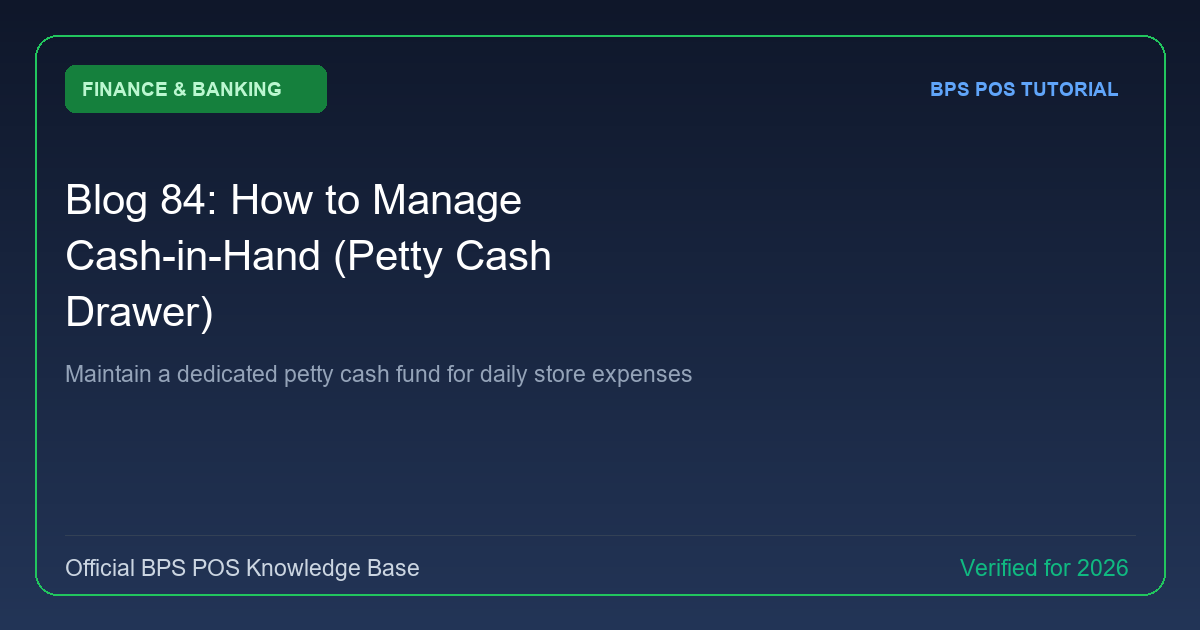
Every retail shop maintains a petty cash stash for daily incidentals (cleaning supplies, tea, postage, emergency repairs). BPS POS Cash-in-Hand Ledger tracks petty cash disbursements and safe replenishments.
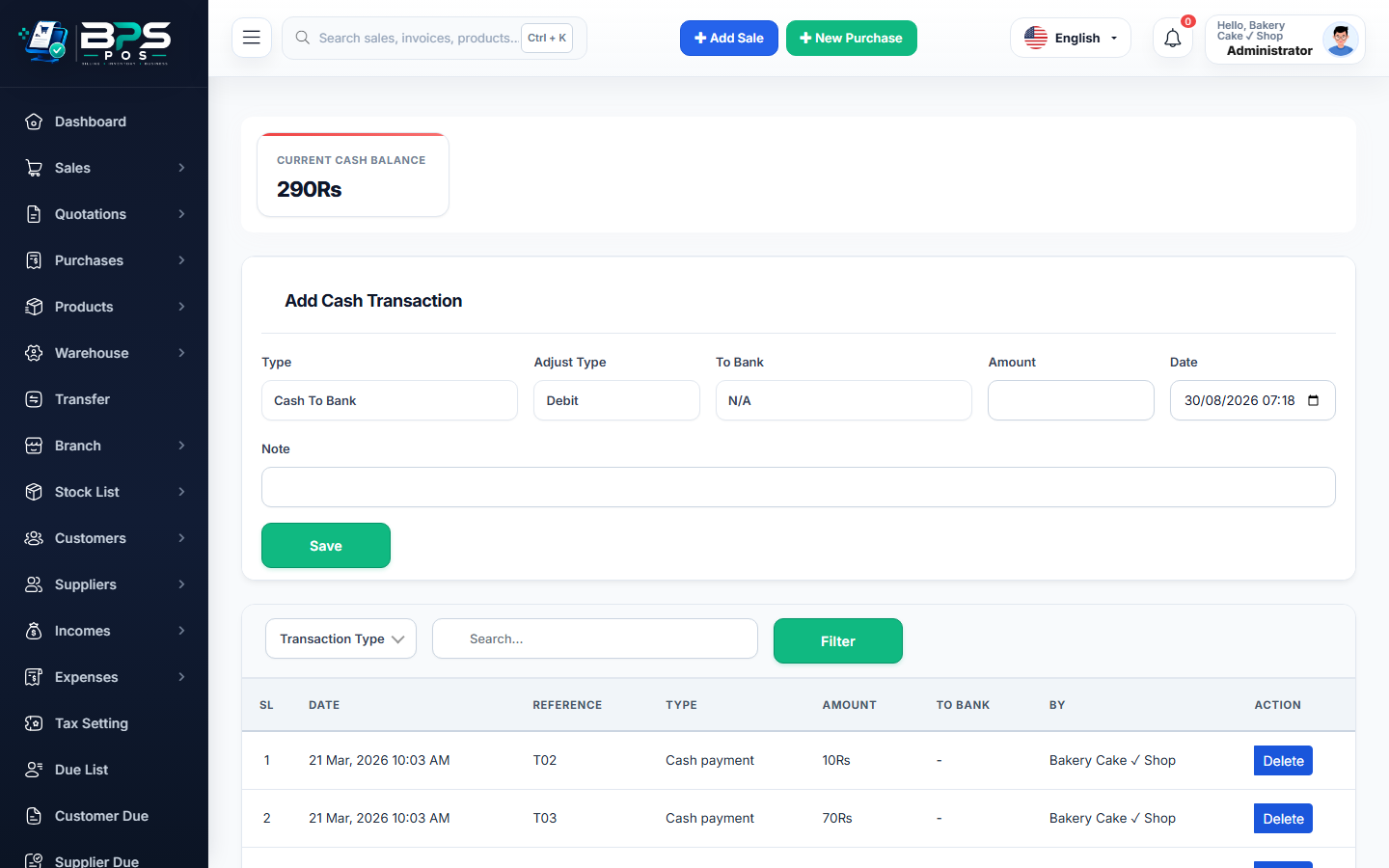
Figure: BPS POS Petty Cash in Hand Management Screen in BPS POS.
Managing Petty Cash Operations
Follow these step-by-step instructions inside your BPS POS dashboard to configure and operate this workflow seamlessly:
- Open Finance → Cash-in-Hand.
- Review Available Cash: Inspect real-time cash balance currently sitting in the store safe.
- Disburse Micro-Expenses: Record small daily vouchers (e.g. $12 for cleaning mop) with expense category tags.
- Replenish Petty Cash: Withdraw cash from the main bank account to top up the petty cash float back to its standard limit.
- Generate Monthly Petty Cash Audit: Export a detailed log of every micro-expense incurred.
BPS POS Pro Tip & Best Practice
Enforce an "Imprest Petty Cash System" where the fund is replenished back to a fixed $200 limit every Friday upon submitting physical expense receipts.
Why This Workflow Matters for Your Business
Lightning-Fast Operations
Eliminate cashier bottlenecks, reduce customer waiting times, and handle peak rush hours effortlessly.
100% Financial Accuracy
Automate tax math, stock deductions, and ledger balances to eliminate human calculation mistakes.
Frequently Asked Questions (FAQs)
Is Cash-in-Hand separate from the Cashier's Billing Drawer?
Yes, Cash-in-Hand tracks master store safe cash, while Cashier Shifts track active counter till drawers.
Ready to Upgrade Your Retail Billing?
Experience lightning-fast billing, automated stock tracking, and multi-branch control with BPS POS.
Explore Pricing Plans →