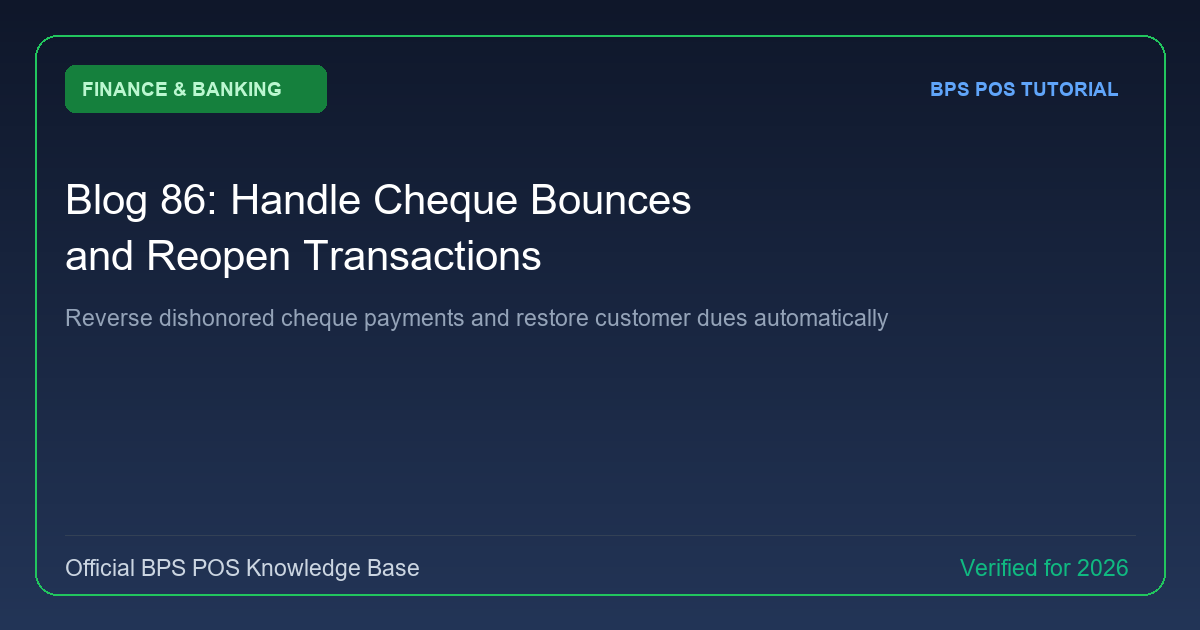
When a deposited cheque bounces due to insufficient customer funds, manual ledger adjustments are painful. BPS POS Cheque Bounce Handler reverses the transaction in 1 click and restores the client's outstanding debt balance.

Figure: BPS POS Cheque Bounce Handling and Customer Due Reopening in BPS POS.
Processing a Bounced Cheque
Follow these step-by-step instructions inside your BPS POS dashboard to configure and operate this workflow seamlessly:
- Go to Finance → Cheques and find the dishonored cheque.
- Click Action → Mark as Bounced: The bounce wizard opens.
- Add Bank Return Fee: Input any penalty charge deducted by your bank (e.g. $25) to bill back to the customer.
- Confirm Reversal: BPS POS automatically restores the customer's outstanding balance (Original Amount + Bank Penalty Fee).
- Notify Client: Click "Send WhatsApp Notice" to alert the customer of the dishonored cheque and demand immediate cash settlement.
BPS POS Pro Tip & Best Practice
BPS POS flags the customer's profile with a "Cheque Bounce History" warning badge to alert sales staff on future deals.
Why This Workflow Matters for Your Business
Lightning-Fast Operations
Eliminate cashier bottlenecks, reduce customer waiting times, and handle peak rush hours effortlessly.
100% Financial Accuracy
Automate tax math, stock deductions, and ledger balances to eliminate human calculation mistakes.
Frequently Asked Questions (FAQs)
Does bouncing a cheque adjust bank balances correctly?
Yes, it reverses the pending bank credit and records the bank penalty charge under Bank Charges expense.
Ready to Upgrade Your Retail Billing?
Experience lightning-fast billing, automated stock tracking, and multi-branch control with BPS POS.
Explore Pricing Plans →