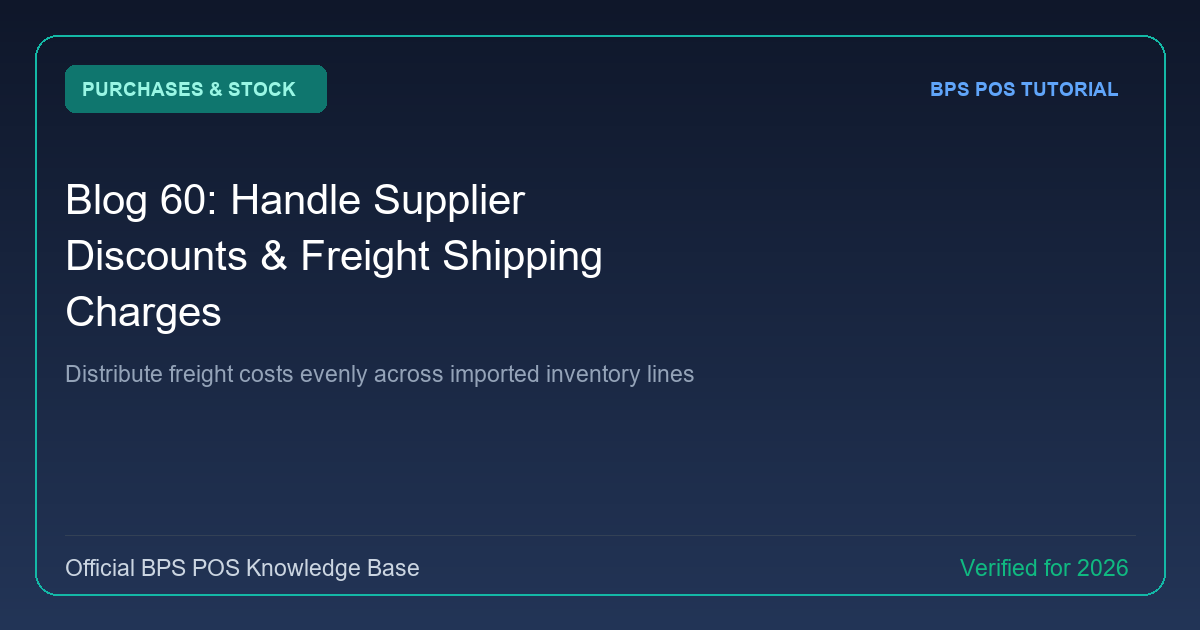
Vendor bills frequently include trade discounts or delivery freight surcharges. BPS POS provides dedicated fields for supplier discounts (fixed or percentage) and freight additions to calculate the exact net payable balance.
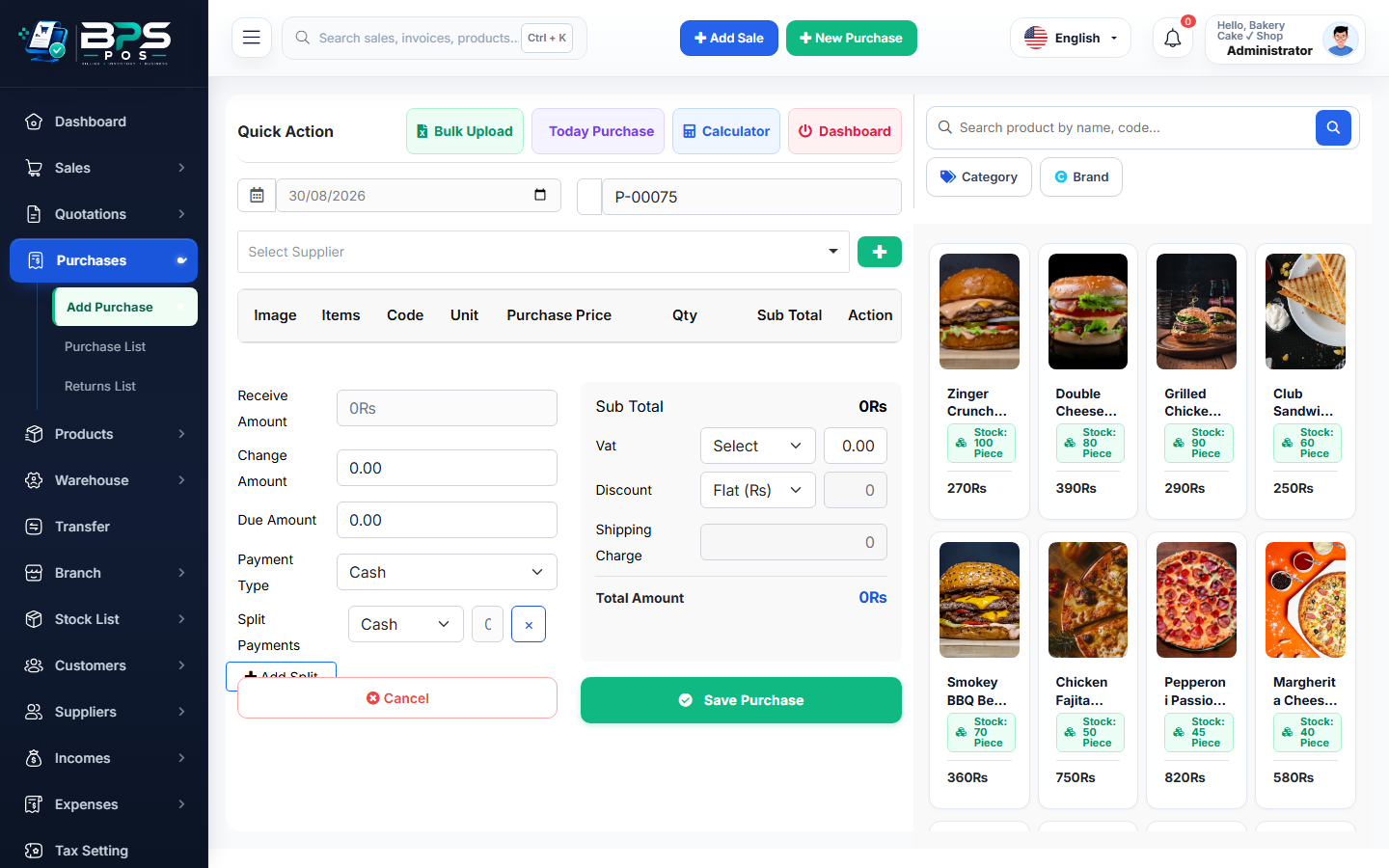
Figure: BPS POS Supplier Discounts and Shipping Overhead Fields in BPS POS.
Applying Discounts and Shipping on Purchases
Follow these step-by-step instructions inside your BPS POS dashboard to configure and operate this workflow seamlessly:
- Create Purchase: Add products and line item costs in Purchases → Add Purchase.
- Apply Supplier Discount: In the summary section, enter the discount amount or percentage negotiated with the vendor.
- Add Freight / Shipping: Input carrier delivery fees in the "Shipping / Transport Charges" box.
- Review Final Net Bill: BPS POS calculates: Subtotal - Discount + Tax + Freight = Grand Total Payable.
- Save Bill: The exact payable liability is posted to the supplier's account.
BPS POS Pro Tip & Best Practice
Recording freight separately allows you to audit which suppliers offer free delivery versus those charging excessive transport fees.
Why This Workflow Matters for Your Business
Lightning-Fast Operations
Eliminate cashier bottlenecks, reduce customer waiting times, and handle peak rush hours effortlessly.
100% Financial Accuracy
Automate tax math, stock deductions, and ledger balances to eliminate human calculation mistakes.
Frequently Asked Questions (FAQs)
Does the supplier discount reduce the calculated product cost price in inventory?
Yes, BPS POS discounts unit cost proportionally to reflect your true profit margin.
Ready to Upgrade Your Retail Billing?
Experience lightning-fast billing, automated stock tracking, and multi-branch control with BPS POS.
Explore Pricing Plans →