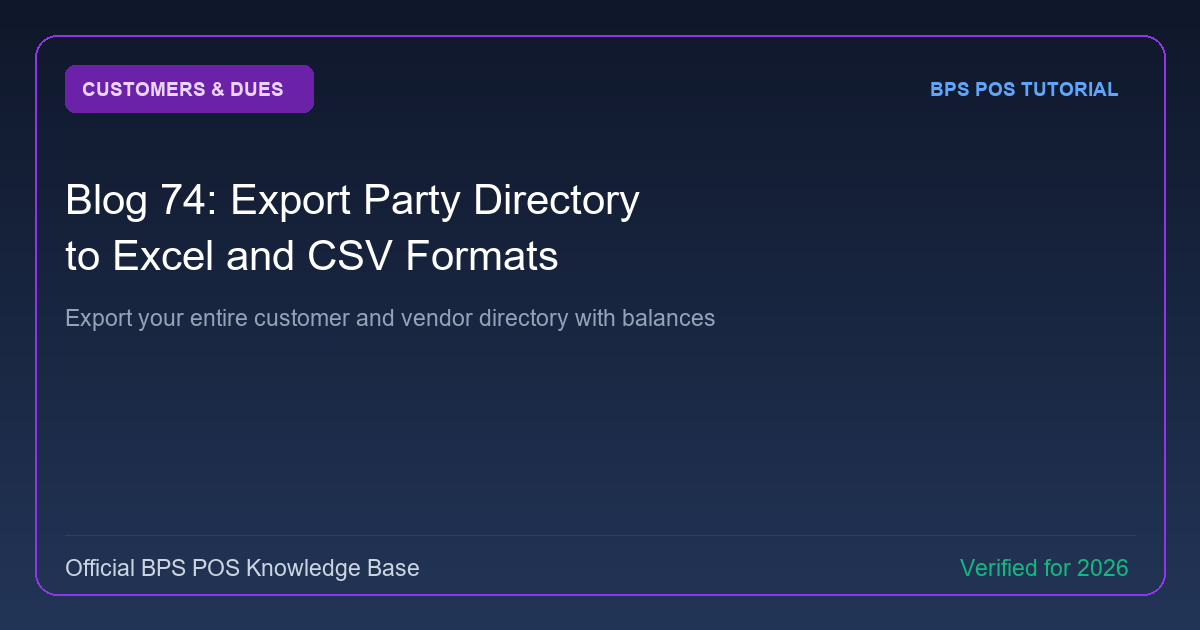
Exporting contact lists is essential for marketing SMS broadcasts, email campaigns, and offline data backups. BPS POS exports customer and supplier directories with full contact details in Excel and CSV formats.
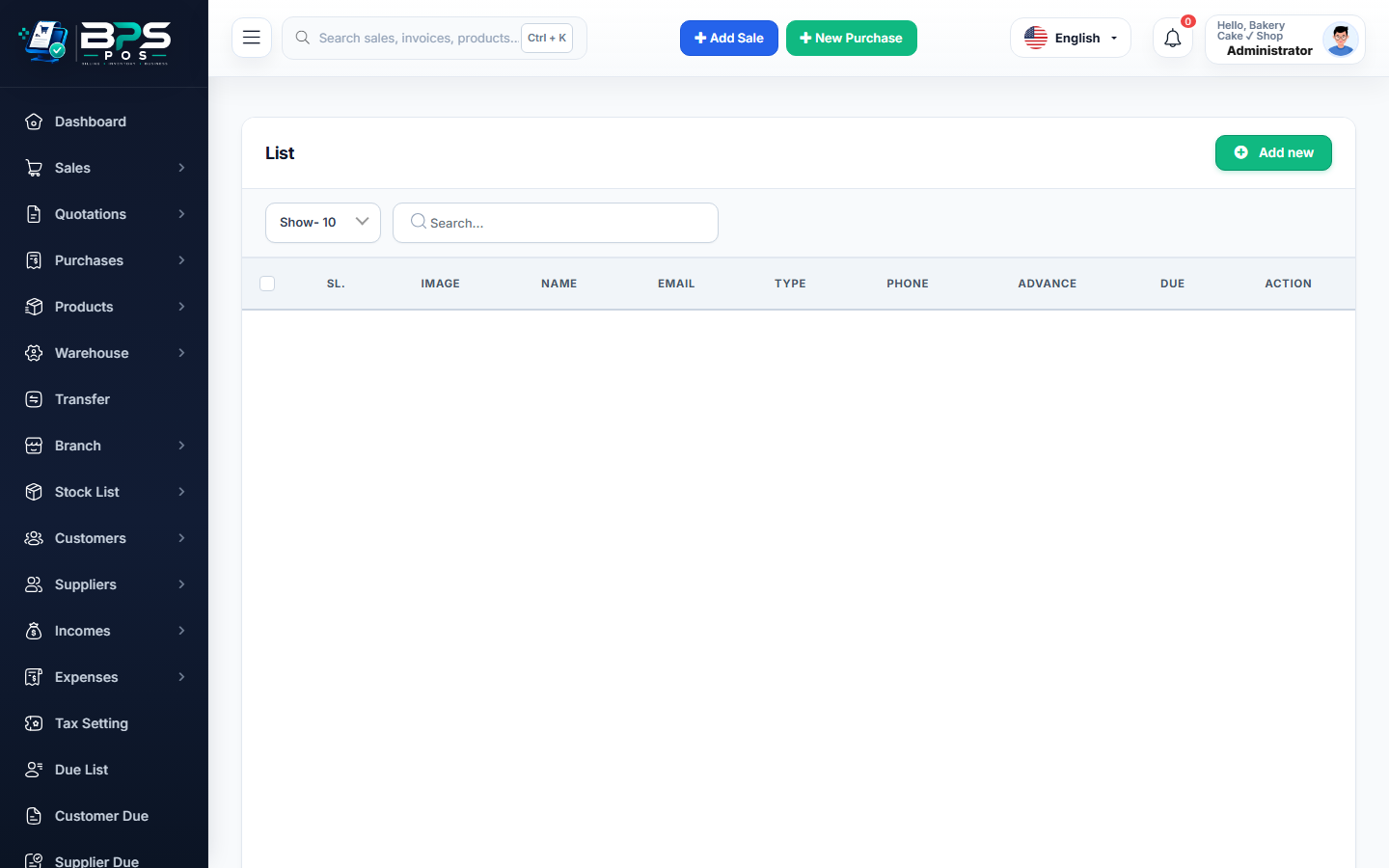
Figure: BPS POS Export Customer and Supplier Directory to Excel and CSV in BPS POS.
Exporting Customer & Supplier Lists
Follow these step-by-step instructions inside your BPS POS dashboard to configure and operate this workflow seamlessly:
- Go to Parties → Customers or Suppliers.
- Click the Export button in the top right header.
- Select Format: Excel (.xlsx) or CSV.
- Download File: Open the spreadsheet to view columns for Name, Phone, WhatsApp, Email, Tax ID, Address, Credit Limit, and Balance.
- Import to Marketing Tools: Upload the phone numbers into bulk SMS gateways or email marketing platforms.
BPS POS Pro Tip & Best Practice
Regularly export your customer directory at the end of each month as an independent offsite contact backup.
Why This Workflow Matters for Your Business
Lightning-Fast Operations
Eliminate cashier bottlenecks, reduce customer waiting times, and handle peak rush hours effortlessly.
100% Financial Accuracy
Automate tax math, stock deductions, and ledger balances to eliminate human calculation mistakes.
Frequently Asked Questions (FAQs)
Can I filter before exporting (e.g. only export customers with balance due)?
Yes! Filter by "Has Outstanding Balance" before hitting Export to get a targeted debt recovery list.
Ready to Upgrade Your Retail Billing?
Experience lightning-fast billing, automated stock tracking, and multi-branch control with BPS POS.
Explore Pricing Plans →