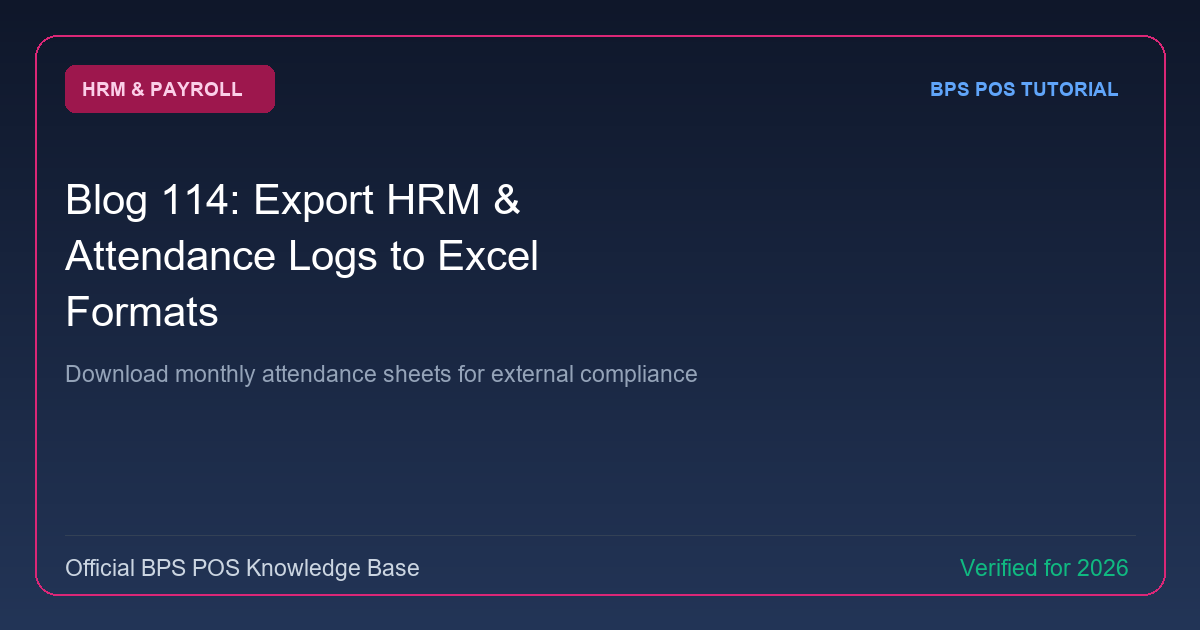
Accountants and labor inspectors often require raw monthly attendance and timesheet logs. BPS POS exports formatted Excel timesheets detailing daily check-in times, late minutes, leaves, and total monthly work hours.
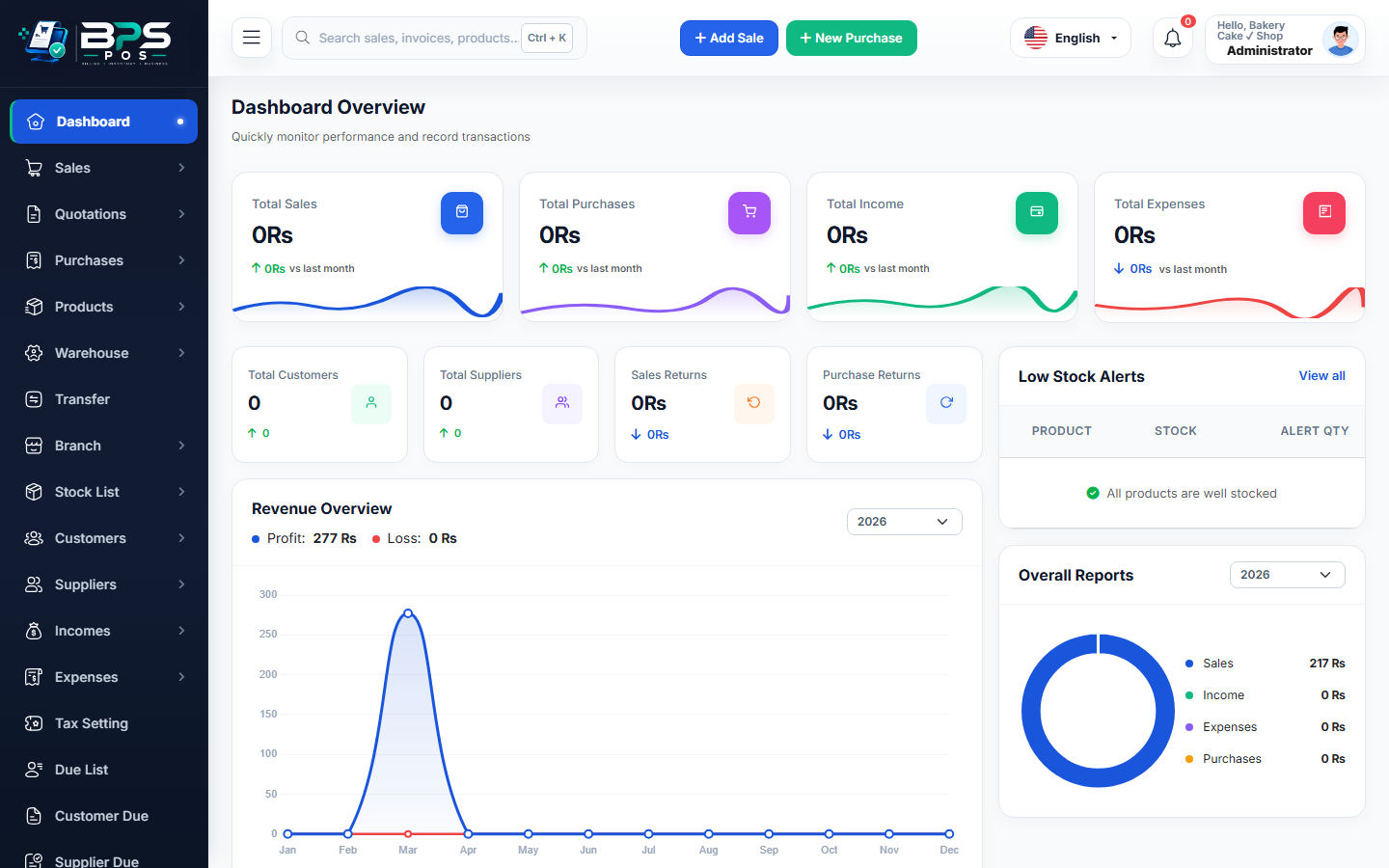
Figure: BPS POS Export HRM and Attendance Logs to Excel in BPS POS.
Exporting Attendance and Wage Sheets
Follow these step-by-step instructions inside your BPS POS dashboard to configure and operate this workflow seamlessly:
- Go to HRM → Daily Attendance → Monthly Matrix.
- Select Target Month and Branch.
- Click Export to Excel (.xlsx) in the top action menu.
- Review Spreadsheet: View employee names, 31 calendar day attendance codes (P, L, HD, A, OFF), Total Days Worked, and Late Counts.
- Deliver to Payroll / Accountant: Use data for external bookkeeping and statutory labor compliance.
BPS POS Pro Tip & Best Practice
Save monthly attendance spreadsheets in your corporate cloud archive for annual labor regulation inspections.
Why This Workflow Matters for Your Business
Lightning-Fast Operations
Eliminate cashier bottlenecks, reduce customer waiting times, and handle peak rush hours effortlessly.
100% Financial Accuracy
Automate tax math, stock deductions, and ledger balances to eliminate human calculation mistakes.
Frequently Asked Questions (FAQs)
Can I export biometric machine raw punch logs?
Yes, select "Raw Biometric Clock-in Log" to download every timestamp punch with device ID.
Ready to Upgrade Your Retail Billing?
Experience lightning-fast billing, automated stock tracking, and multi-branch control with BPS POS.
Explore Pricing Plans →