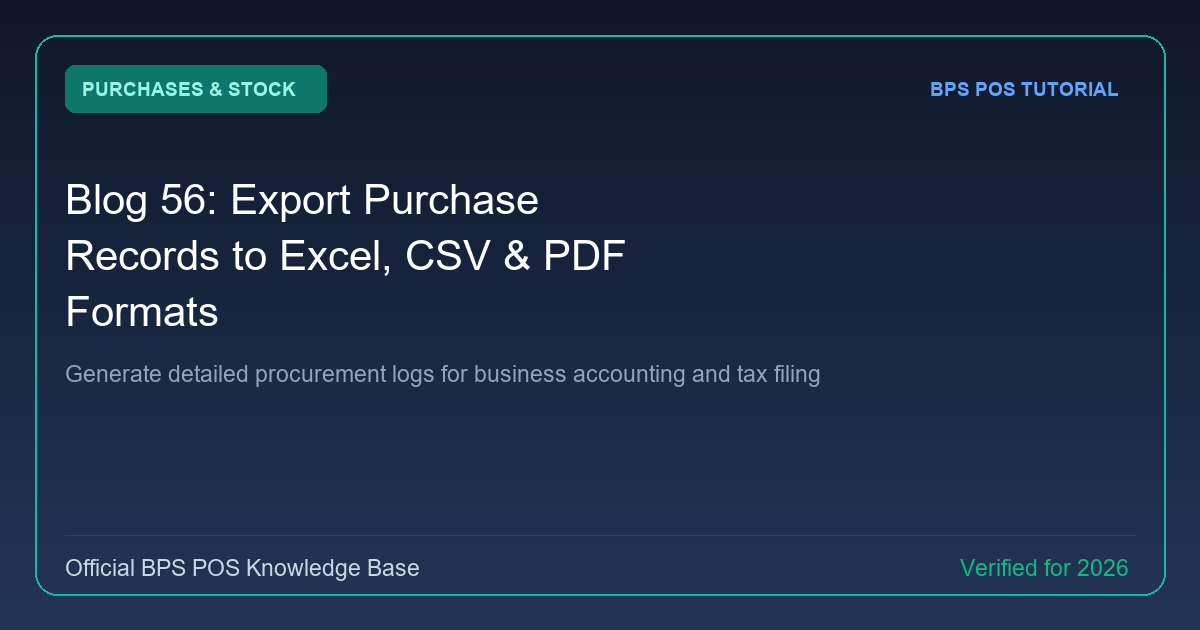
Tax authorities and external auditors require itemized procurement logs. BPS POS enables 1-click exports of all supplier invoices into formatted Excel sheets, raw CSV data, and printable PDF ledgers.
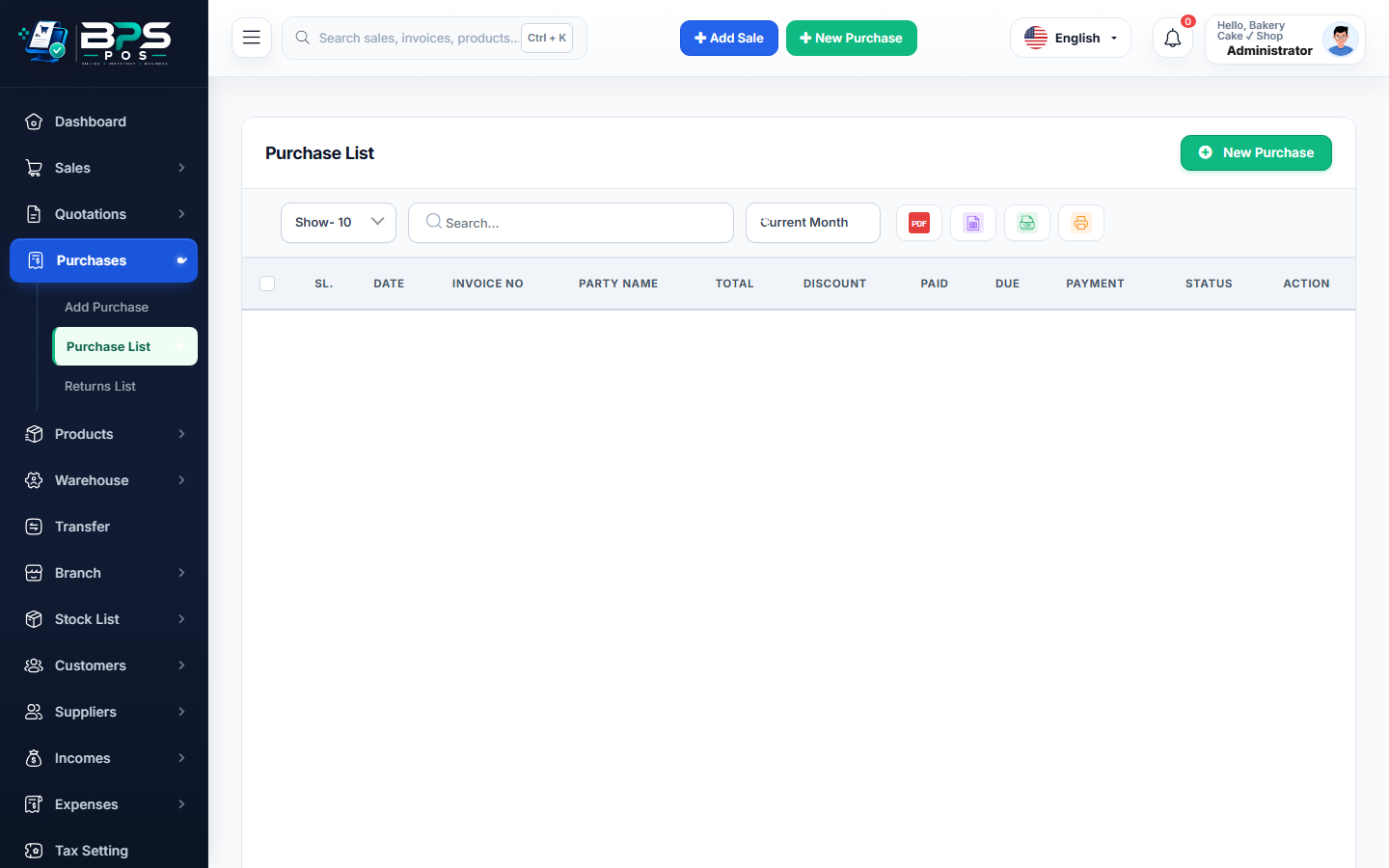
Figure: BPS POS Export Purchase Records in BPS POS.
Exporting Procurement Logs
Follow these step-by-step instructions inside your BPS POS dashboard to configure and operate this workflow seamlessly:
- Open Purchases → Purchases List.
- Set Date Range (e.g., Financial Year Q1 or Last Month).
- Click the Export button in the action toolbar.
- Choose your format: Excel (.xlsx), CSV, or PDF.
- Open the exported file to view Purchase Bill #, Vendor Name, NTN/Tax ID, Subtotal, Input VAT, Freight, and Grand Total.
BPS POS Pro Tip & Best Practice
Provide the exported Excel file directly to your tax consultant to prepare Input VAT claim adjustments in seconds.
Why This Workflow Matters for Your Business
Lightning-Fast Operations
Eliminate cashier bottlenecks, reduce customer waiting times, and handle peak rush hours effortlessly.
100% Financial Accuracy
Automate tax math, stock deductions, and ledger balances to eliminate human calculation mistakes.
Frequently Asked Questions (FAQs)
Does the export include item-level product line breakdown?
Yes, choose "Detailed Item Export" to include individual product quantities and unit costs in the spreadsheet.
Ready to Upgrade Your Retail Billing?
Experience lightning-fast billing, automated stock tracking, and multi-branch control with BPS POS.
Explore Pricing Plans →