Truck drivers transporting inventory between stores require physical delivery paperwork for security checkpoints and store handovers. BPS POS Transfer Challan Generator renders formatted PDF transfer invoices.
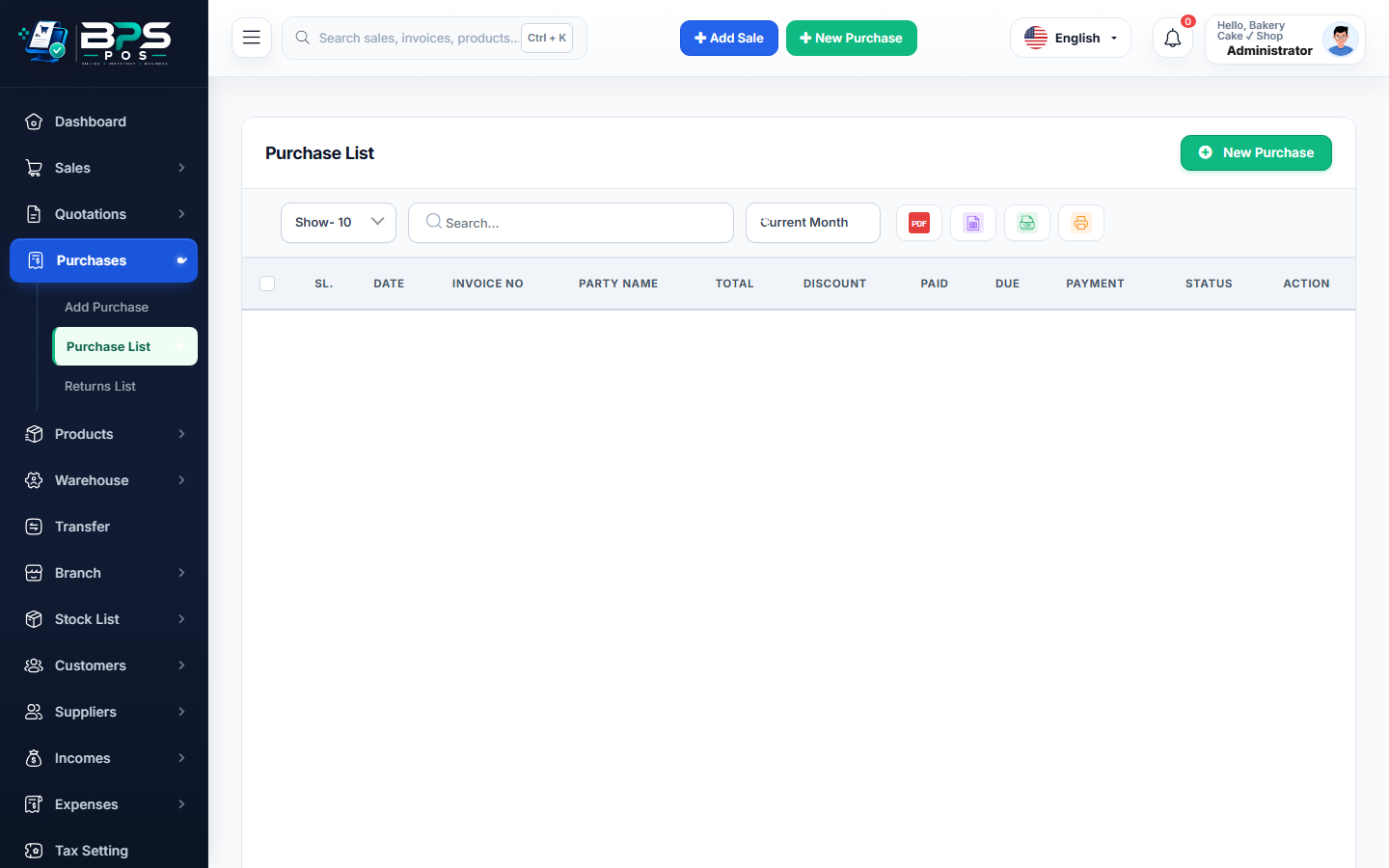
Figure: BPS POS Printable Inter-Branch Stock Transfer Challan PDF in BPS POS.
Printing Transfer Challan Documents
Follow these step-by-step instructions inside your BPS POS dashboard to configure and operate this workflow seamlessly:
- Go to Stock Transfers → Transfers List.
- Click on any transfer record and select Download / Print PDF.
- Inspect Formatted Document: Review Source Warehouse, Destination Outlet, Items List with Barcodes, Unit Counts, and Driver Info.
- Print 2 Copies: 1 copy for sending warehouse records, 1 copy for the driver to be signed by the receiving store manager.
- Digital Archiving: PDF copies remain permanently stored on the cloud for historical freight audits.
BPS POS Pro Tip & Best Practice
The PDF transfer slip includes scannable item barcodes, allowing the receiving branch to scan incoming boxes rapidly.
Why This Workflow Matters for Your Business
Lightning-Fast Operations
Eliminate cashier bottlenecks, reduce customer waiting times, and handle peak rush hours effortlessly.
100% Financial Accuracy
Automate tax math, stock deductions, and ledger balances to eliminate human calculation mistakes.
Frequently Asked Questions (FAQs)
Can I hide item cost prices on the driver's transfer challan?
Yes, select "Delivery Challan (Quantity Only)" to hide sensitive commercial unit cost prices from freight drivers.
Ready to Upgrade Your Retail Billing?
Experience lightning-fast billing, automated stock tracking, and multi-branch control with BPS POS.
Explore Pricing Plans →