
Labor is often a retail business’s largest operating expense. BPS POS HRM Reports Suite provides actionable analytics on total staff payroll expenditure, average attendance punctuality, and overtime cost distributions.
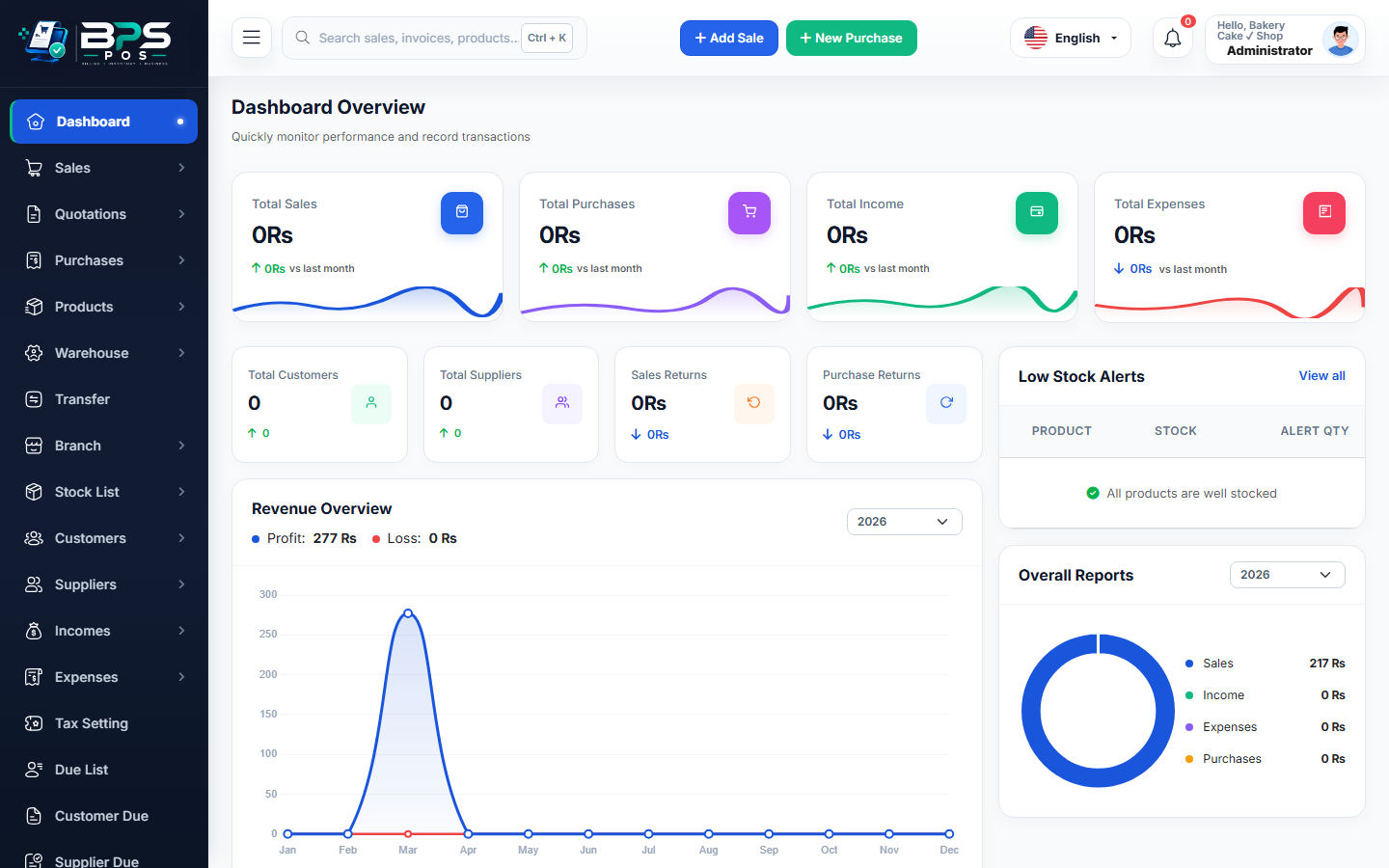
Figure: BPS POS Comprehensive HRM Attendance and Payroll Reports in BPS POS.
Generating HRM Reports
Follow these step-by-step instructions inside your BPS POS dashboard to configure and operate this workflow seamlessly:
- Go to Reports → HRM Reports.
- Select Report Category: Choose Monthly Attendance Summary, Leave Consumption Ledger, or Departmental Payroll Cost.
- Filter by Branch / Department: Compare staffing costs between Retail Counters and Kitchen operations.
- Analyze Overtime & Absenteeism: Identify departments suffering from high absent rates.
- Export to Excel / PDF: Download comprehensive attendance and wage registers for corporate board reviews.
BPS POS Pro Tip & Best Practice
Use departmental payroll reports to evaluate whether high staffing costs in a specific branch correlate with higher sales revenue.
Why This Workflow Matters for Your Business
Lightning-Fast Operations
Eliminate cashier bottlenecks, reduce customer waiting times, and handle peak rush hours effortlessly.
100% Financial Accuracy
Automate tax math, stock deductions, and ledger balances to eliminate human calculation mistakes.
Frequently Asked Questions (FAQs)
Can attendance reports show exact late-arrival minutes per employee?
Yes, the Punctuality Detail Report lists every late arrival timestamp and total late minutes.
Ready to Upgrade Your Retail Billing?
Experience lightning-fast billing, automated stock tracking, and multi-branch control with BPS POS.
Explore Pricing Plans →



