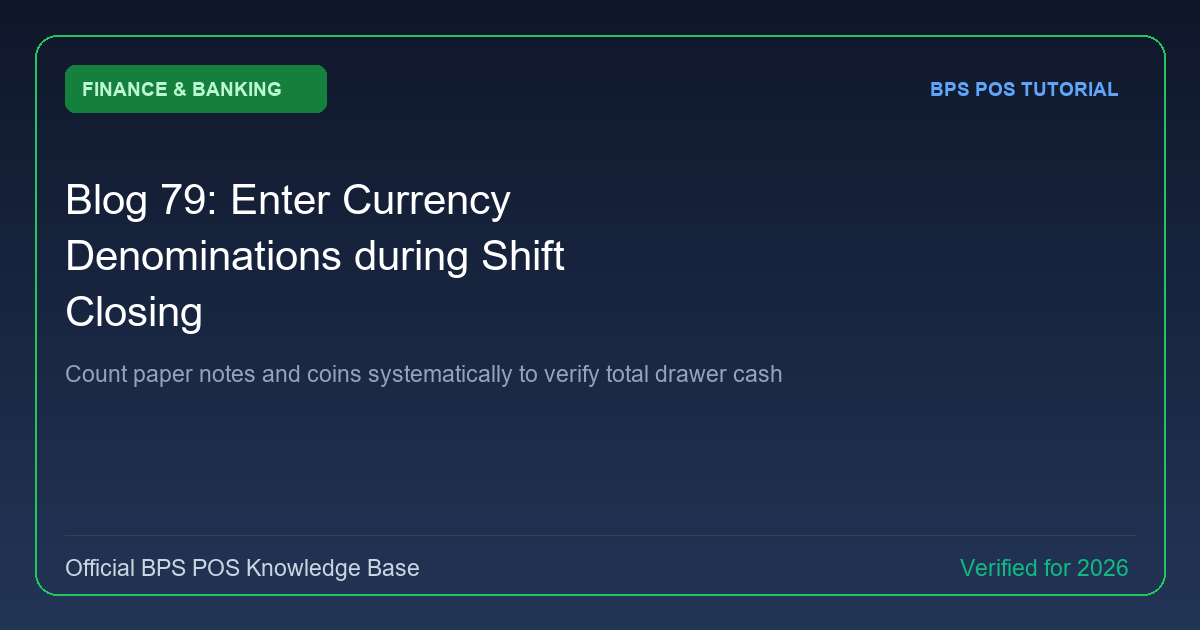
Adding up bundles of cash manually on a calculator frequently leads to mathematical errors. BPS POS Denomination Counter provides input rows for each bill and coin type ($5000, $1000, $500, $100, $50, etc.), auto-calculating grand totals.
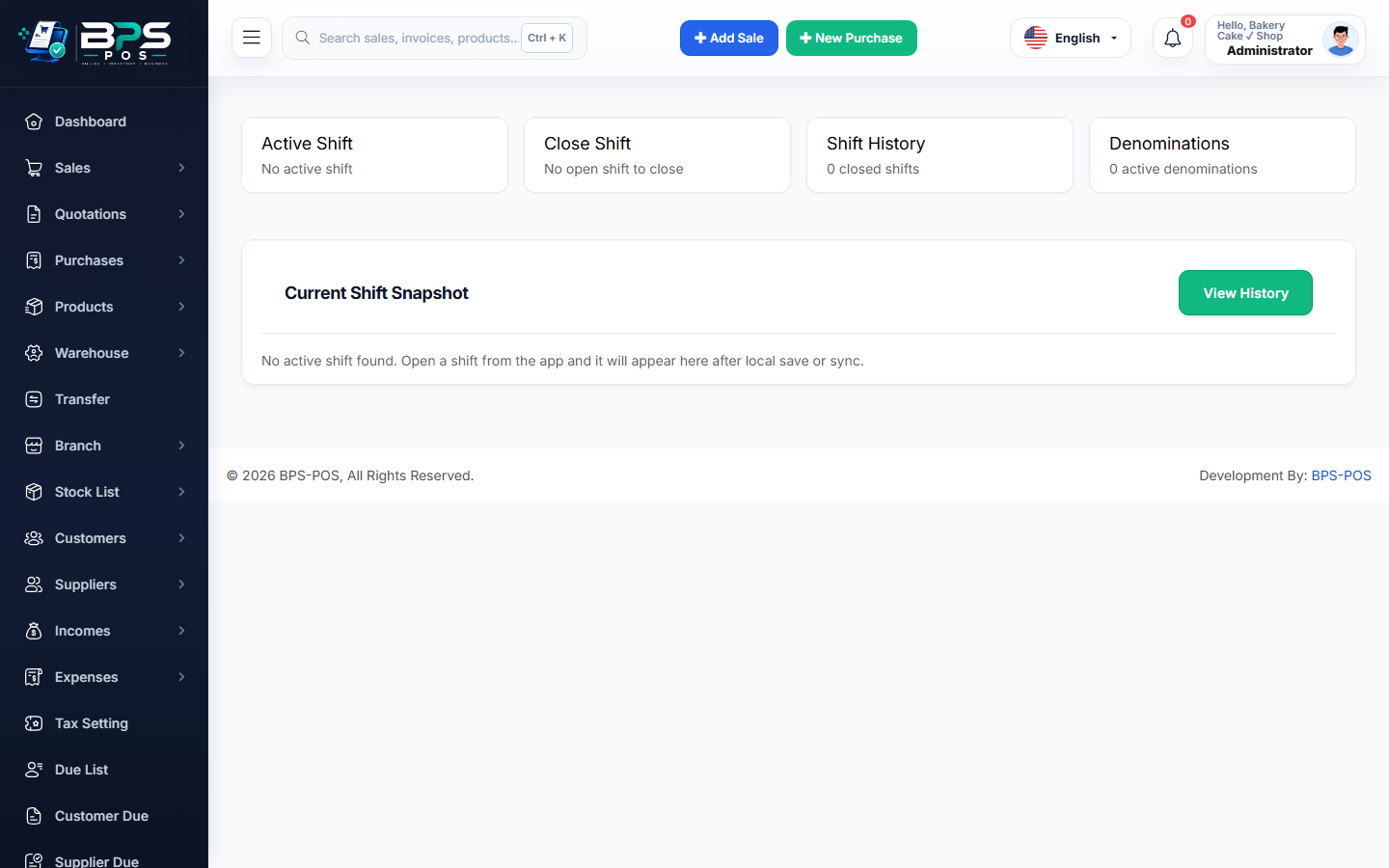
Figure: BPS POS Currency Denominations Notes and Coins Counter in BPS POS.
Using the Denomination Breakdown Tool
Follow these step-by-step instructions inside your BPS POS dashboard to configure and operate this workflow seamlessly:
- On the Close Shift screen, click Enter Denominations Breakdown.
- Input Note Counts: Enter count of each bill (e.g., 10 × $100 = $1,000 | 25 × $20 = $500).
- Input Coin Counts: Enter quantity of each coin type.
- Automatic Sum: BPS POS calculates the exact grand total automatically with zero calculator math.
- Transfer Total: Click "Apply Count" to populate the closing cash field with 100% verified accuracy.
BPS POS Pro Tip & Best Practice
The printed Z-Report prints the full denomination breakdown, providing concrete proof during cash-in-transit bank deposits.
Why This Workflow Matters for Your Business
Lightning-Fast Operations
Eliminate cashier bottlenecks, reduce customer waiting times, and handle peak rush hours effortlessly.
100% Financial Accuracy
Automate tax math, stock deductions, and ledger balances to eliminate human calculation mistakes.
Frequently Asked Questions (FAQs)
Can I customize the denomination list for my local national currency?
Yes, configure custom denomination values in <em>Settings → Currency Denominations</em>.
Ready to Upgrade Your Retail Billing?
Experience lightning-fast billing, automated stock tracking, and multi-branch control with BPS POS.
Explore Pricing Plans →