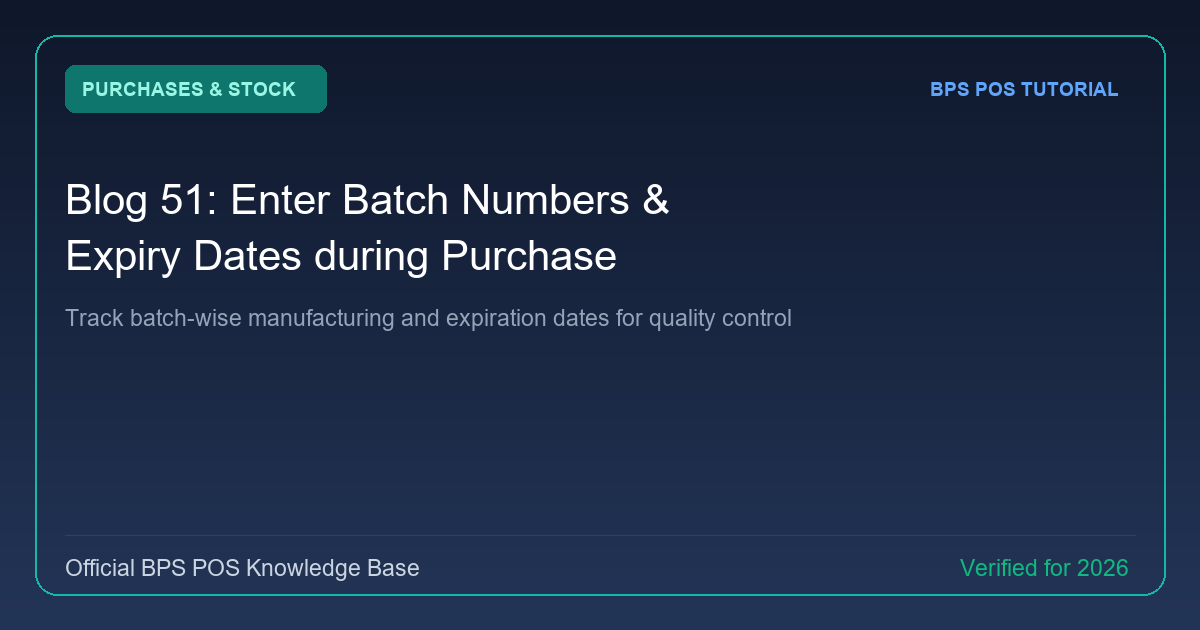
For pharmaceutical stores, cosmetics, and packaged food retailers, batch traceability is legally mandated. BPS POS enables line-by-line Batch Number and Expiry Date recording during supplier purchase inward.
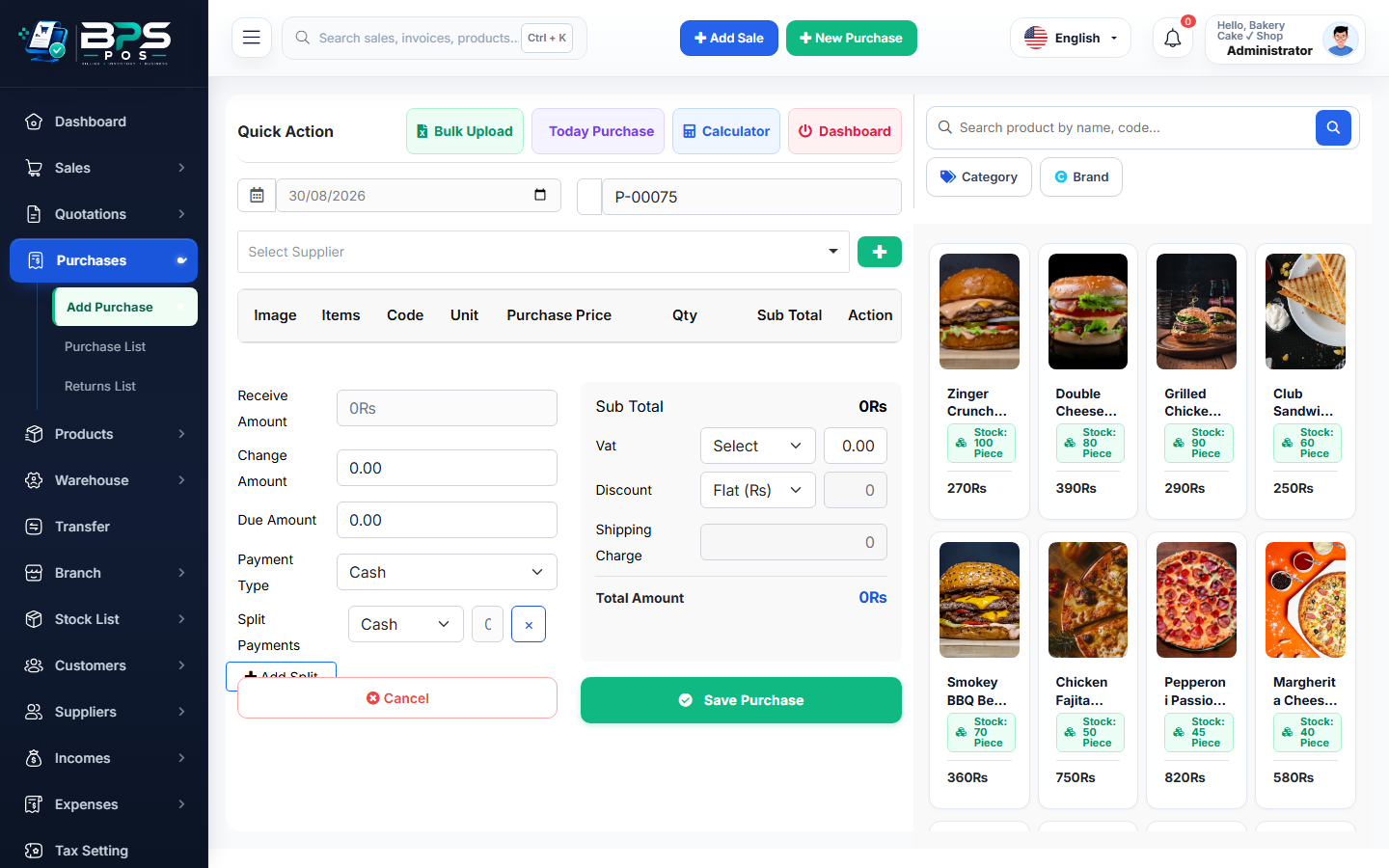
Figure: BPS POS Batch Number and Expiry Date Entry on Purchases in BPS POS.
Batch and Expiry Inward Workflow
Follow these step-by-step instructions inside your BPS POS dashboard to configure and operate this workflow seamlessly:
- Open Purchases → Add Purchase.
- Add Perishable / Pharma Item: When selecting a batch-enabled item, the "Batch & Expiry" sub-columns activate.
- Input Batch / Lot Number: Type the printed manufacturer batch code (e.g., BATCH-2026-X8).
- Select Expiry Date: Use the calendar picker to set Month and Year of product expiration.
- Save Purchase: The batch is indexed in inventory; cashiers will sell stock based on FIFO (First-In, First-Out) or FEFO (First-Expire, First-Out).
BPS POS Pro Tip & Best Practice
Receiving shipments with multiple batches of the same product? Click (+ Add Batch Row) to split line quantities across multiple batch codes.
Why This Workflow Matters for Your Business
Lightning-Fast Operations
Eliminate cashier bottlenecks, reduce customer waiting times, and handle peak rush hours effortlessly.
100% Financial Accuracy
Automate tax math, stock deductions, and ledger balances to eliminate human calculation mistakes.
Frequently Asked Questions (FAQs)
Can BPS POS alert me before accepting near-expiry goods from vendors?
Yes, if you enter an expiry date within 60 days, a warning badge alerts procurement staff before confirming entry.
Ready to Upgrade Your Retail Billing?
Experience lightning-fast billing, automated stock tracking, and multi-branch control with BPS POS.
Explore Pricing Plans →