Every printed receipt is a branded customer touchpoint. BPS POS Receipt Layout Designer lets you customize store logos, company tax numbers, return policies, social media handles, and thank-you notes.
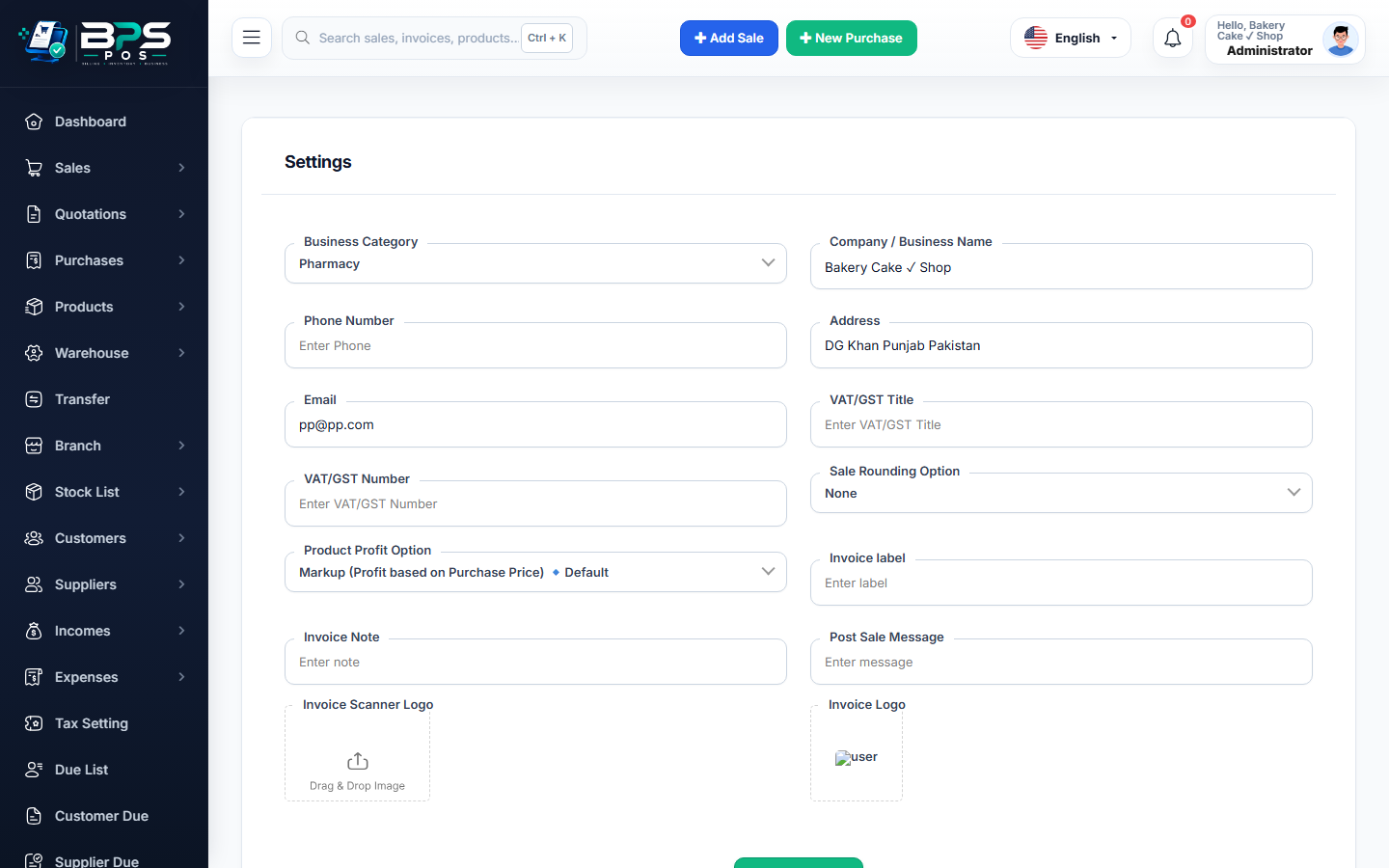
Figure: BPS POS Receipt Layout Designer and Header Footer Customization in BPS POS.
Customizing Receipt Typography and Content
Follow these step-by-step instructions inside your BPS POS dashboard to configure and operate this workflow seamlessly:
- Go to Settings → Receipt Settings.
- Header Branding: Upload monochrome high-contrast Logo, Business Slogan, Tax/NTN Registration Number, and Store Address.
- Body Columns: Toggle visible columns (Show/Hide Barcode, Product Model, Serial Number, Discount Breakdown, Subtotal).
- Footer Policy Notes: Input custom return policy text (e.g. "Items eligible for exchange within 7 days with original receipt").
- Add Social Handles & QR Code: Add Instagram/Facebook handles and dynamic invoice QR code for website visits.
- Preview & Test Print: Send a test print to your thermal printer to verify contrast and alignment.
BPS POS Pro Tip & Best Practice
Add a promotional discount coupon code in the receipt footer (e.g. "Get 10% off next visit with code RETURN10") to drive repeat visits.
Why This Workflow Matters for Your Business
Lightning-Fast Operations
Eliminate cashier bottlenecks, reduce customer waiting times, and handle peak rush hours effortlessly.
100% Financial Accuracy
Automate tax math, stock deductions, and ledger balances to eliminate human calculation mistakes.
Frequently Asked Questions (FAQs)
Can different branches have different receipt headers and phone numbers?
Yes, location-specific receipt profiles can be overridden per individual branch outlet.
Ready to Upgrade Your Retail Billing?
Experience lightning-fast billing, automated stock tracking, and multi-branch control with BPS POS.
Explore Pricing Plans →