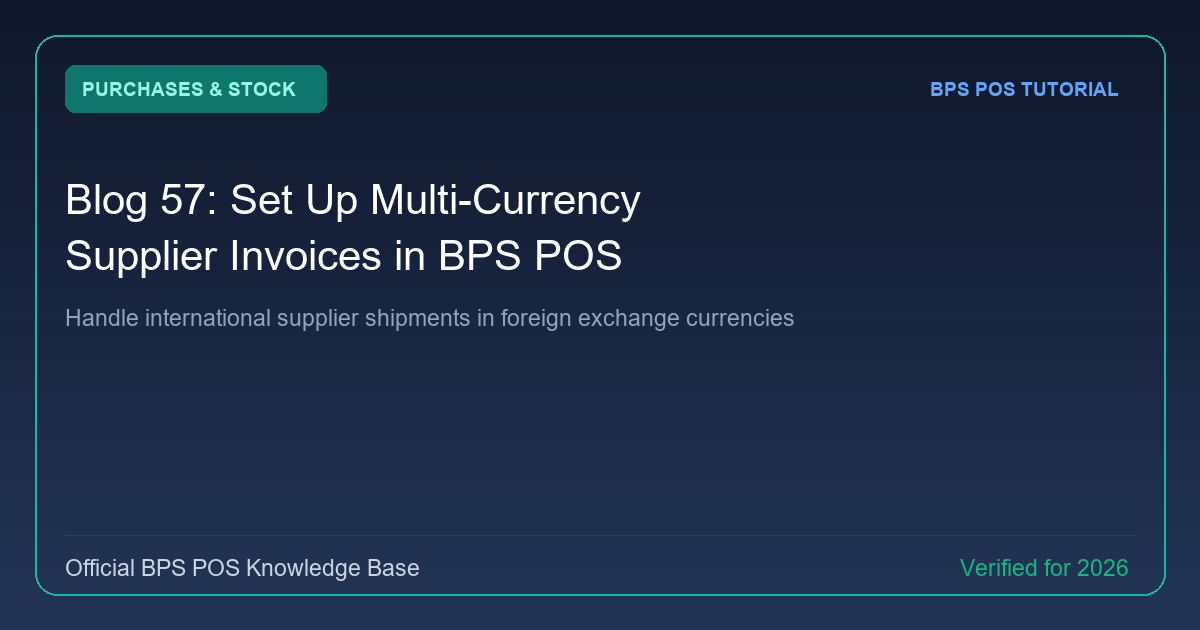
Importing stock from China, Dubai, or Europe requires recording purchases in foreign currencies. BPS POS Multi-Currency Engine lets you record supplier invoices in USD, EUR, RMB, AED, etc., while converting to base currency for inventory costing.
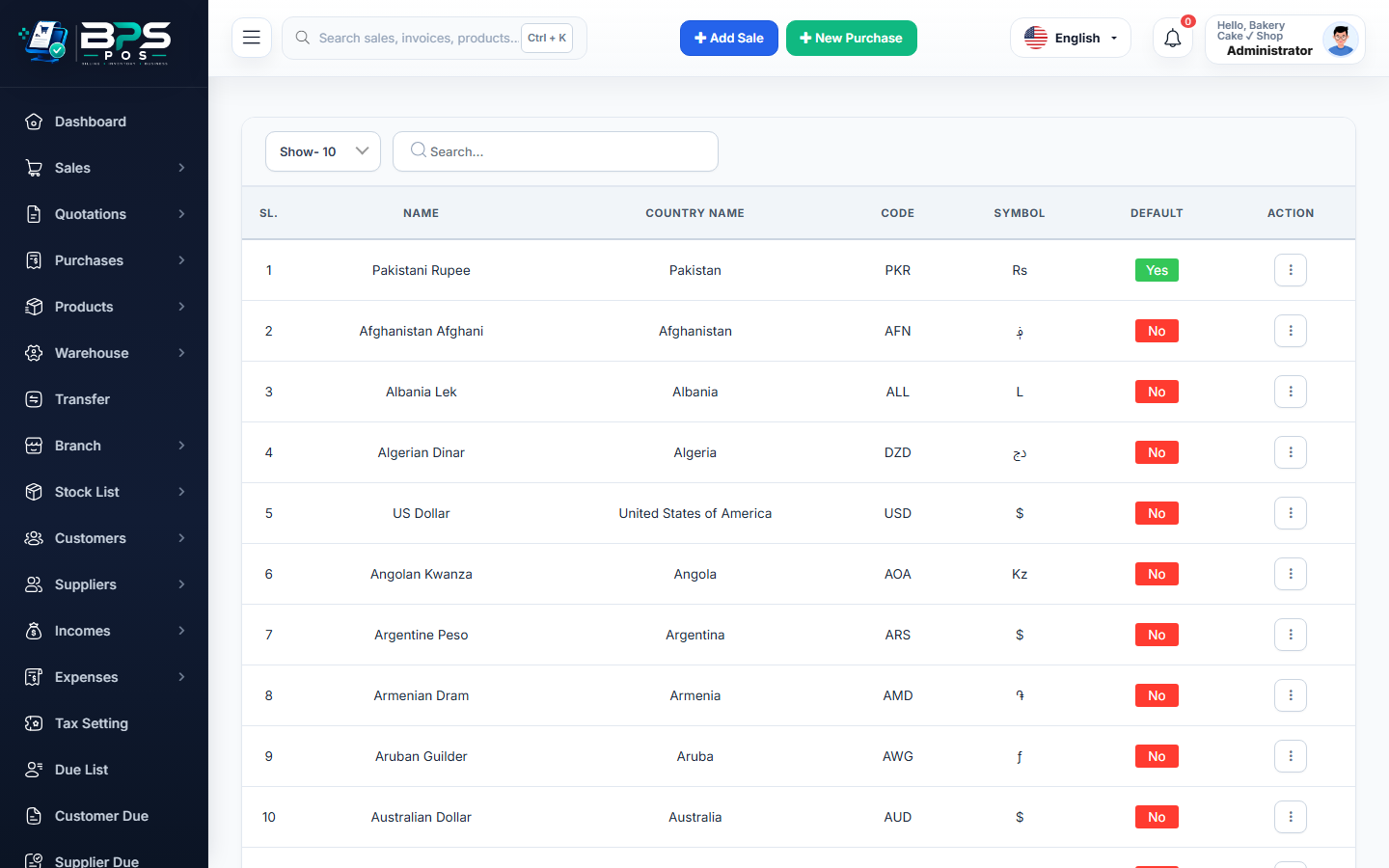
Figure: BPS POS Multi-Currency Supplier Invoicing in BPS POS.
Recording Foreign Currency Purchases
Follow these step-by-step instructions inside your BPS POS dashboard to configure and operate this workflow seamlessly:
- Configure Currencies: Go to Currencies and set current exchange rates for USD, EUR, etc.
- Create Purchase: On the purchase form, select the Supplier and switch Currency to USD ($).
- Enter Foreign Amounts: Input unit costs in USD (e.g., $15.00/unit).
- Set Exchange Rate: Confirm the conversion rate on date of import.
- Automatic Base Ledger: BPS POS records inventory asset valuation in local currency while tracking vendor payables in foreign USD.
BPS POS Pro Tip & Best Practice
Track Foreign Exchange Gain/Loss in Reports when currency rates shift between the invoice date and final payment clearance date.
Why This Workflow Matters for Your Business
Lightning-Fast Operations
Eliminate cashier bottlenecks, reduce customer waiting times, and handle peak rush hours effortlessly.
100% Financial Accuracy
Automate tax math, stock deductions, and ledger balances to eliminate human calculation mistakes.
Frequently Asked Questions (FAQs)
Can I pay a foreign supplier from a multi-currency foreign bank account?
Yes, select your USD or EUR bank account when recording the settlement payment.
Ready to Upgrade Your Retail Billing?
Experience lightning-fast billing, automated stock tracking, and multi-branch control with BPS POS.
Explore Pricing Plans →