When a credit customer comes into your store to pay off their debt, recording the payment cleanly is vital. BPS POS Due Collection records cash, card, or bank transfers and issues an official stamped payment receipt.
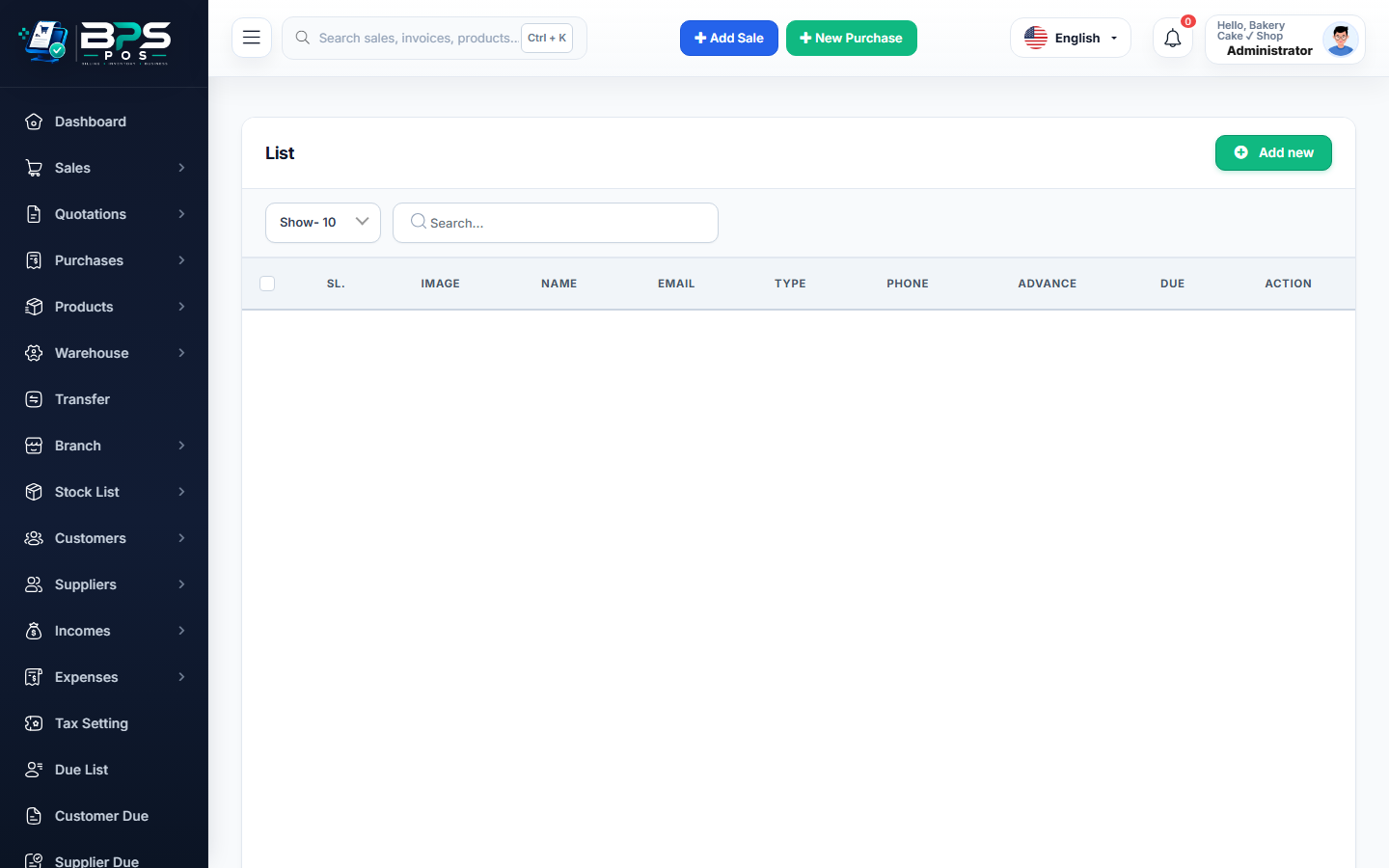
Figure: BPS POS Collect Customer Due and Payment Voucher Receipt in BPS POS.
Collecting Customer Dues Step-by-Step
Follow these step-by-step instructions inside your BPS POS dashboard to configure and operate this workflow seamlessly:
- Go to Sales → Dues or click "Collect Due" from the customer profile.
- Enter Amount Received: Input the payment amount (partial or full balance payoff).
- Select Receiving Account: Choose Cash Drawer, Bank Account, or Cheque.
- Add Note / Reference: Enter payment memo (e.g., "Installment 1 of 3").
- Submit & Print Voucher: Customer ledger balance reduces instantly, cash drawer updates, and a Due Payment Receipt prints.
BPS POS Pro Tip & Best Practice
Due collections made in cash are automatically logged into the cashier's active shift register as a "Cash In" transaction.
Why This Workflow Matters for Your Business
Lightning-Fast Operations
Eliminate cashier bottlenecks, reduce customer waiting times, and handle peak rush hours effortlessly.
100% Financial Accuracy
Automate tax math, stock deductions, and ledger balances to eliminate human calculation mistakes.
Frequently Asked Questions (FAQs)
Can I allocate a payment to a specific historical invoice?
Yes, choose between "Auto FIFO Allocation" or manually tick the exact invoices being settled.
Ready to Upgrade Your Retail Billing?
Experience lightning-fast billing, automated stock tracking, and multi-branch control with BPS POS.
Explore Pricing Plans →