Variable Products Matrix
Sell products that come in different Sizes (S, M, L, XL), Colors (Red, Blue, Black), or Flavors? BPS POS Variations let you create a single master product that branches into multiple distinct SKUs, each with its own purchase price, sale price, barcode, and real-time inventory count.
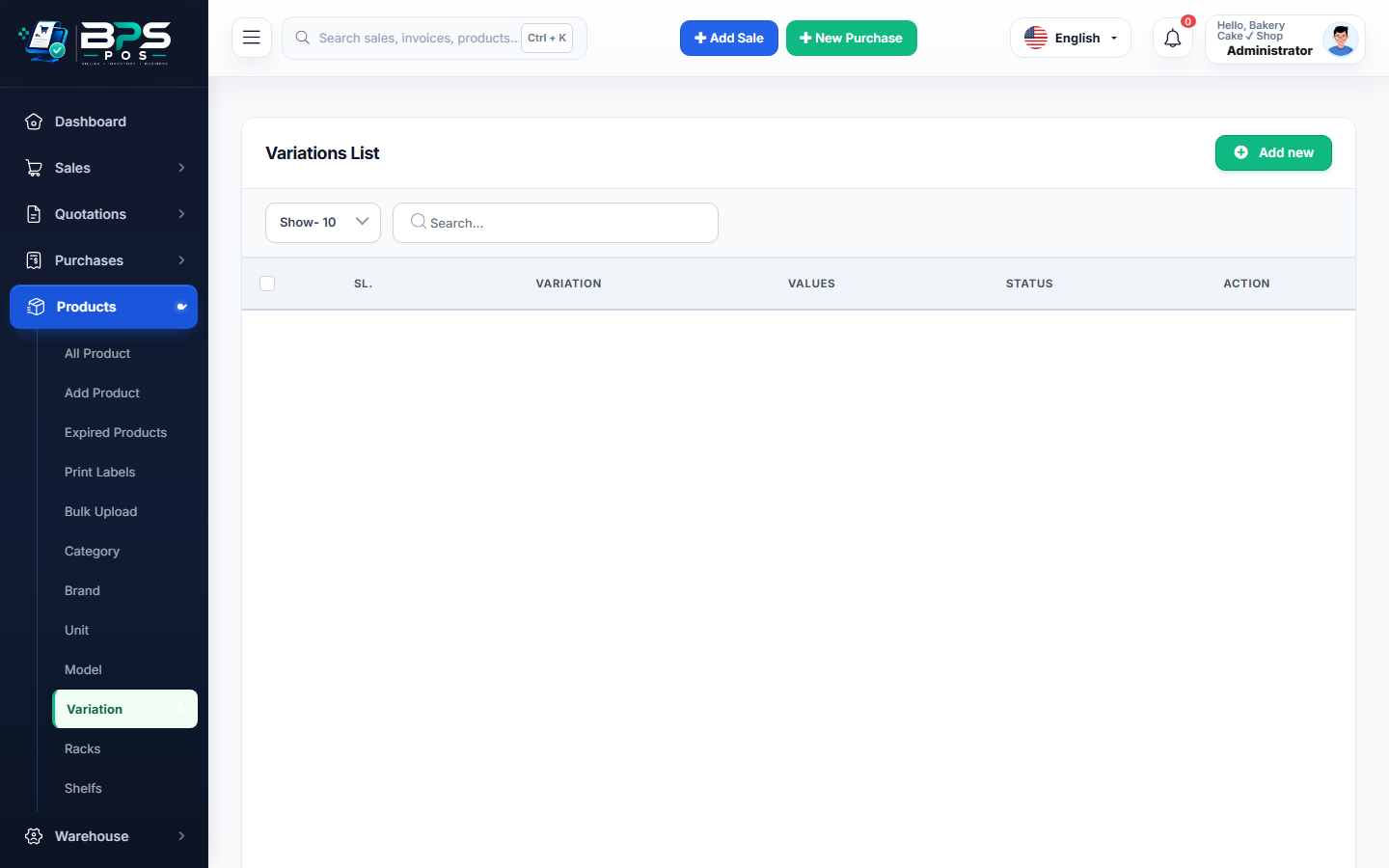
Figure 1: BPS POS Variations and Attribute values portal.
How to Set Up Variations
- Navigate to Products → Variation.
- Create an attribute (e.g. Size) and define values (Small, Medium, Large, Extra Large).
- When creating a product, select Variable Product to automatically generate the variation pricing and barcode table.