Managing staff time-off without tracking leave quotas leads to retail floor shortages. BPS POS Leave Management defines Annual, Casual, and Sick leave quotas per year and provides a managerial approval workflow.
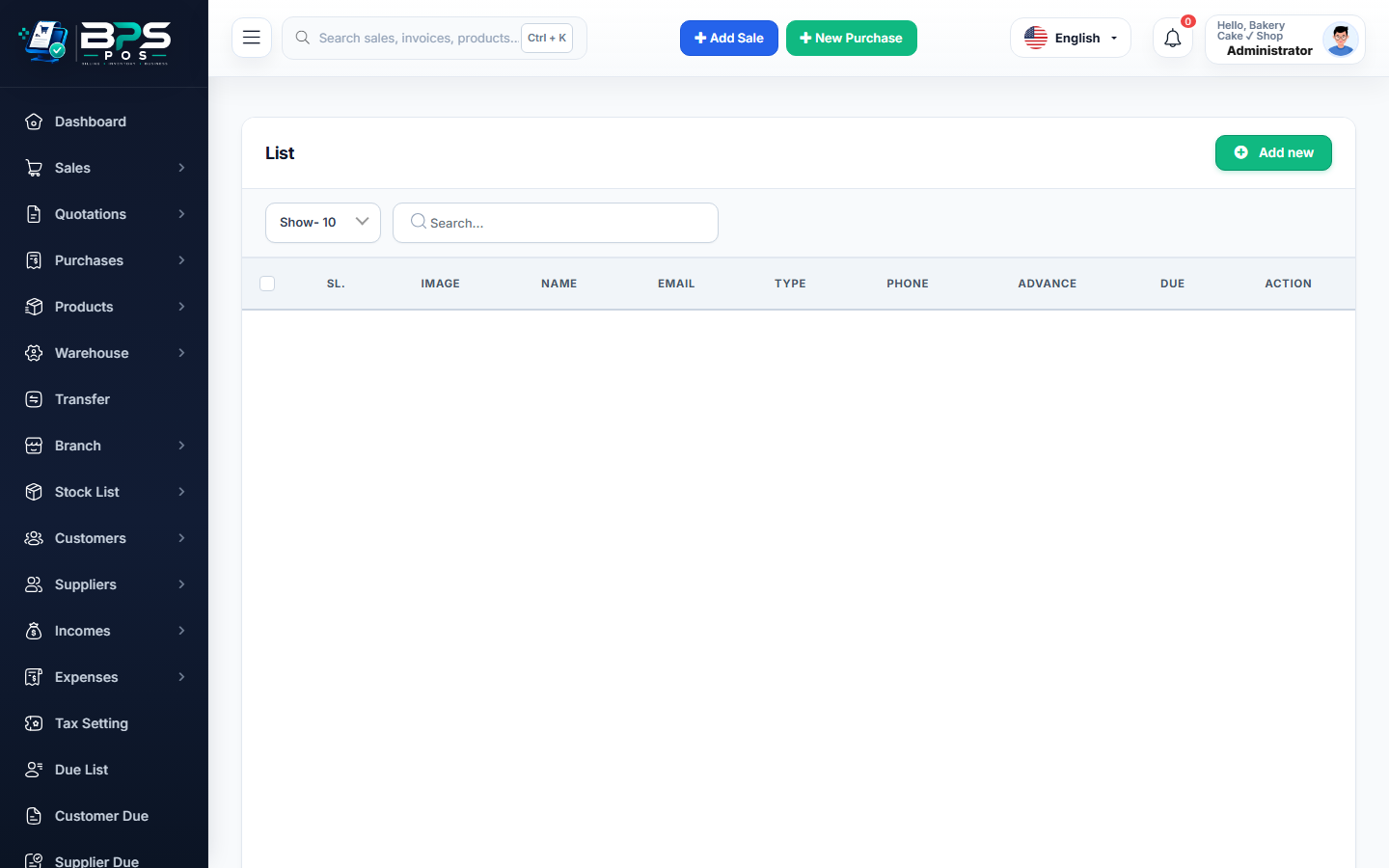
Figure: BPS POS Employee Leave Types and Approval Workflow in BPS POS.
Configuring and Approving Leaves
Follow these step-by-step instructions inside your BPS POS dashboard to configure and operate this workflow seamlessly:
- Create Leave Quotas: Go to HRM → Leave Types (e.g. Annual Paid: 14 Days | Casual: 10 Days | Sick: 8 Days).
- Submit Application: Staff submit leave requests with start date, end date, and reason.
- Manager Review: Floor managers receive notifications on HRM → Leave Requests.
- Approve or Reject: Click Approve (Paid), Approve (Unpaid), or Reject with reason notes.
- Auto Calendar Sync: Approved leaves mark attendance sheets automatically with "On Leave (L)" status.
BPS POS Pro Tip & Best Practice
BPS POS automatically prevents leave approvals if the employee has exhausted their annual paid leave quota.
Why This Workflow Matters for Your Business
Lightning-Fast Operations
Eliminate cashier bottlenecks, reduce customer waiting times, and handle peak rush hours effortlessly.
100% Financial Accuracy
Automate tax math, stock deductions, and ledger balances to eliminate human calculation mistakes.
Frequently Asked Questions (FAQs)
Can unused annual leave balance roll over into next year?
You can configure "Leave Carry Forward" rules in HRM Settings.
Ready to Upgrade Your Retail Billing?
Experience lightning-fast billing, automated stock tracking, and multi-branch control with BPS POS.
Explore Pricing Plans →