Providing employees with itemized payslips builds trust and transparency. BPS POS Payslip Generator prints formal full-page A4 PDF salary vouchers or compact 80mm thermal payslips for quick counter cash disbursements.
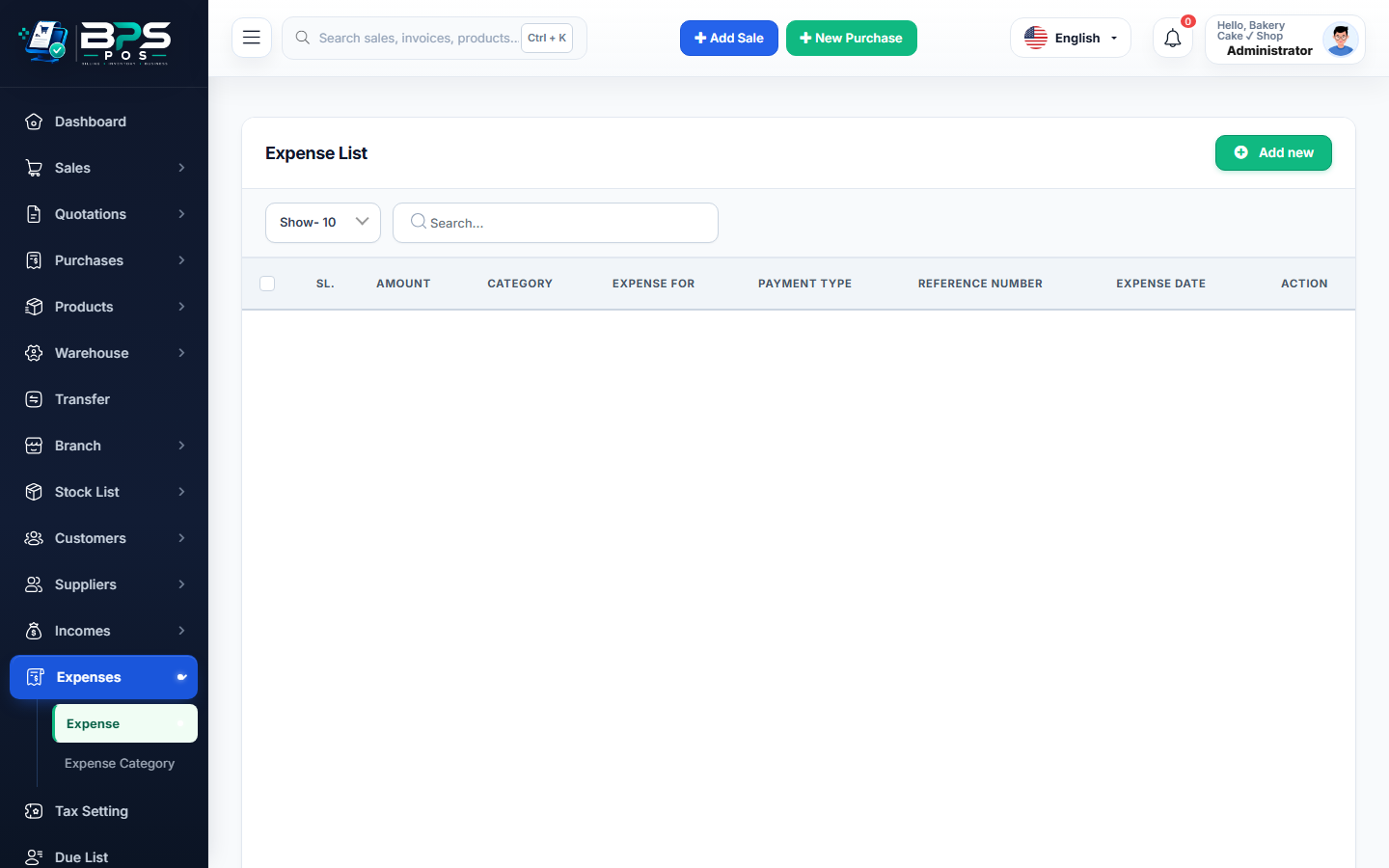
Figure: BPS POS Printable Employee Monthly Salary Slip Format in BPS POS.
Generating and Printing Salary Slips
Follow these step-by-step instructions inside your BPS POS dashboard to configure and operate this workflow seamlessly:
- Go to HRM → Payroll → Processed Pay runs.
- Select Target Month and Employee.
- Click Print Payslip.
- Choose Format: A4 Formal PDF (includes company letterhead, tax breakdowns, and bank remittance reference) or Thermal Slip.
- Print & Handover: Obtain employee acknowledgment signature upon cash/cheque handover.
BPS POS Pro Tip & Best Practice
Click "Email All Payslips" to automatically email encrypted PDF salary slips to all employees with registered email addresses.
Why This Workflow Matters for Your Business
Lightning-Fast Operations
Eliminate cashier bottlenecks, reduce customer waiting times, and handle peak rush hours effortlessly.
100% Financial Accuracy
Automate tax math, stock deductions, and ledger balances to eliminate human calculation mistakes.
Frequently Asked Questions (FAQs)
Does the payslip show attendance day counts (Present, Absent, Leaves)?
Yes! The header explicitly details Working Days, Present Days, Paid Leaves, and Unpaid Absents.
Ready to Upgrade Your Retail Billing?
Experience lightning-fast billing, automated stock tracking, and multi-branch control with BPS POS.
Explore Pricing Plans →