Model Specifications
For businesses dealing in electronics, mobile phones, computer hardware, or automotive spare parts, Product Models allow exact model number indexing (e.g. iPhone 15 Pro, Dell Latitude 5420, Honda Civic 2024 Brake Pad) to ensure customers receive the exact compatible item.
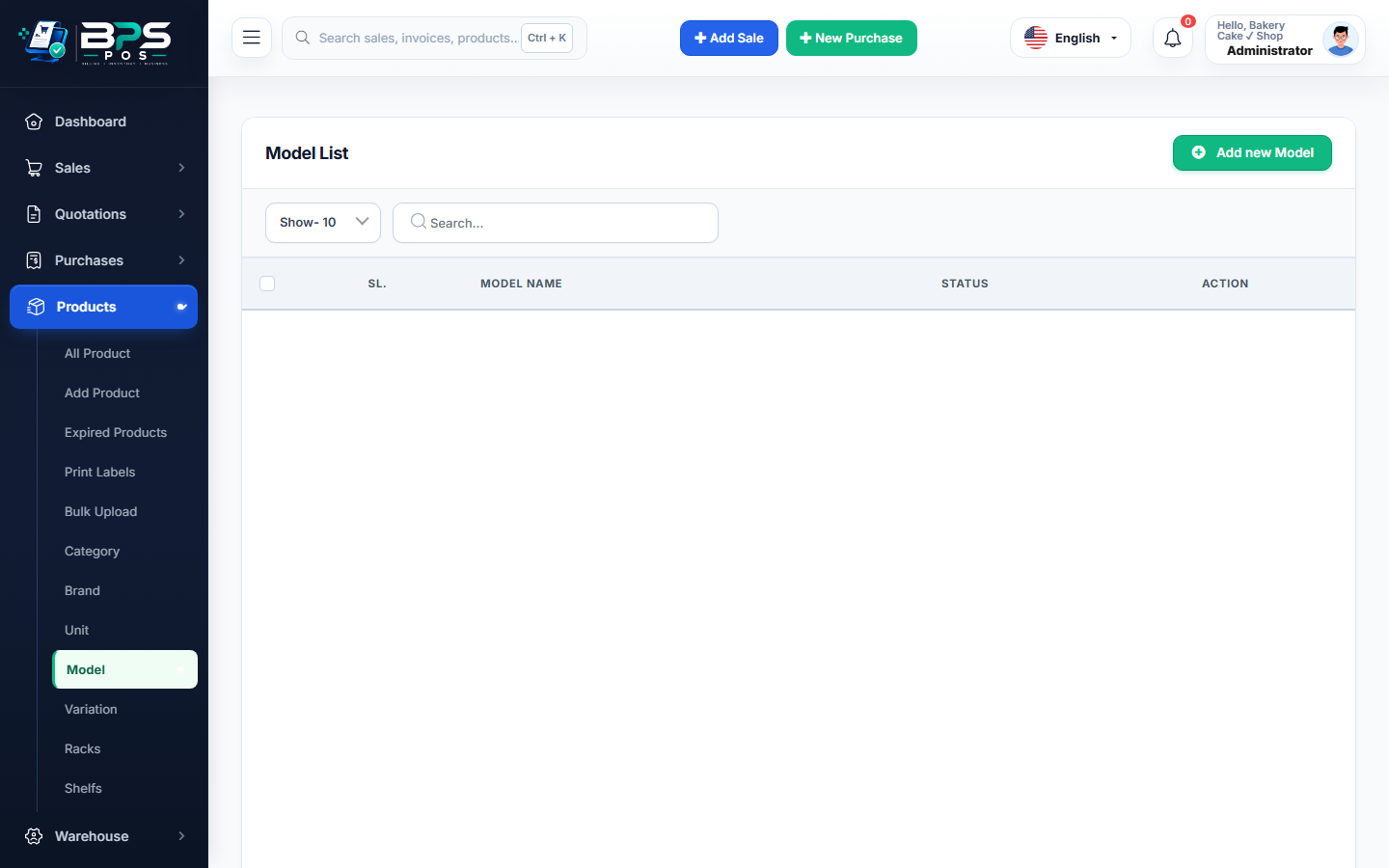
Figure 1: BPS POS Product Models configuration list.
Setting Up Models
- Go to Products → Model.
- Click Add Model, enter Model Name/Number and description.
- Select this model when cataloging new electronics or hardware items.