Closing the cash register properly at shift end prevents theft and bookkeeping errors. BPS POS Shift Closing aggregates all payment channels, computes sales totals, prints a formal Z-Report, and locks the register.
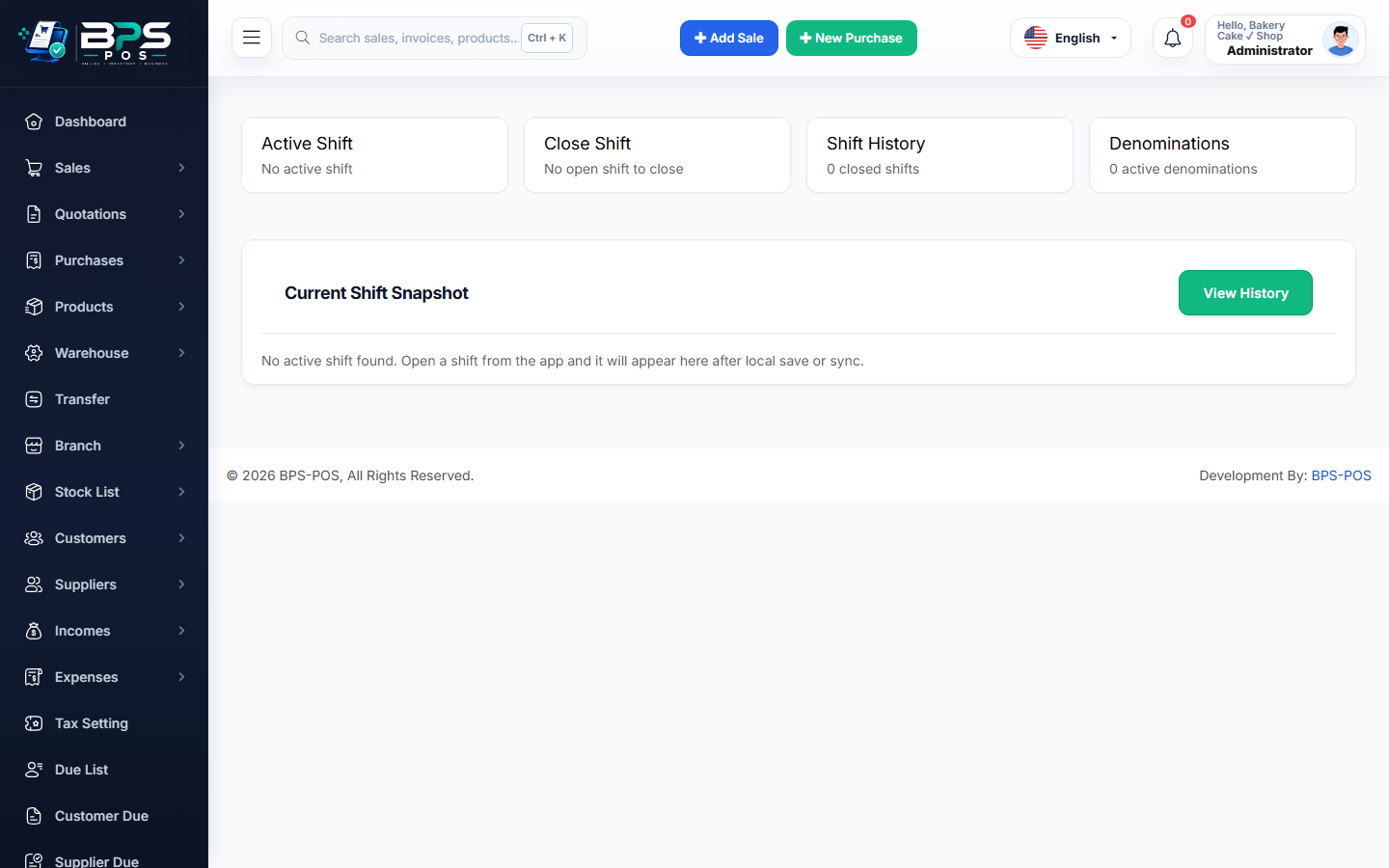
Figure: BPS POS Shift Closing and End of Day Handover Screen in BPS POS.
End-of-Day Shift Closing Procedure
Follow these step-by-step instructions inside your BPS POS dashboard to configure and operate this workflow seamlessly:
- Initiate Shift Closing: Click the register icon on the POS header or go to Finance → Cash Register → Close Shift.
- Count Physical Cash: Count all paper currency and coins currently sitting inside the metal cash drawer.
- Input Total Counted Cash: Enter the counted figure into the "Closing Cash Amount" field.
- Review Non-Cash Totals: Verify Card swipes, Bank transfers, and Digital Wallet totals against POS card terminal batch slips.
- Submit & Print Z-Report: BPS POS locks the shift and prints a comprehensive Shift Summary Receipt for managerial signing.
BPS POS Pro Tip & Best Practice
Require both the closing cashier and supervising manager to sign the printed physical Z-Report slip before placing cash into the safe.
Why This Workflow Matters for Your Business
Lightning-Fast Operations
Eliminate cashier bottlenecks, reduce customer waiting times, and handle peak rush hours effortlessly.
100% Financial Accuracy
Automate tax math, stock deductions, and ledger balances to eliminate human calculation mistakes.
Frequently Asked Questions (FAQs)
Can a closed shift be re-opened if an error was made?
Only Super Admins can re-open or adjust closed shift records in the historical audit ledger.
Ready to Upgrade Your Retail Billing?
Experience lightning-fast billing, automated stock tracking, and multi-branch control with BPS POS.
Explore Pricing Plans →