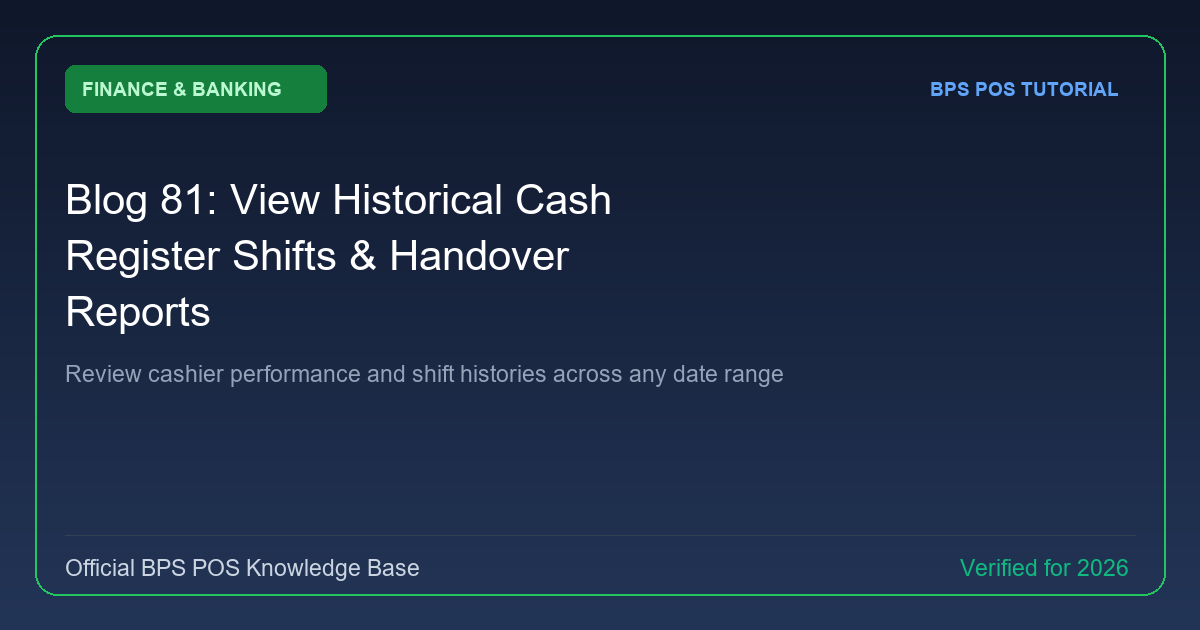
Historical shift records provide an unassailable financial audit log. BPS POS Cash Register Shift Archive stores every shift session with timestamps, cashier IDs, total sales, expenses, and discrepancy figures.
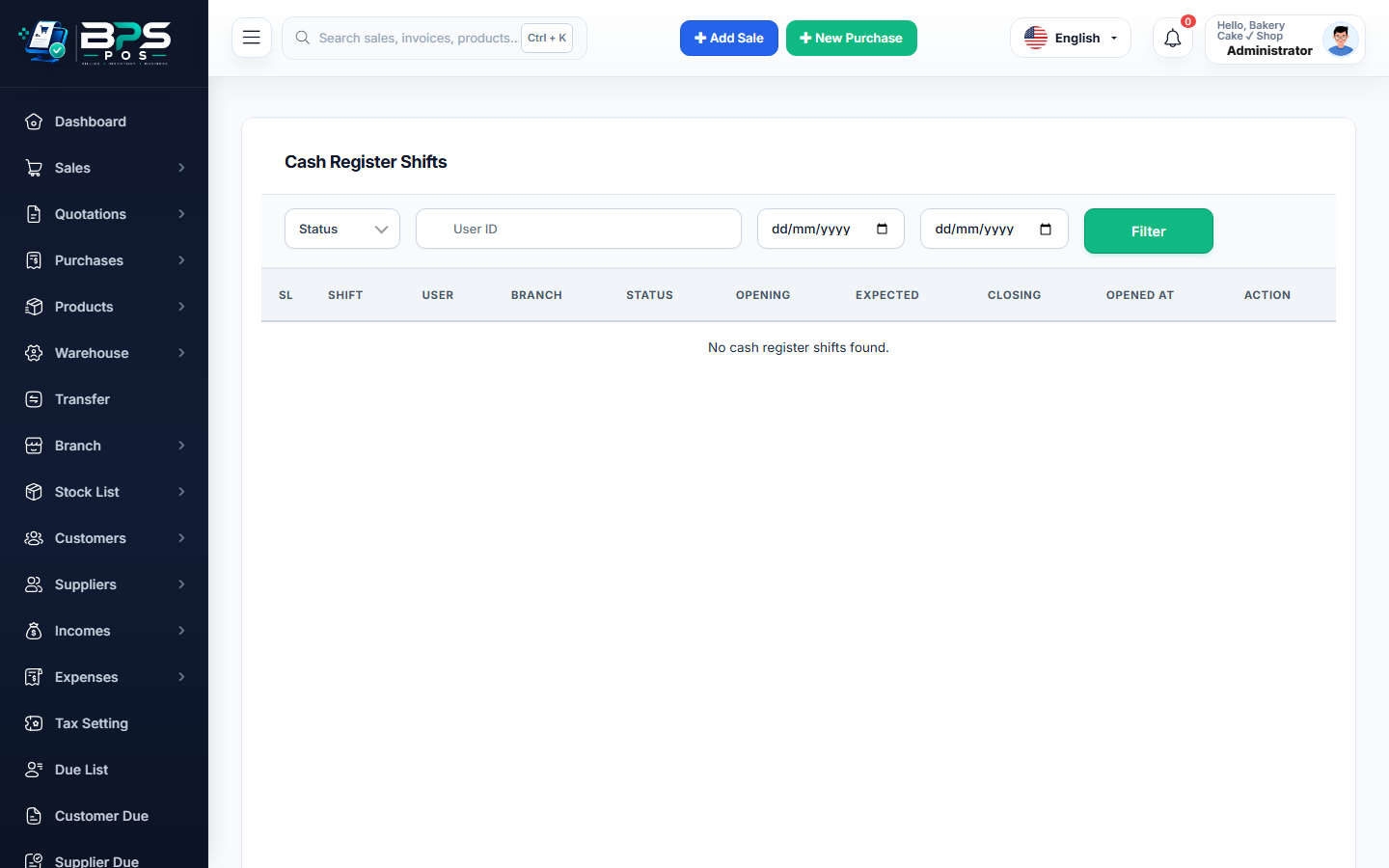
Figure: BPS POS Historical Cash Register Shifts List in BPS POS.
Accessing Historical Shift Archives
Follow these step-by-step instructions inside your BPS POS dashboard to configure and operate this workflow seamlessly:
- Go to Finance → Cash Register Shifts.
- Filter by Date & Cashier: Choose specific days or select an individual staff member.
- Review Summary Metrics: Compare Opening Cash, Total Net Sales, Card Collections, Closing Cash, and Discrepancies.
- Click "View Details": Inspect the minute-by-minute transaction log for that specific shift session.
- Reprint Z-Report: Download or reprint the original shift closing slip anytime.
BPS POS Pro Tip & Best Practice
Export historical shift data to Excel at the end of each month to audit counter efficiency across morning vs evening shifts.
Why This Workflow Matters for Your Business
Lightning-Fast Operations
Eliminate cashier bottlenecks, reduce customer waiting times, and handle peak rush hours effortlessly.
100% Financial Accuracy
Automate tax math, stock deductions, and ledger balances to eliminate human calculation mistakes.
Frequently Asked Questions (FAQs)
How long are historical shift records preserved in BPS POS?
Indefinitely! Shift records remain permanently archived for historical accounting and tax audits.
Ready to Upgrade Your Retail Billing?
Experience lightning-fast billing, automated stock tracking, and multi-branch control with BPS POS.
Explore Pricing Plans →