Mass Catalog Migration
Migrating from an old software or setting up a store with 5,000+ items? BPS POS Bulk Upload lets you import entire catalogs in seconds via a pre-formatted Excel or CSV spreadsheet.
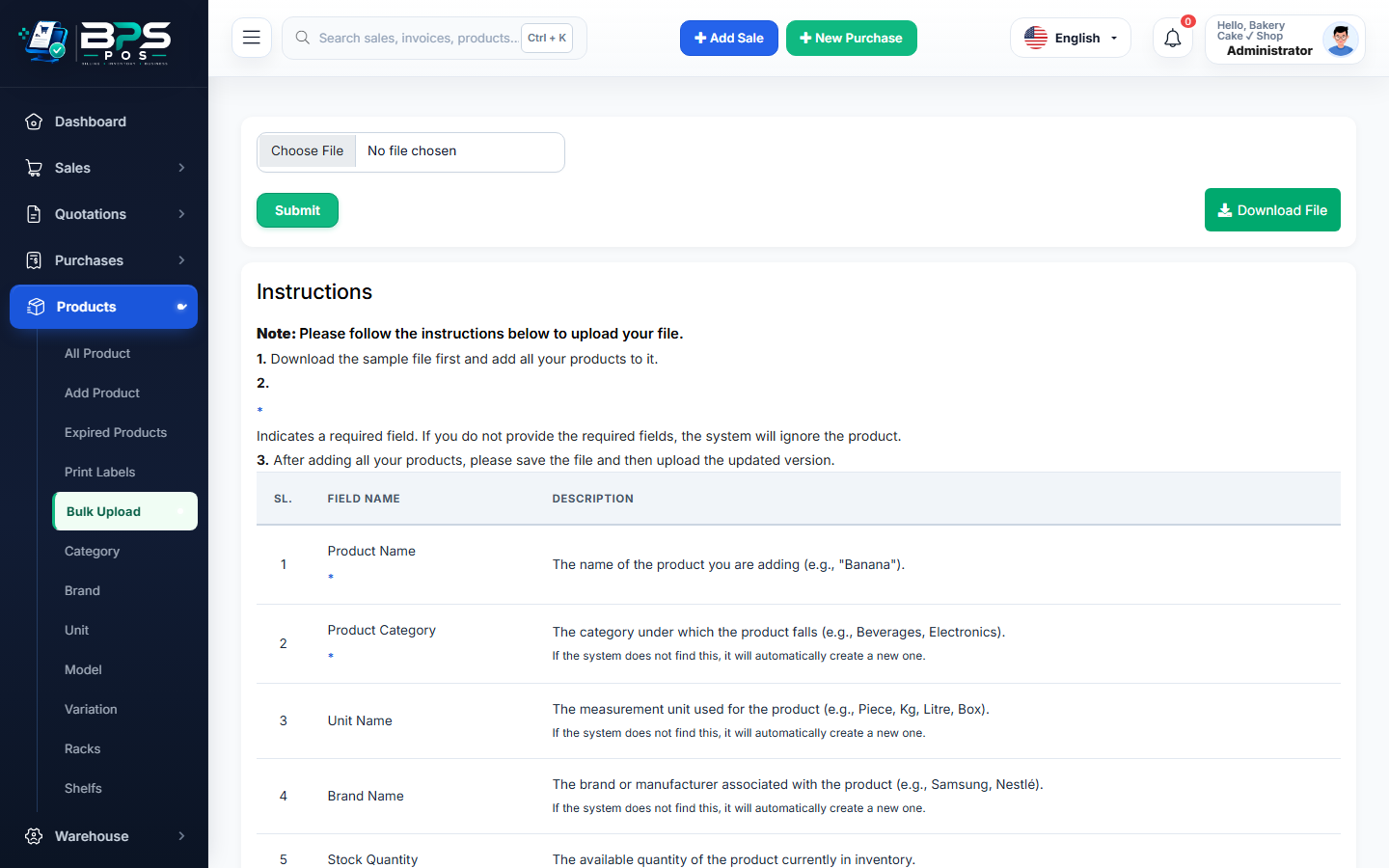
Figure 1: BPS POS Bulk Upload interface with downloadable sample template.
Steps for Bulk Product Import
- Go to Products → Bulk Upload.
- Click Download Sample File (CSV/XLSX).
- Fill in Product Name, Barcode, Category Name, Brand Name, Purchase Price, Sale Price, and Opening Stock.
- Upload the completed file and click Import. The system validates and indexes all items instantly.