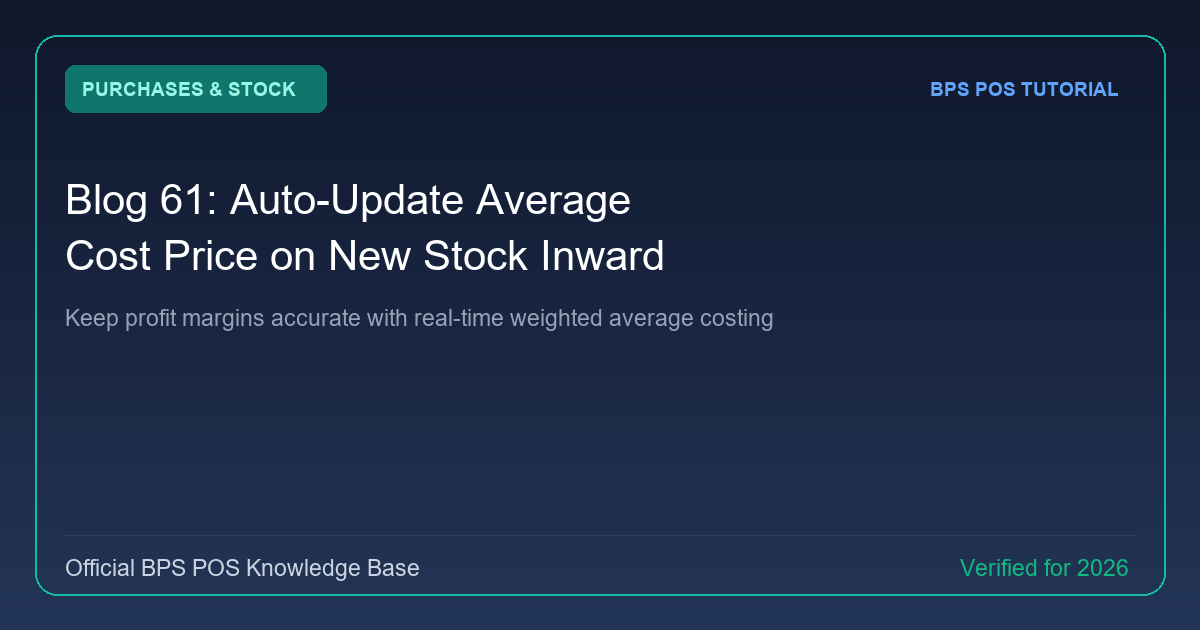
When you have 10 units in stock bought at $10 each, and purchase 10 more at $12 each, your new average unit cost is $11. BPS POS Weighted Average Cost Engine updates unit costs automatically on every purchase inward.
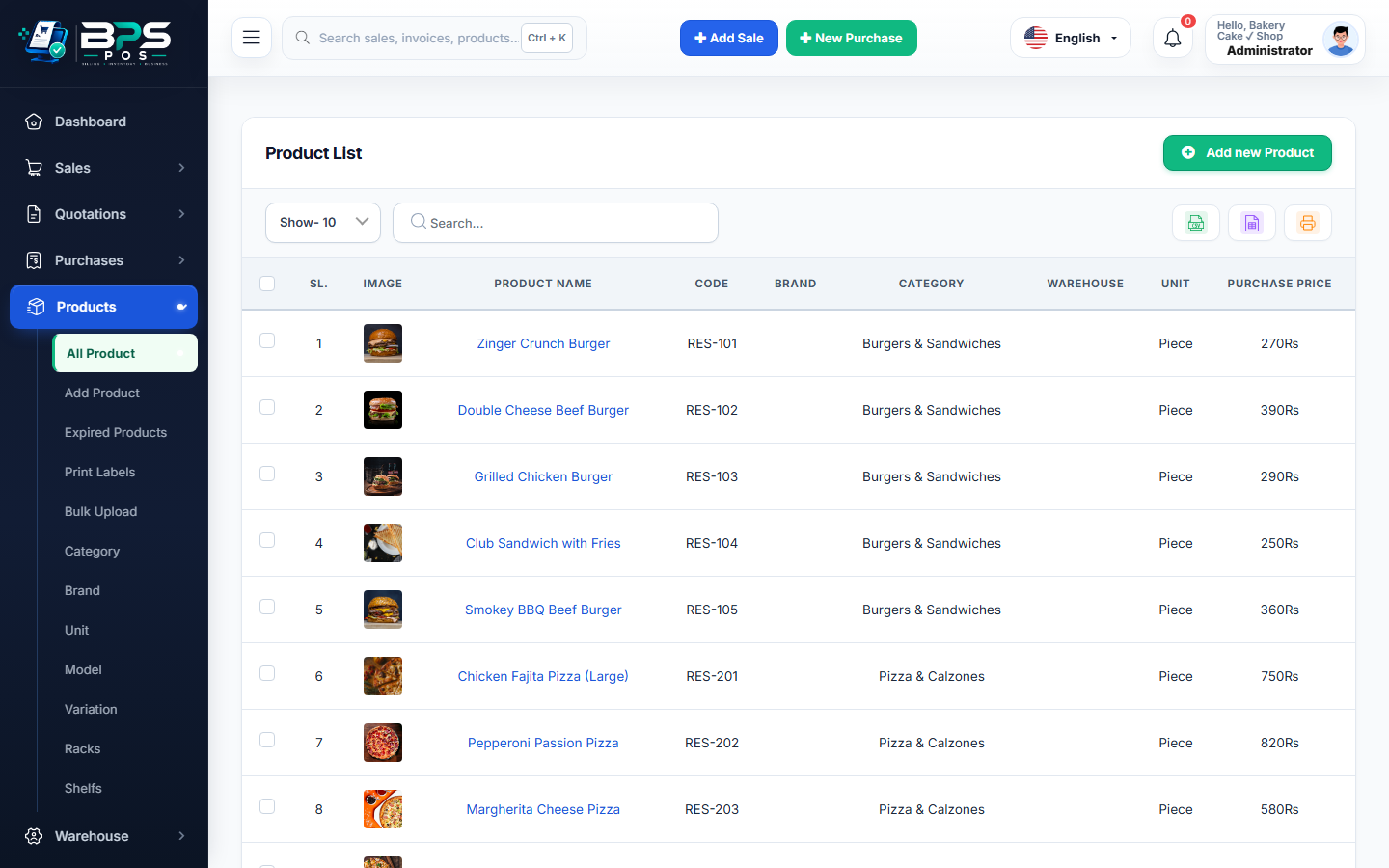
Figure: BPS POS Weighted Average Cost Price Calculation in BPS POS.
How BPS POS Computes Moving Average Costing
Follow these step-by-step instructions inside your BPS POS dashboard to configure and operate this workflow seamlessly:
- Enable Average Costing: Go to Settings → Inventory Settings → Costing Method → Weighted Average.
- Receive New Stock: Log a purchase with higher or lower unit prices.
- Automatic Calculation Formula:
[(Old Qty × Old Cost) + (New Qty × New Cost)] ÷ Total Qty. - Review Product Catalog: The product profile updates with the new dynamic Average Purchase Cost.
- Accurate Profit & Loss: All future sales compute Cost of Goods Sold (COGS) based on this precise blended unit cost.
BPS POS Pro Tip & Best Practice
Weighted Average costing prevents artificial profit spikes caused by selling old stock while restocking at higher inflationary costs.
Why This Workflow Matters for Your Business
Lightning-Fast Operations
Eliminate cashier bottlenecks, reduce customer waiting times, and handle peak rush hours effortlessly.
100% Financial Accuracy
Automate tax math, stock deductions, and ledger balances to eliminate human calculation mistakes.
Frequently Asked Questions (FAQs)
Can I use FIFO (First-In, First-Out) instead of Weighted Average?
Yes, BPS POS supports FIFO, LIFO, and Moving Average valuation models configurable in Settings.
Ready to Upgrade Your Retail Billing?
Experience lightning-fast billing, automated stock tracking, and multi-branch control with BPS POS.
Explore Pricing Plans →