How much capital is currently locked on your store shelves? BPS POS Stock Valuation Report calculates total inventory holdings at both Total Purchase Cost Value and Expected Retail Selling Value, computing potential unrealized gross profit.
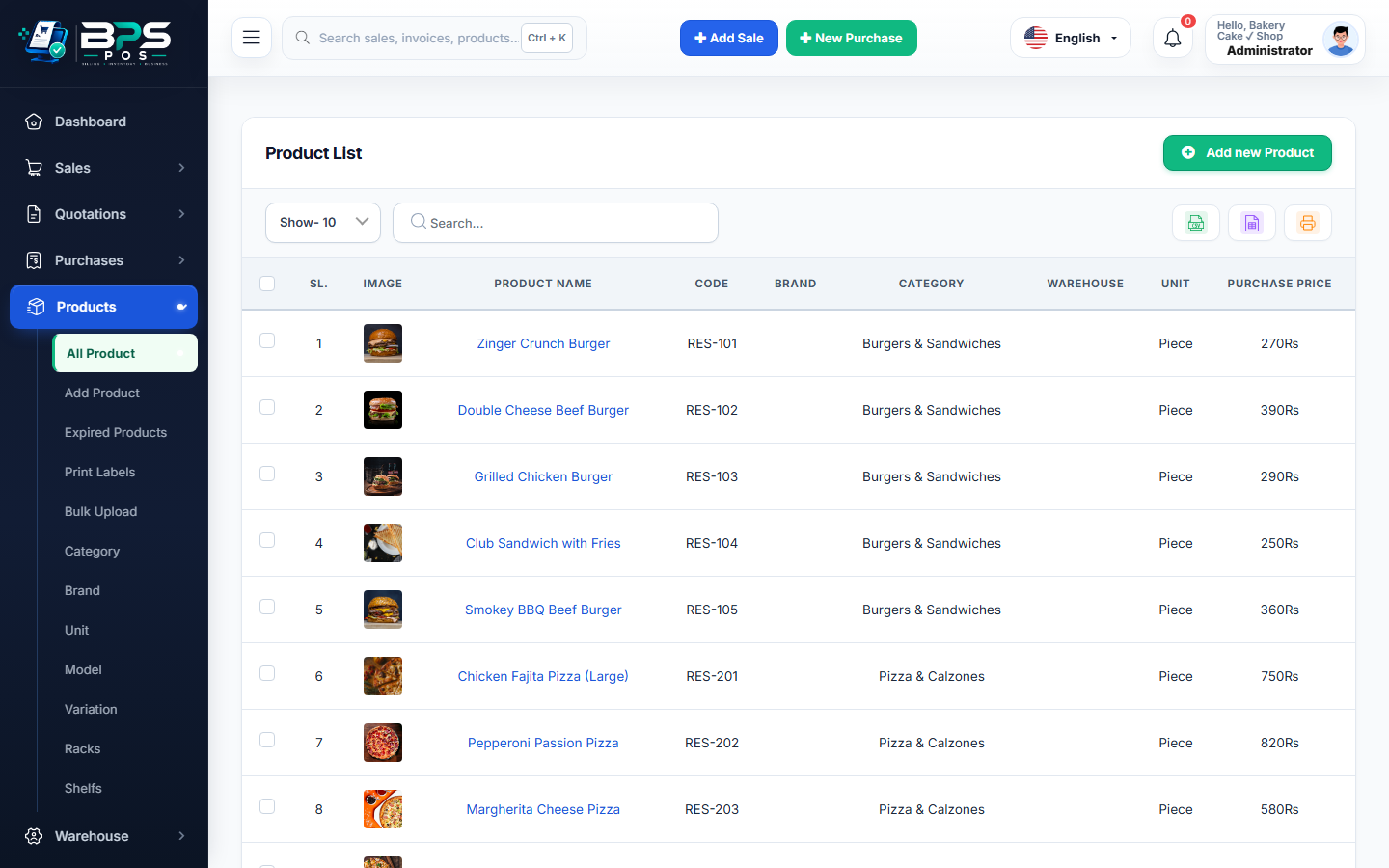
Figure: BPS POS Stock Valuation and Inventory Asset Report in BPS POS.
Generating Inventory Valuation Reports
Follow these step-by-step instructions inside your BPS POS dashboard to configure and operate this workflow seamlessly:
- Go to Reports → Stock Valuation Reports.
- Select Valuation Scope: Choose All Branches or filter to a specific warehouse or retail shop.
- Review Valuation Summary: Inspect Total Units in Stock, Total Cost Asset Value ($), and Total Retail Selling Value ($).
- Analyze Potential Gross Margin:
Expected Retail Value - Cost Value = Total Unrealized Profit Potential. - Export for Balance Sheet: Provide the certified stock valuation report to your bank or chartered accountant.
BPS POS Pro Tip & Best Practice
Banks require verified stock valuation statements when evaluating business credit lines or working capital loans.
Why This Workflow Matters for Your Business
Lightning-Fast Operations
Eliminate cashier bottlenecks, reduce customer waiting times, and handle peak rush hours effortlessly.
100% Financial Accuracy
Automate tax math, stock deductions, and ledger balances to eliminate human calculation mistakes.
Frequently Asked Questions (FAQs)
Does the valuation report exclude damaged and expired inventory?
Yes, written-off damaged goods are excluded from active sellable valuation totals.
Ready to Upgrade Your Retail Billing?
Experience lightning-fast billing, automated stock tracking, and multi-branch control with BPS POS.
Explore Pricing Plans →