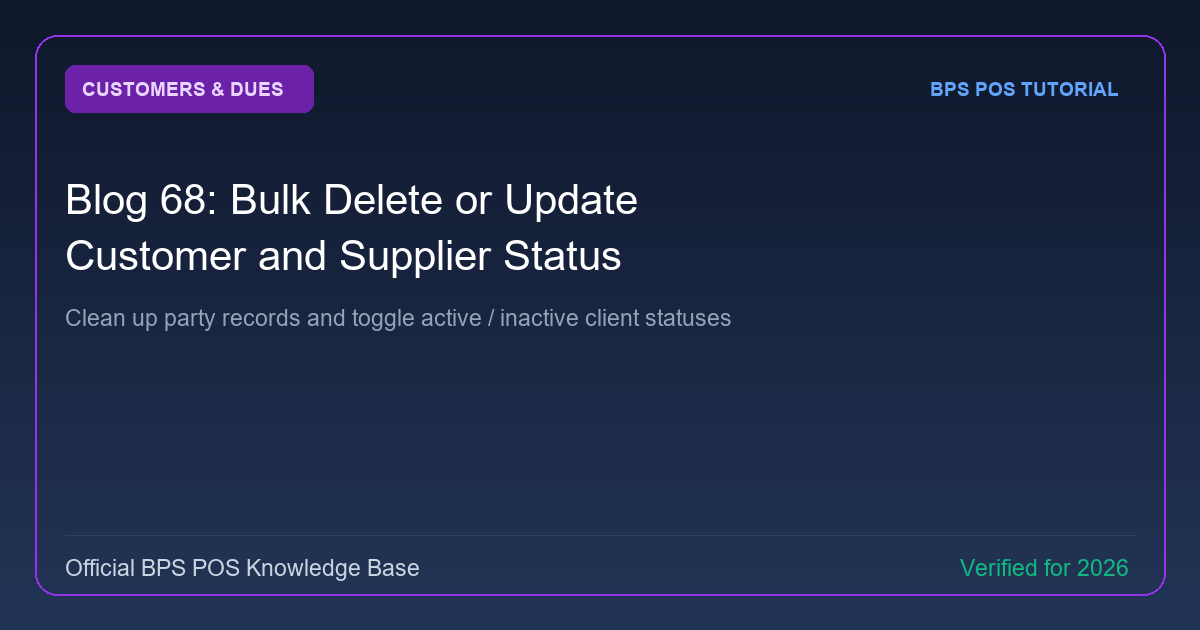
As your business grows, inactive accounts clutter contact lists. BPS POS Bulk Party Operations allows administrators to select multiple customers or suppliers and perform batch status toggles or safe deletions.
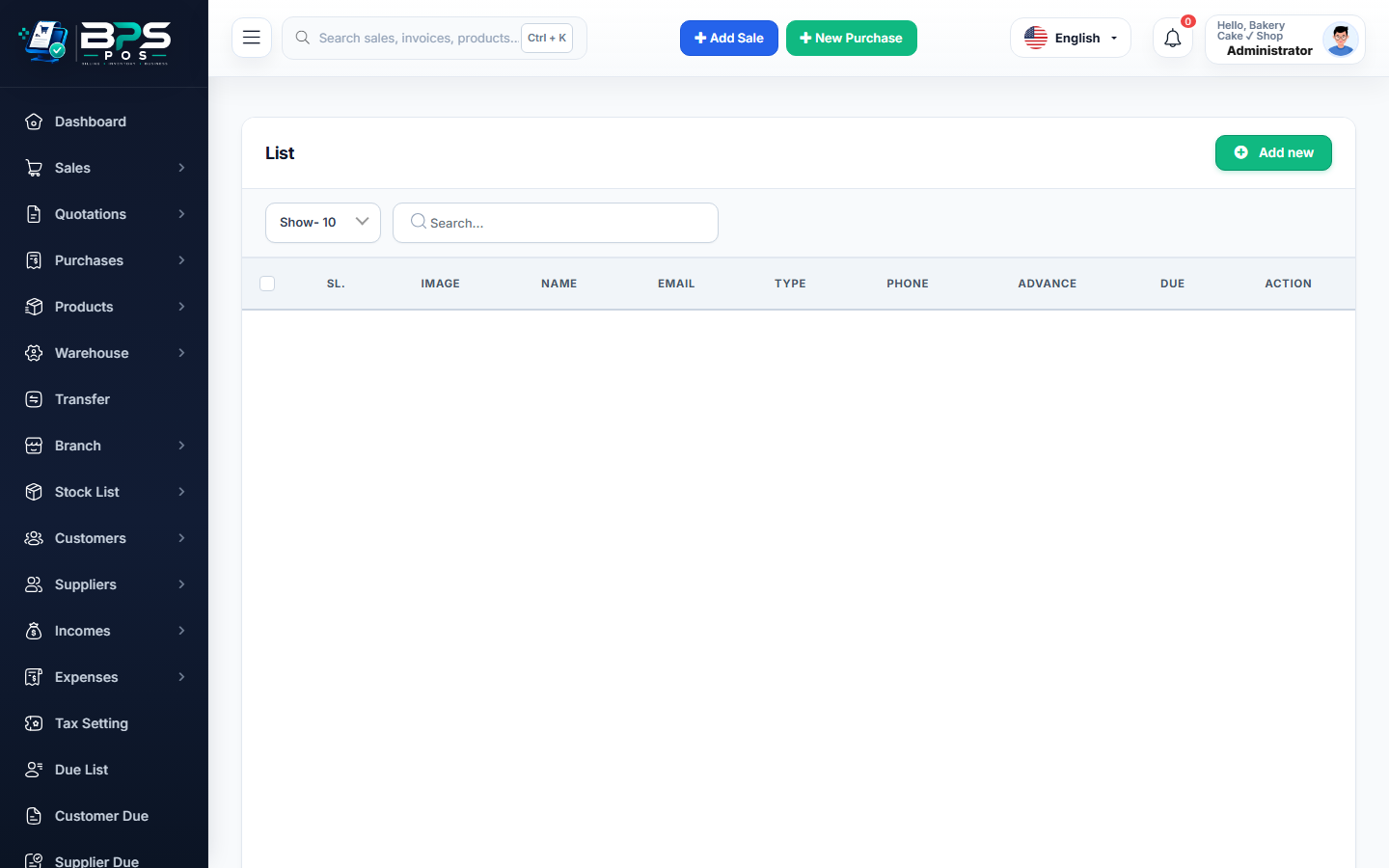
Figure: BPS POS Bulk Update Customer and Supplier Status in BPS POS.
Performing Bulk Actions on Contacts
Follow these step-by-step instructions inside your BPS POS dashboard to configure and operate this workflow seamlessly:
- Go to Parties → Customers or Parties → Suppliers.
- Select Rows: Use the checkboxes on the left of the table to select multiple profiles (or click "Select All").
- Open Bulk Actions Menu: Click the Bulk Actions dropdown button.
- Choose Action: Select Set Active, Set Inactive, or Delete Selected.
- Confirm: The system updates all selected records in 1 second.
BPS POS Pro Tip & Best Practice
BPS POS features safety guards: contacts with existing unpaid balances or active sales transactions cannot be deleted accidentally.
Why This Workflow Matters for Your Business
Lightning-Fast Operations
Eliminate cashier bottlenecks, reduce customer waiting times, and handle peak rush hours effortlessly.
100% Financial Accuracy
Automate tax math, stock deductions, and ledger balances to eliminate human calculation mistakes.
Frequently Asked Questions (FAQs)
Can I restore accidentally deleted customer records?
Yes, soft-deleted records can be viewed and restored from the Trash view within 30 days.
Ready to Upgrade Your Retail Billing?
Experience lightning-fast billing, automated stock tracking, and multi-branch control with BPS POS.
Explore Pricing Plans →