Cash flow is the lifeblood of retail. BPS POS Due Reports Suite gives you two essential financial lists: Customer Due Report (Receivables) and Supplier Due Report (Payables), complete with contact numbers and aging days.
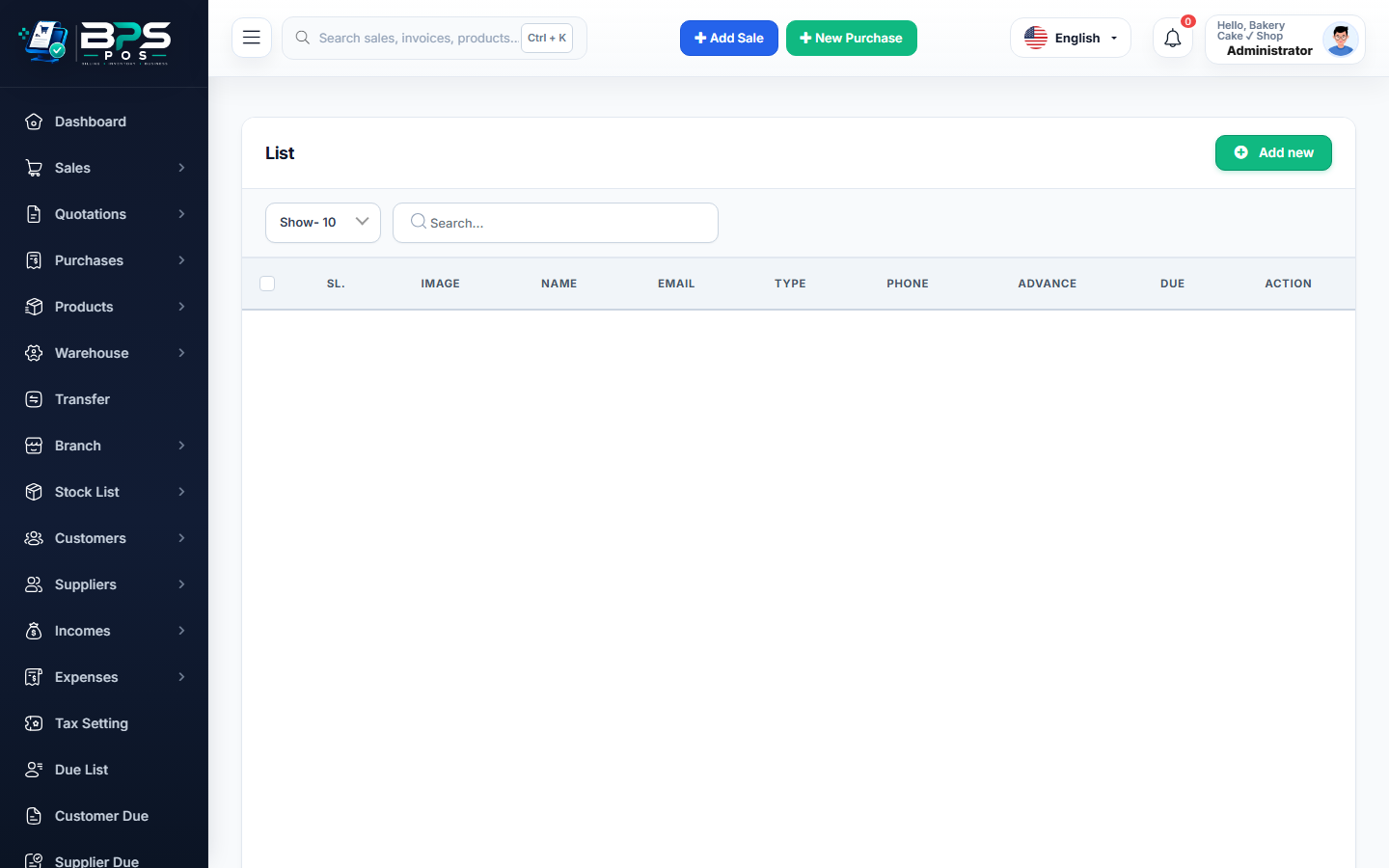
Figure: BPS POS Customer and Supplier Outstanding Due Reports in BPS POS.
Generating Receivables and Payables Reports
Follow these step-by-step instructions inside your BPS POS dashboard to configure and operate this workflow seamlessly:
- Customer Due Report: Go to Reports → Customer Due Reports to view all clients with unpaid balances, sorted from highest debt to lowest.
- Supplier Due Report: Go to Reports → Supplier Due Reports to view upcoming vendor liabilities and pending bill due dates.
- Check Net Debt Position:
Total Customer Receivables - Total Supplier Payables = Net Working Capital Position. - Trigger 1-Click WhatsApp Reminders: Click the WhatsApp icon next to overdue customers to dispatch instant polite payment reminders.
- Export to Excel: Download for recovery team action lists.
BPS POS Pro Tip & Best Practice
Assign your recovery officer to contact all clients on the Customer Due Report with balances overdue by more than 30 days.
Why This Workflow Matters for Your Business
Lightning-Fast Operations
Eliminate cashier bottlenecks, reduce customer waiting times, and handle peak rush hours effortlessly.
100% Financial Accuracy
Automate tax math, stock deductions, and ledger balances to eliminate human calculation mistakes.
Frequently Asked Questions (FAQs)
Can I filter dues by specific customer groups (e.g. Wholesale vs Retail)?
Yes, filter by Customer Group to prioritize high-value commercial accounts.
Ready to Upgrade Your Retail Billing?
Experience lightning-fast billing, automated stock tracking, and multi-branch control with BPS POS.
Explore Pricing Plans →