Monitoring service staff productivity and tip/commission allocations is simple with BPS POS Waiter Management. Assign waiters to tables during order taking and track performance reports.
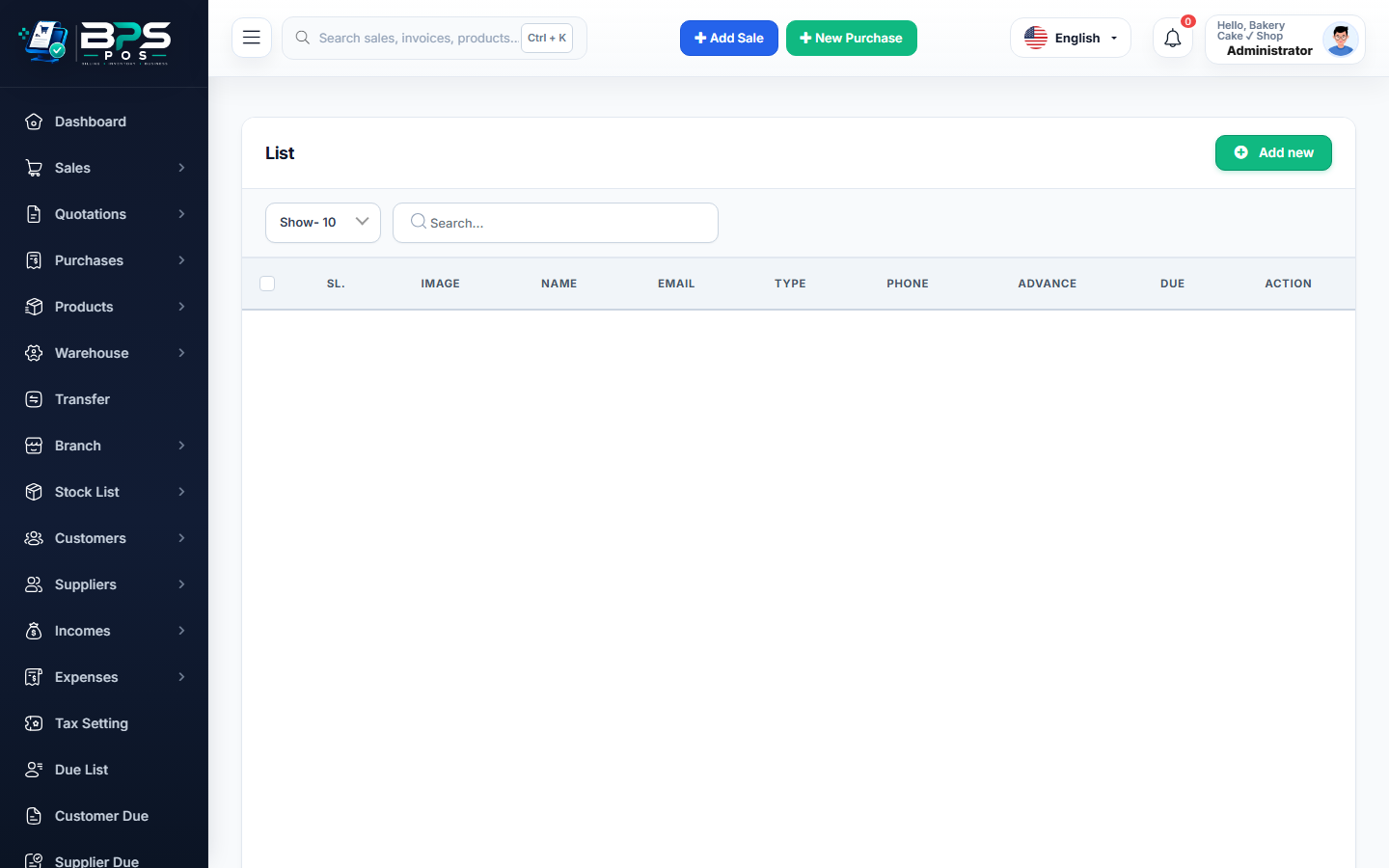
Figure: BPS POS Waiter Profiles and Assignment Screen in BPS POS.
Adding Waiters and Assigning Orders
Follow these step-by-step instructions inside your BPS POS dashboard to configure and operate this workflow seamlessly:
- Go to Restaurant → Waiters and click Add Waiter.
- Enter Staff Name, Mobile, and Employee ID.
- Set Commission Rate (%): Optional sales incentive per served meal.
- Take Dine-In Orders: On the POS cashier screen, select the designated Waiter from the dropdown when seating guests.
- Review Reports: Generate waiter-wise sales reports to compute monthly bonuses and commissions.
BPS POS Pro Tip & Best Practice
Give service captains a mobile tablet with waiter-login to take orders tableside and shoot KOTs directly to the kitchen.
Why This Workflow Matters for Your Business
Lightning-Fast Operations
Eliminate cashier bottlenecks, reduce customer waiting times, and handle peak rush hours effortlessly.
100% Financial Accuracy
Automate tax math, stock deductions, and ledger balances to eliminate human calculation mistakes.
Frequently Asked Questions (FAQs)
Does the printed KOT ticket display the waiter's name?
Yes, kitchen chits clearly show Table Number, Waiter Name, and Order Timestamp.
Ready to Upgrade Your Retail Billing?
Experience lightning-fast billing, automated stock tracking, and multi-branch control with BPS POS.
Explore Pricing Plans →