Scattered paper employee records lead to compliance violations and lost contact numbers. BPS POS Employee Directory stores digital employee files—including National ID/Passport scans, joining dates, emergency contacts, and base monthly pay.
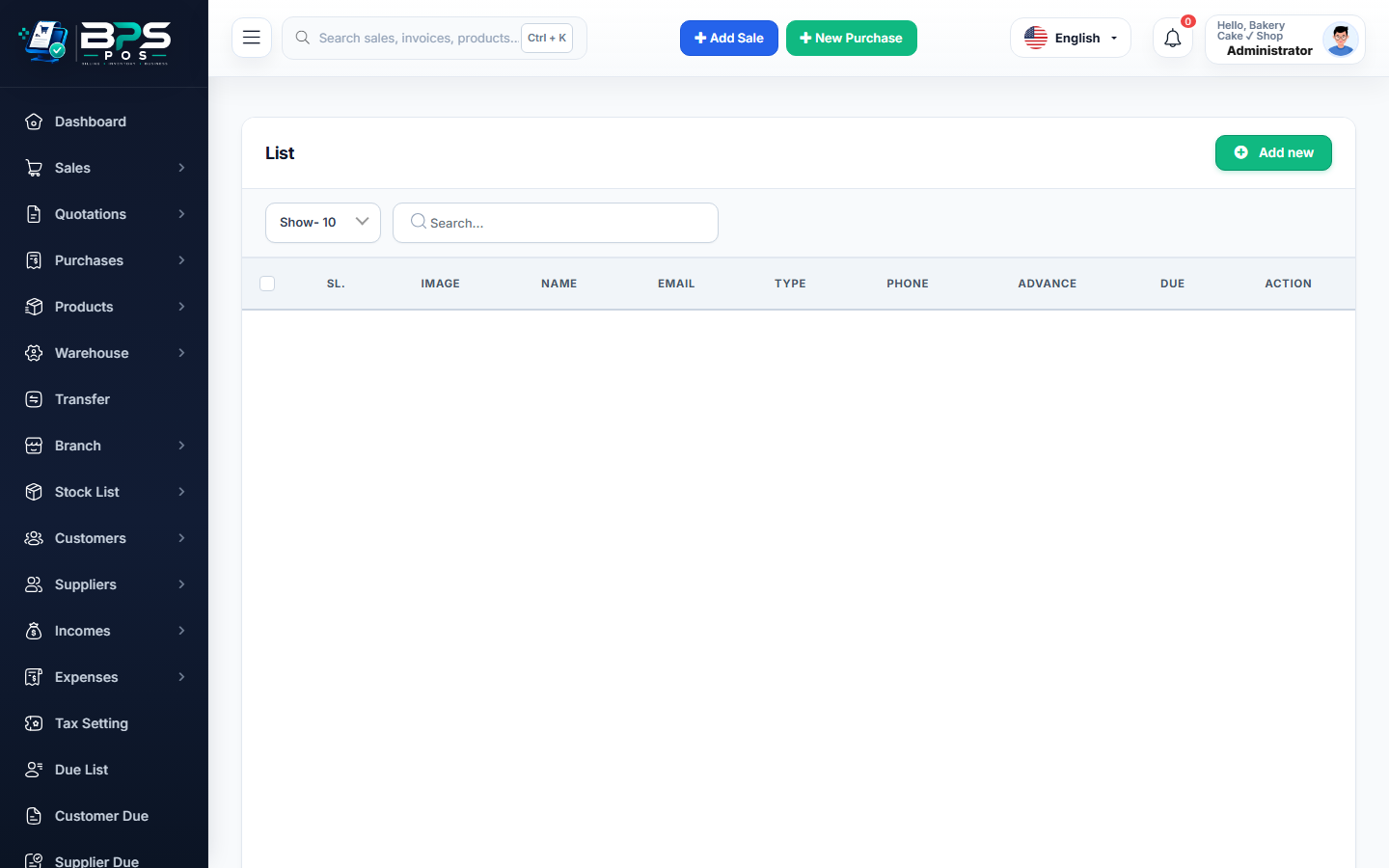
Figure: BPS POS Employee Bio-Data and Salary Configuration Profile in BPS POS.
Adding a New Staff Member
Follow these step-by-step instructions inside your BPS POS dashboard to configure and operate this workflow seamlessly:
- Go to HRM → Employees → Add Employee.
- Personal Bio-Data: Enter Full Name, Father/Spouse Name, Phone, Personal Email, Emergency Contact, and Residential Address.
- Employment Details: Assign Department, Designation, Joining Date, and Primary Work Shift.
- Upload Documents: Upload scanned copies of CNIC/National ID, Educational Certificates, and Signed Employment Contract.
- Set Salary Structure: Specify Basic Pay, Monthly Allowances (Transport, Medical, Mobile), and Bank Account Number for direct deposits.
- Save: Employee profile is activated and linked to attendance and payroll calculations.
BPS POS Pro Tip & Best Practice
Always input the employee’s official bank account title and IBAN for seamless 1-click batch payroll bank remittances.
Why This Workflow Matters for Your Business
Lightning-Fast Operations
Eliminate cashier bottlenecks, reduce customer waiting times, and handle peak rush hours effortlessly.
100% Financial Accuracy
Automate tax math, stock deductions, and ledger balances to eliminate human calculation mistakes.
Frequently Asked Questions (FAQs)
Can I link an employee profile to a POS Cashier Login User account?
Yes! Check "Create POS Login Account" during employee creation to generate their counter credentials automatically.
Ready to Upgrade Your Retail Billing?
Experience lightning-fast billing, automated stock tracking, and multi-branch control with BPS POS.
Explore Pricing Plans →